Accessibility Button Launcher
Assign one app or app shortcut to the Android accessibility button
Version: Beta 4
Added: 27-05-2026
Updated: 12-10-2026
Added: 27-05-2026
Updated: 12-10-2026
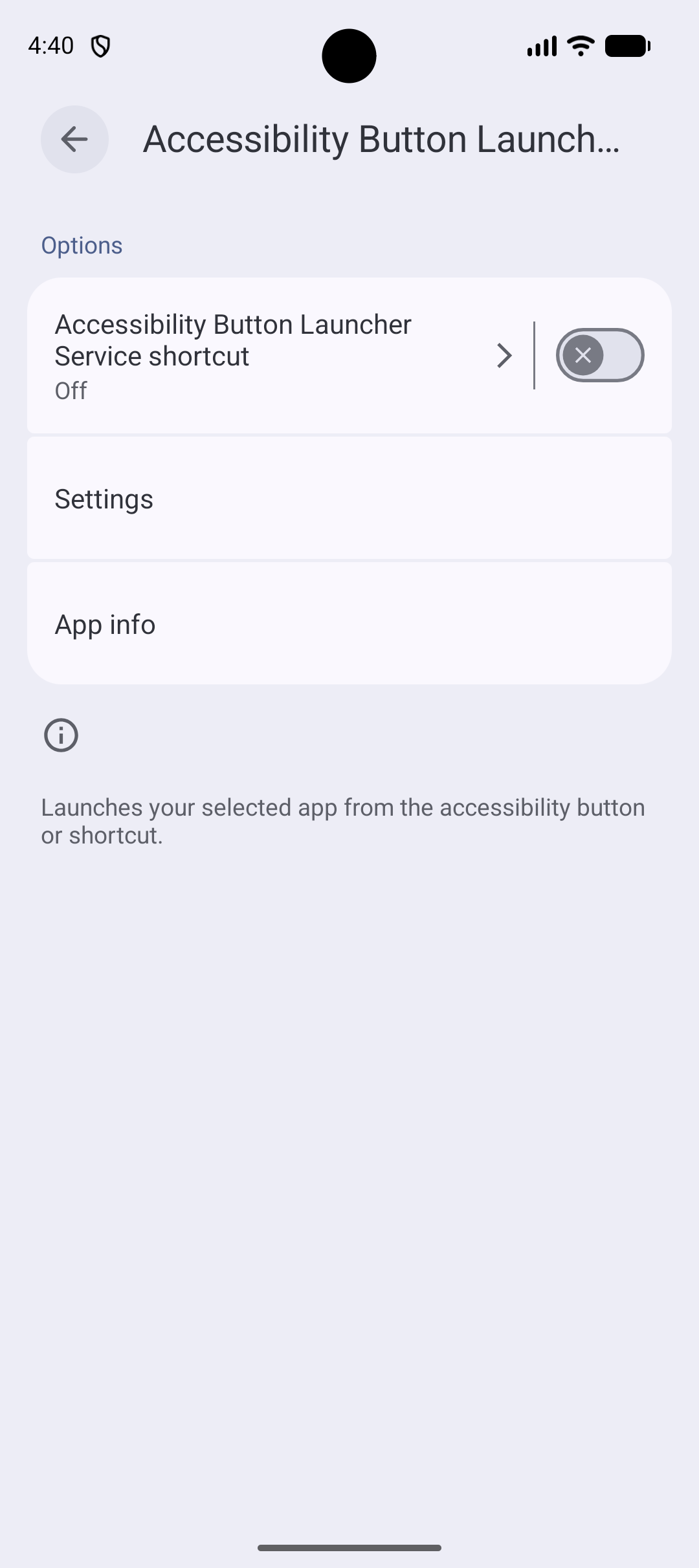
Accessibility Button Launcher lets you assign one installed app, or one of its app shortcuts, to the Android accessibility button or accessibility shortcut that is already built into Android.
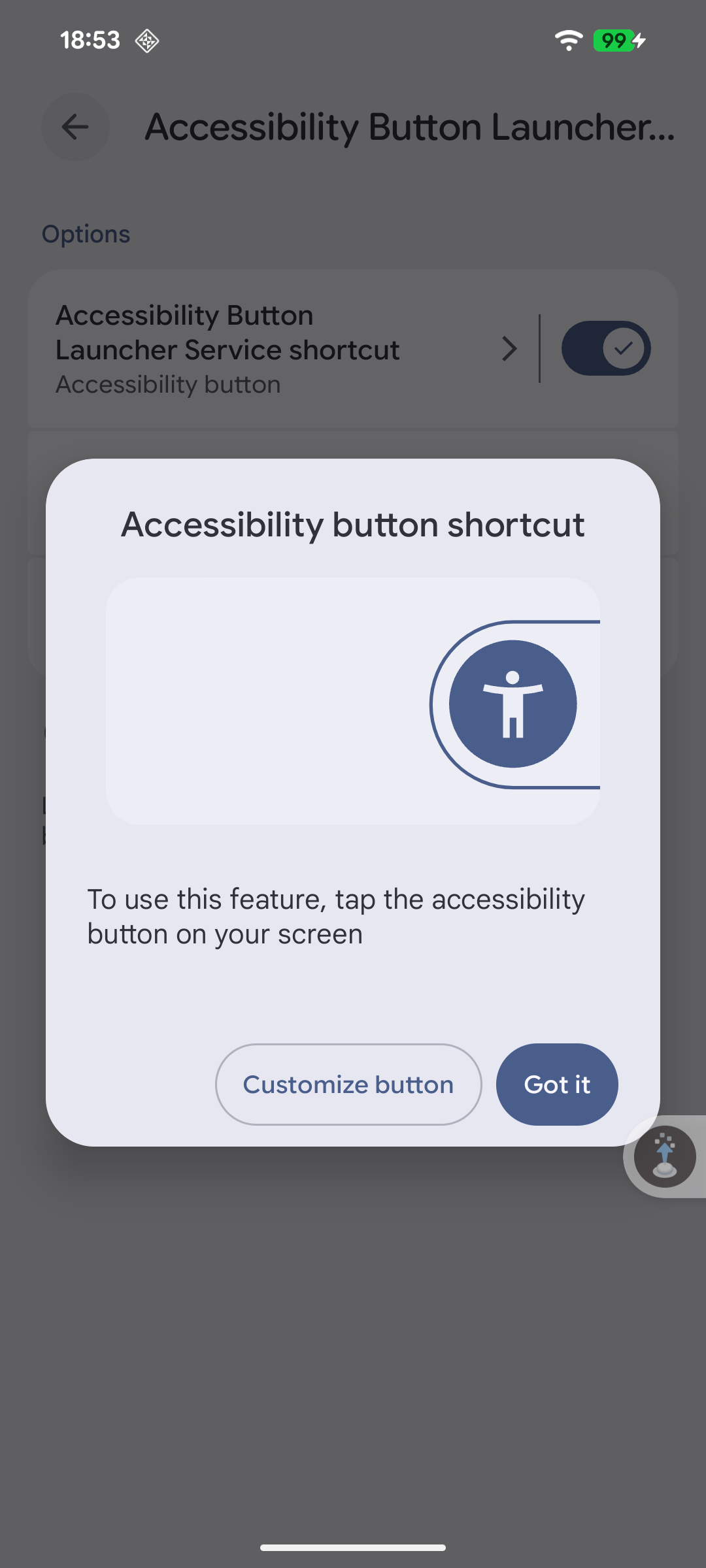
Because it uses the operating system's built-in accessibility trigger, the integration stays simple and low-friction. You use the same system control Android already provides instead of a custom overlay, floating tool, or extra launcher layer.
When the accessibility trigger is used, the app launches only the app or app shortcut you selected. This keeps the experience direct and lightweight while working with the platform behavior that Android already supports. If the saved app or shortcut is no longer available, the app explains what needs to be fixed instead of failing silently.
What it does:
- Assigns one launchable app, or one app shortcut such as composing a new message, to the accessibility button or shortcut
- Leverages Android's built-in accessibility button for a native-feeling integration
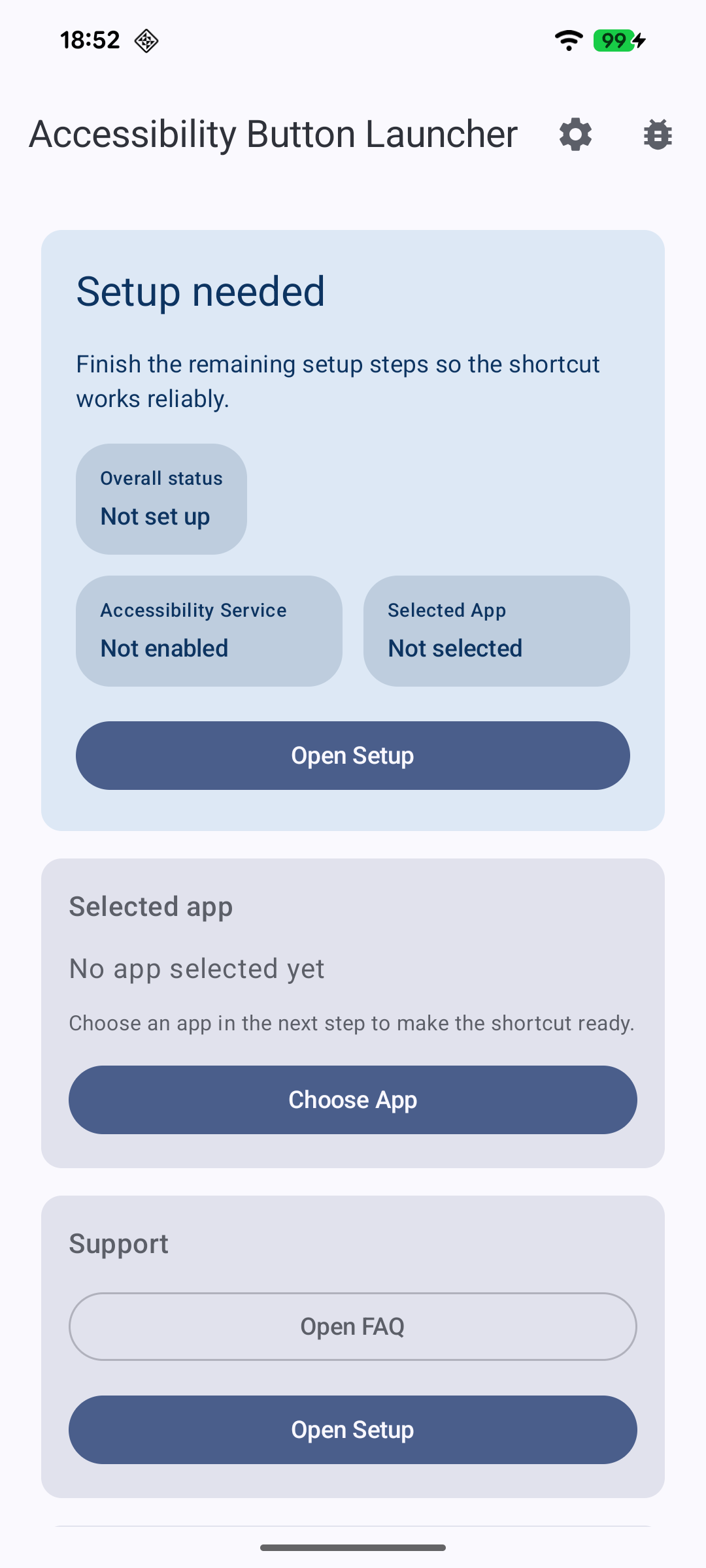
- Guides you through a short first-run setup, with a clear status of what is left
- Helps recover when the accessibility service is disabled after an app update
- Asks Android to stop restricting the app's battery use, and adds extra background-protection guidance for devices that aggressively stop accessibility services
Privacy and permissions:
- No analytics, advertising, or crash reporting
- No cloud sync and no network data collection
- Settings are stored only on your device
- Optional in-app logs for troubleshooting are off by default, stay on your device, have sensitive values redacted, are deleted when you turn them off, and are shared only if you choose to
- The accessibility service is used only to respond to the accessibility button or shortcut
- The battery optimization exemption is used only so the system does not put the service to sleep
The app is open source and built for people who want a simple, focused way to launch one app from the system accessibility trigger.
Because it uses the operating system's built-in accessibility trigger, the integration stays simple and low-friction. You use the same system control Android already provides instead of a custom overlay, floating tool, or extra launcher layer.
When the accessibility trigger is used, the app launches only the app or app shortcut you selected. This keeps the experience direct and lightweight while working with the platform behavior that Android already supports. If the saved app or shortcut is no longer available, the app explains what needs to be fixed instead of failing silently.
What it does:
- Assigns one launchable app, or one app shortcut such as composing a new message, to the accessibility button or shortcut
- Leverages Android's built-in accessibility button for a native-feeling integration
- Guides you through a short first-run setup, with a clear status of what is left
- Helps recover when the accessibility service is disabled after an app update
- Asks Android to stop restricting the app's battery use, and adds extra background-protection guidance for devices that aggressively stop accessibility services
Privacy and permissions:
- No analytics, advertising, or crash reporting
- No cloud sync and no network data collection
- Settings are stored only on your device
- Optional in-app logs for troubleshooting are off by default, stay on your device, have sensitive values redacted, are deleted when you turn them off, and are shared only if you choose to
- The accessibility service is used only to respond to the accessibility button or shortcut
- The battery optimization exemption is used only so the system does not put the service to sleep
The app is open source and built for people who want a simple, focused way to launch one app from the system accessibility trigger.