ArrowLoop
Two-way sync between your phone and your own storage. No account, no ads.
Version: 2.4.4
Added: 06-11-2026
Updated: 06-11-2026
Added: 06-11-2026
Updated: 06-11-2026
ArrowLoop keeps a folder on your phone and a folder somewhere else in step, in both directions. Change a file on either side and the next run carries it over. Delete one and it goes on the other side too, into a trash rather than for good.
The other side is storage you already have: your own server over SFTP, SMB or WebDAV, a Nextcloud or OpenCloud, an S3 bucket, or one of the many cloud services rclone supports. ArrowLoop runs its sync engine on the phone itself, so there is no server of ours in between and no account to create.
What it does
• Syncs in both directions, or one way if you prefer
• Runs on a schedule, as soon as files change, or when you tap a job
• Waits for Wi-Fi, charging or enough battery if you ask it to
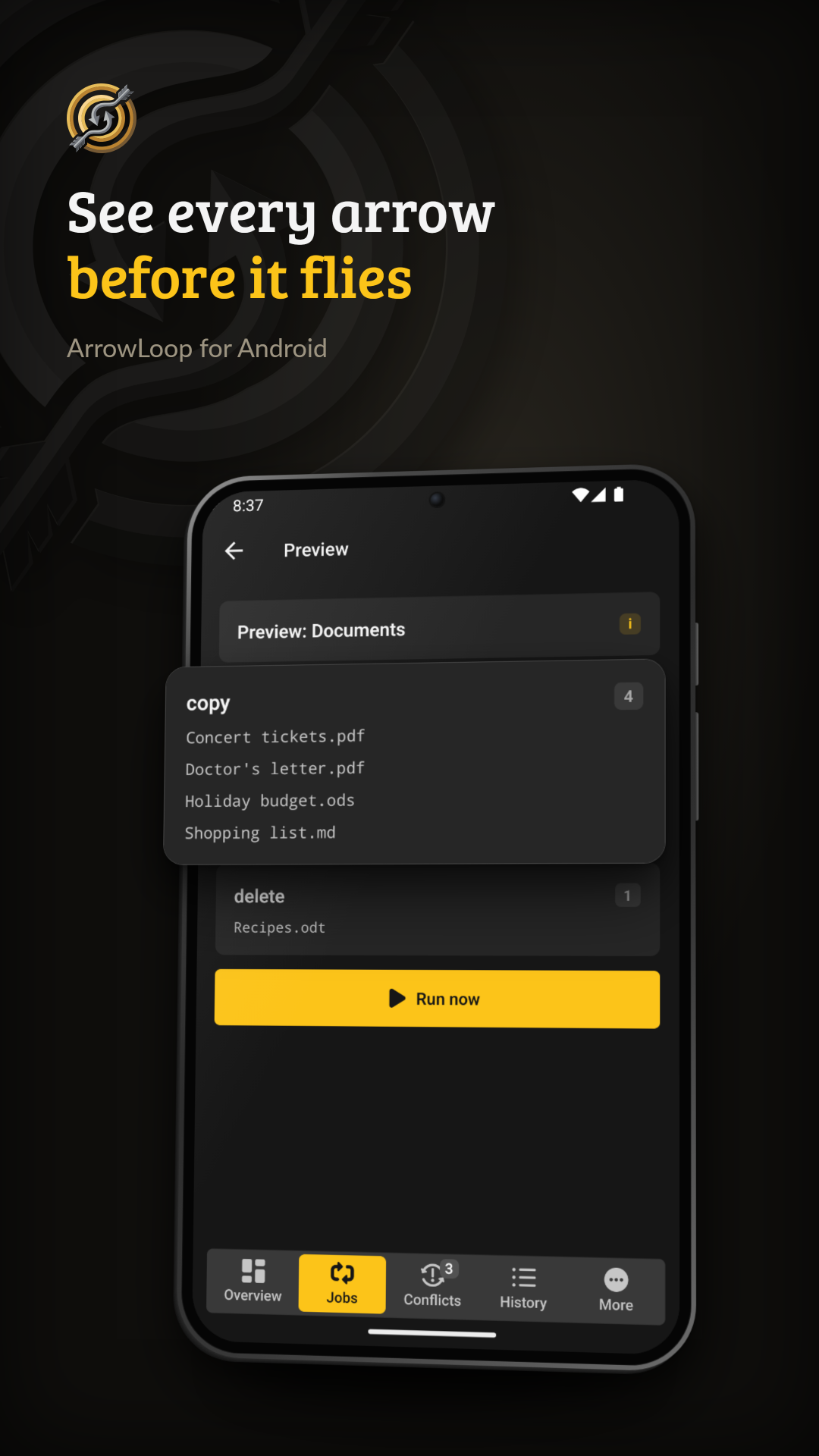
• Shows what a run would copy and delete before anything moves
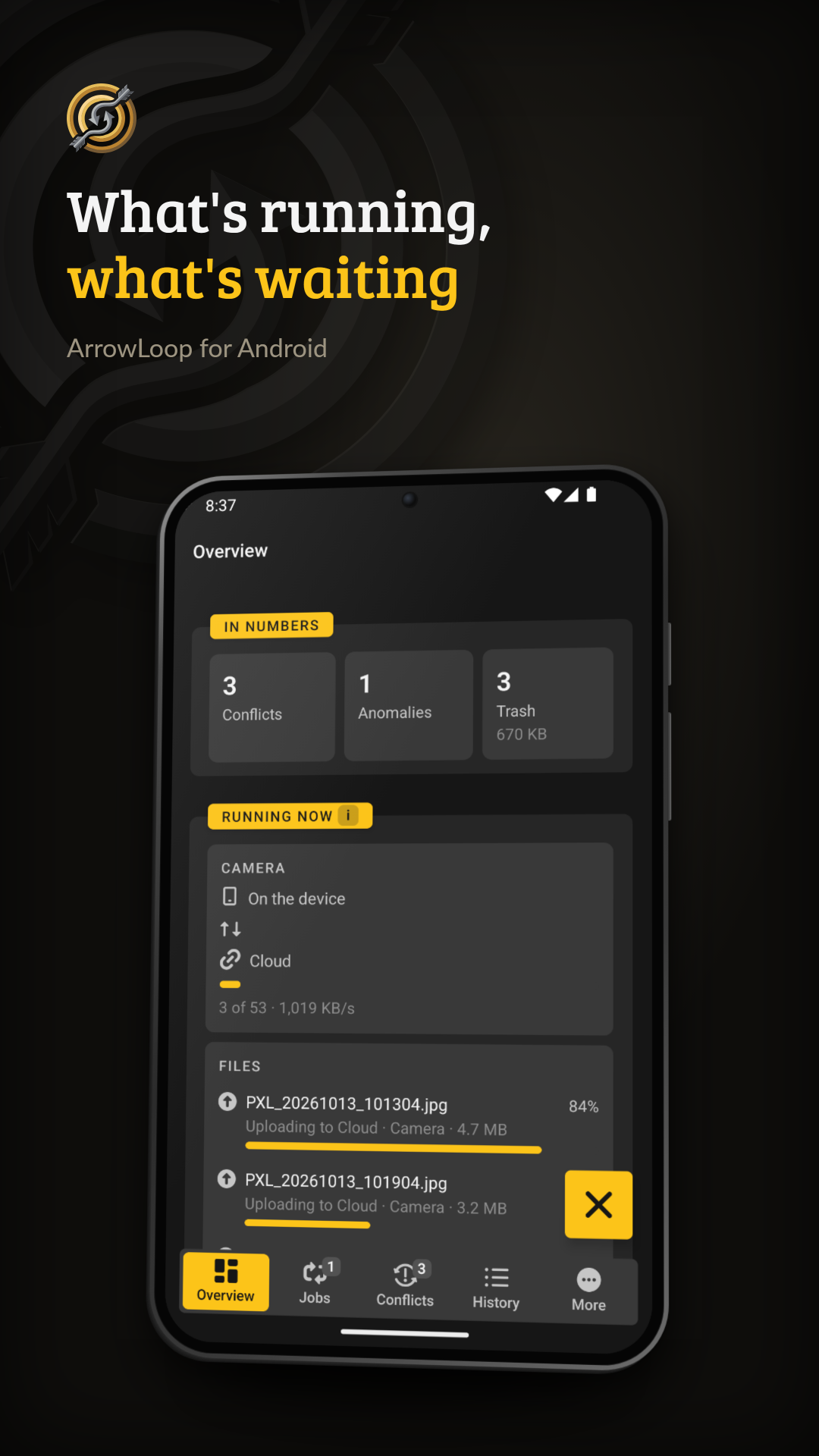
• Keeps a history of every run: what was copied, deleted or left for next time, and why
• Keeps both versions when a file was changed on both sides
So that no file gets lost
• Nothing is deleted outright: a deletion moves the file into a trash on that side
• A run that would delete more than half of your files stops and tells you. Ten deletions or fewer always go through, so a small folder is not held up by its own arithmetic; both numbers are settings
• A side that suddenly looks empty, say a drive that did not mount, is never taken as "everything was deleted"
• A file that fails to copy is tried again on the next run
No account, no ads, no analytics. The source code is open, and the same engine runs as a desktop app for Windows, macOS and Linux and as a container on a home server.
ArrowLoop asks for access to all files so that a job can sync any folder you pick, such as DCIM or Documents. It only reads and writes the folders your jobs name.
Android/data, where apps keep their own files, is closed to that access. If you want to sync it, ArrowLoop can reach it through root or Shizuku: root reads and writes, Shizuku only reads. Both are optional and only asked for when you switch Android/data on.
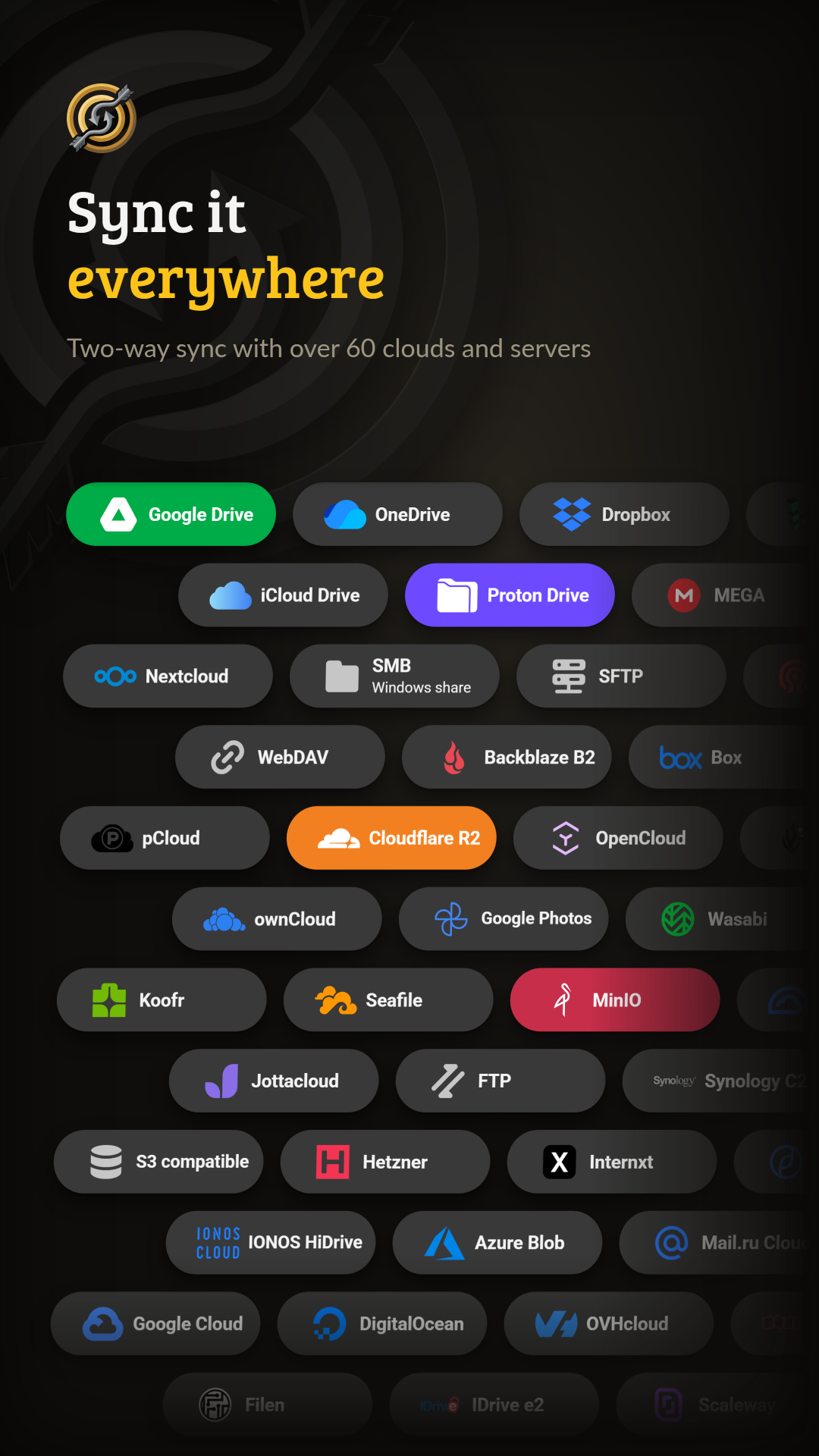
The other side is storage you already have: your own server over SFTP, SMB or WebDAV, a Nextcloud or OpenCloud, an S3 bucket, or one of the many cloud services rclone supports. ArrowLoop runs its sync engine on the phone itself, so there is no server of ours in between and no account to create.
What it does
• Syncs in both directions, or one way if you prefer
• Runs on a schedule, as soon as files change, or when you tap a job
• Waits for Wi-Fi, charging or enough battery if you ask it to
• Shows what a run would copy and delete before anything moves
• Keeps a history of every run: what was copied, deleted or left for next time, and why
• Keeps both versions when a file was changed on both sides
So that no file gets lost
• Nothing is deleted outright: a deletion moves the file into a trash on that side
• A run that would delete more than half of your files stops and tells you. Ten deletions or fewer always go through, so a small folder is not held up by its own arithmetic; both numbers are settings
• A side that suddenly looks empty, say a drive that did not mount, is never taken as "everything was deleted"
• A file that fails to copy is tried again on the next run
No account, no ads, no analytics. The source code is open, and the same engine runs as a desktop app for Windows, macOS and Linux and as a container on a home server.
ArrowLoop asks for access to all files so that a job can sync any folder you pick, such as DCIM or Documents. It only reads and writes the folders your jobs name.
Android/data, where apps keep their own files, is closed to that access. If you want to sync it, ArrowLoop can reach it through root or Shizuku: root reads and writes, Shizuku only reads. Both are optional and only asked for when you switch Android/data on.