Be nice
Modern aesthetics. Open-source soul. Your Android launcher.
Version: 2.4.5
Added: 11-03-2026
Updated: 11-11-2026
Added: 11-03-2026
Updated: 11-11-2026
Be nice is an open source launcher for Android, made for phones, foldables and tablets.
It puts what you use most on your home screen: your favorites, two app widgets and a dock, laid out in Material 3 Expressive and adapting to the size of your screen. Tap the search bar, type a few letters of a name, for example ffx, and Firefox is one tap away.
Features
- Favorites and widgets: Keep your favorite apps, app pairs and folders on one page, with two app widgets, and each widget slot can stack two widgets. Long-press a widget to change, reconfigure or remove it. Swipe down or up to open an app or start the search, as you choose in Settings.
- Made for large screens: On foldables and tablets, additional widgets get their own pane, and Settings arranges its cards in two or three columns.
- Search: Find apps, app pairs, favorites and folders by typing a few letters. If a name matches exactly, only that item is shown, and the Go key opens it.
- App pairs: Launch two apps side by side with a single tap, on phones, tablets and foldables, when the system allows split-screen.
- Folders and favorites: Organize your apps in folders. Long-press an item for favorites, folders, custom labels and more.
- Grouped apps: Apps with several launchers can be shown as one entry. Tap to pick an activity, and favorite whole apps or single activities independently.
- Hidden items: Hide apps from the list and manage them in Settings.
- Dock: Show or hide a dock with up to five slots for phone, messages, browser or your own choices, and pick its color.
- Private space and work profile: Their apps get their own tabs, clearly badged.
Be nice is free, open source and contains no ads or trackers.
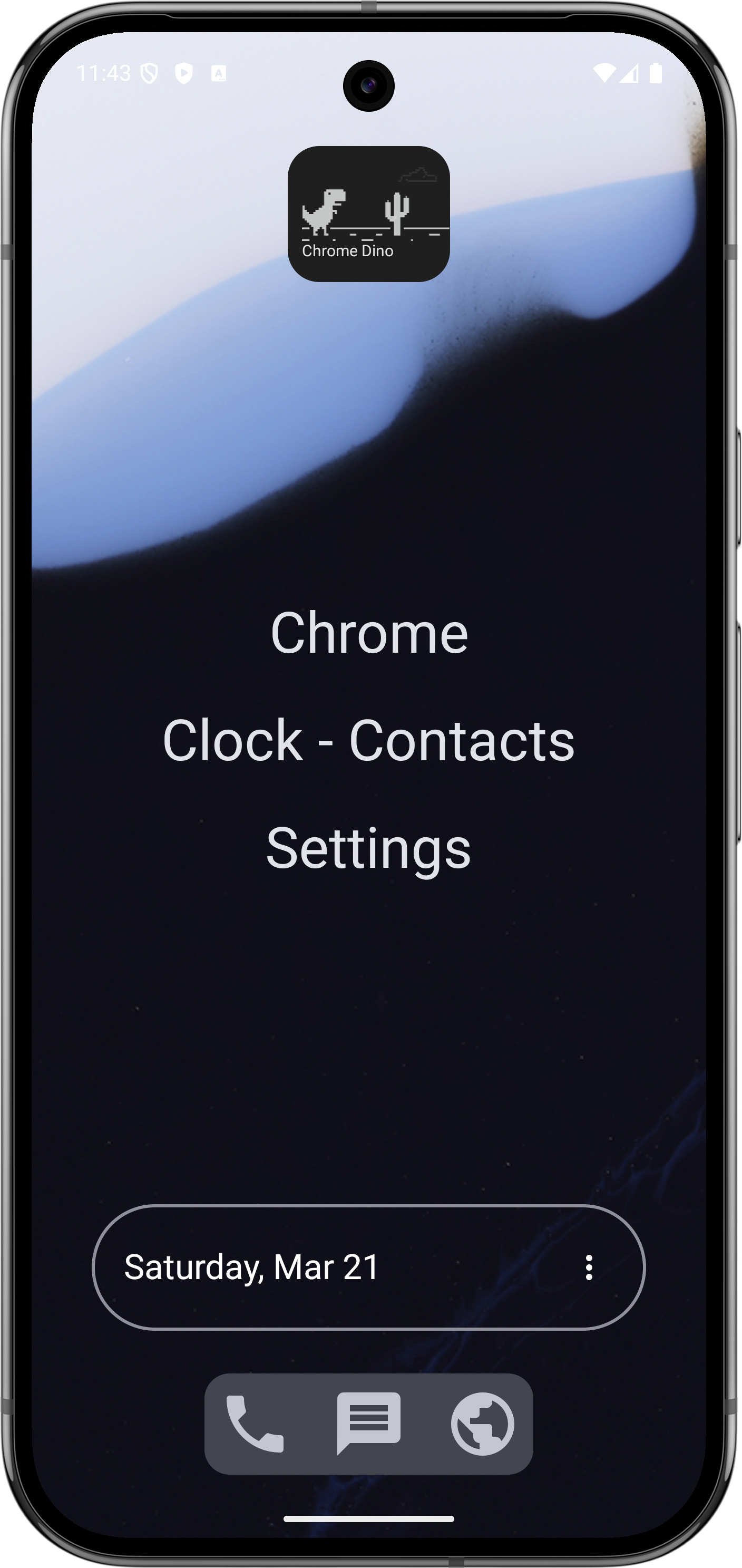
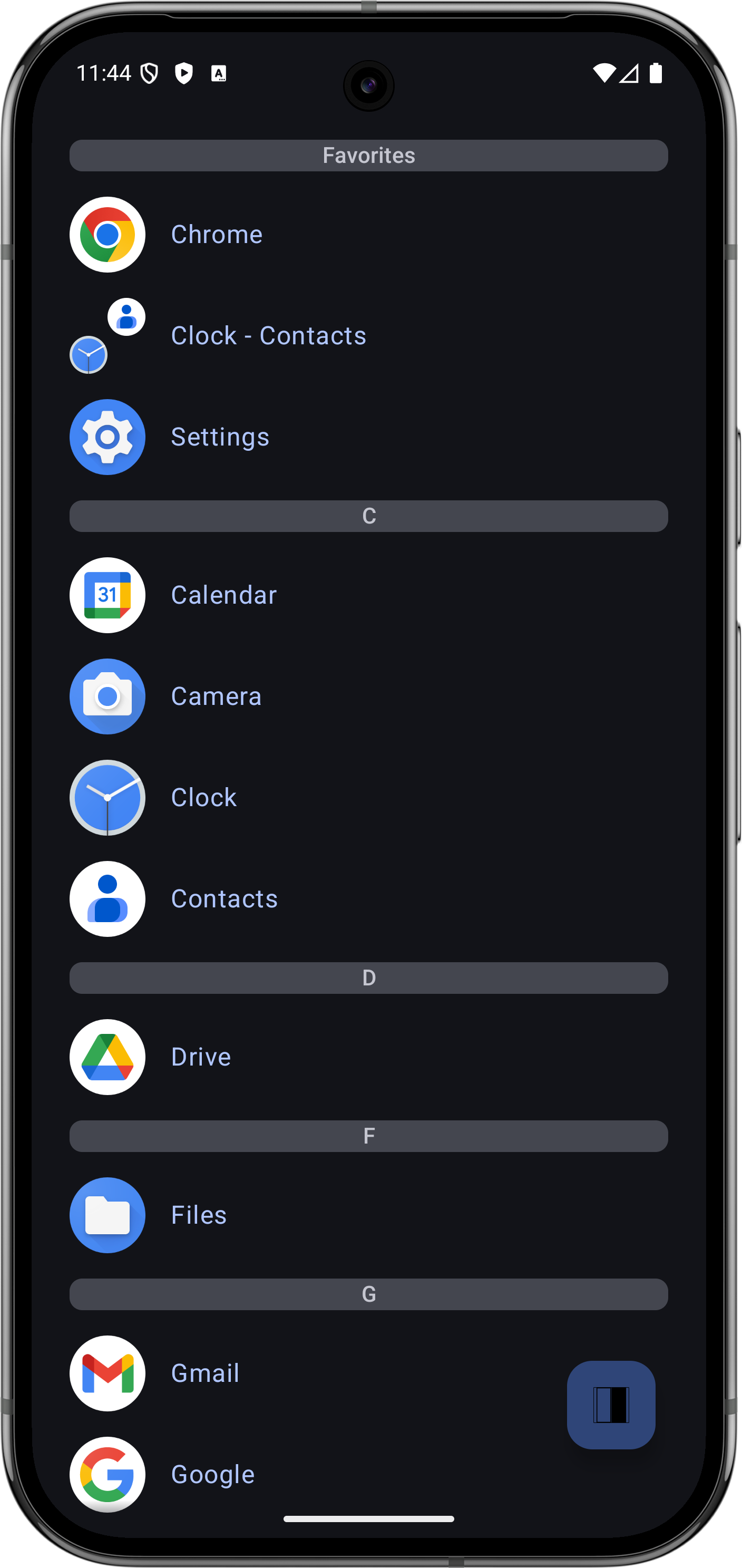
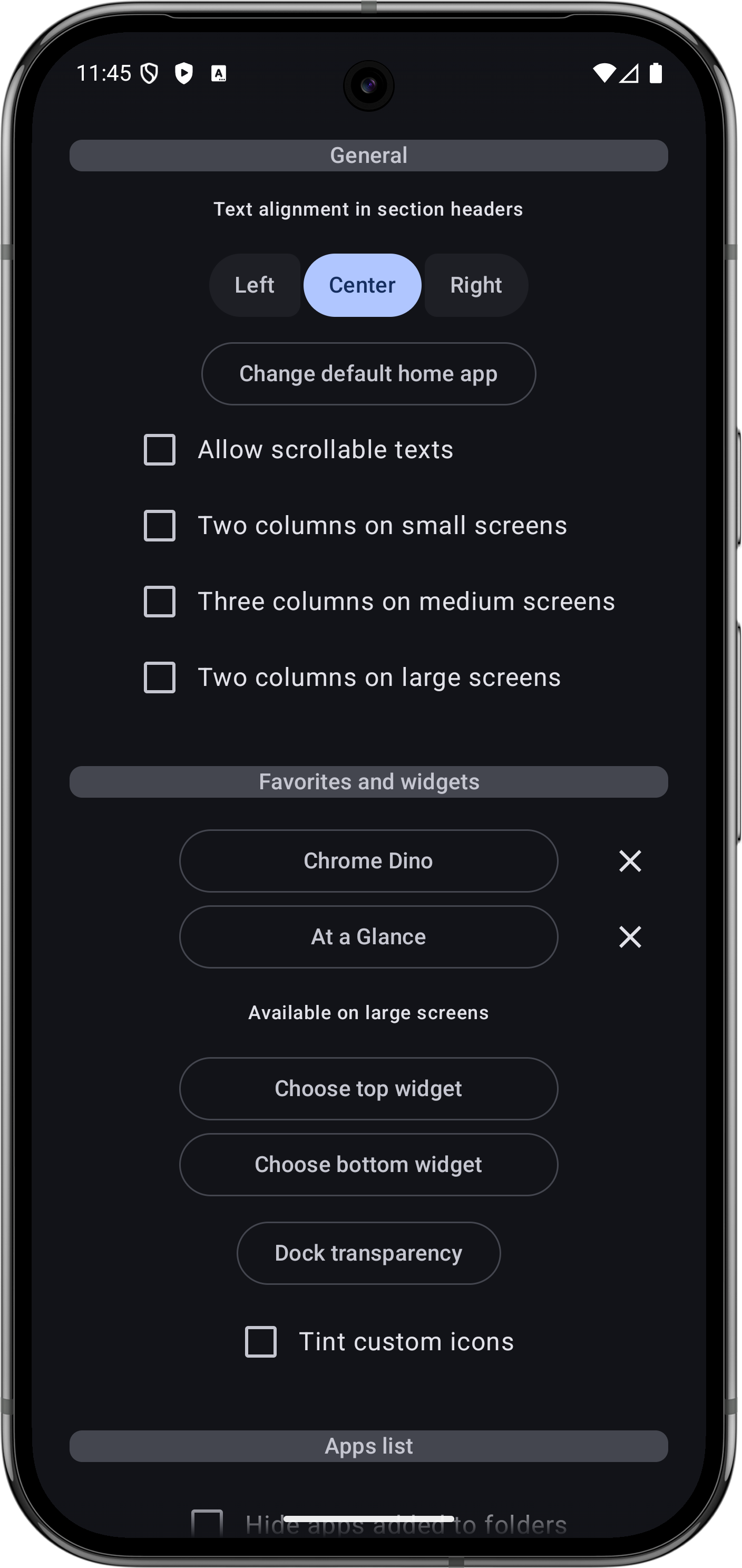
It puts what you use most on your home screen: your favorites, two app widgets and a dock, laid out in Material 3 Expressive and adapting to the size of your screen. Tap the search bar, type a few letters of a name, for example ffx, and Firefox is one tap away.
Features
- Favorites and widgets: Keep your favorite apps, app pairs and folders on one page, with two app widgets, and each widget slot can stack two widgets. Long-press a widget to change, reconfigure or remove it. Swipe down or up to open an app or start the search, as you choose in Settings.
- Made for large screens: On foldables and tablets, additional widgets get their own pane, and Settings arranges its cards in two or three columns.
- Search: Find apps, app pairs, favorites and folders by typing a few letters. If a name matches exactly, only that item is shown, and the Go key opens it.
- App pairs: Launch two apps side by side with a single tap, on phones, tablets and foldables, when the system allows split-screen.
- Folders and favorites: Organize your apps in folders. Long-press an item for favorites, folders, custom labels and more.
- Grouped apps: Apps with several launchers can be shown as one entry. Tap to pick an activity, and favorite whole apps or single activities independently.
- Hidden items: Hide apps from the list and manage them in Settings.
- Dock: Show or hide a dock with up to five slots for phone, messages, browser or your own choices, and pick its color.
- Private space and work profile: Their apps get their own tabs, clearly badged.
Be nice is free, open source and contains no ads or trackers.