DrawAnywhere
Floating canvas for drawing, annotating, and highlighting over other apps.
Version: 2.3
Added: 21-08-2025
Updated: 11-06-2026
Added: 21-08-2025
Updated: 11-06-2026
DrawAnywhere lets you sketch, annotate, and highlight directly on top of any screen — great for video courses, tutorials, and presentations.
Drawing tools
Canvas and gestures
Toolbar
Convenience
Tips
Source: https://github.com/DrawAnywhere/DrawAnywhere
Drawing tools
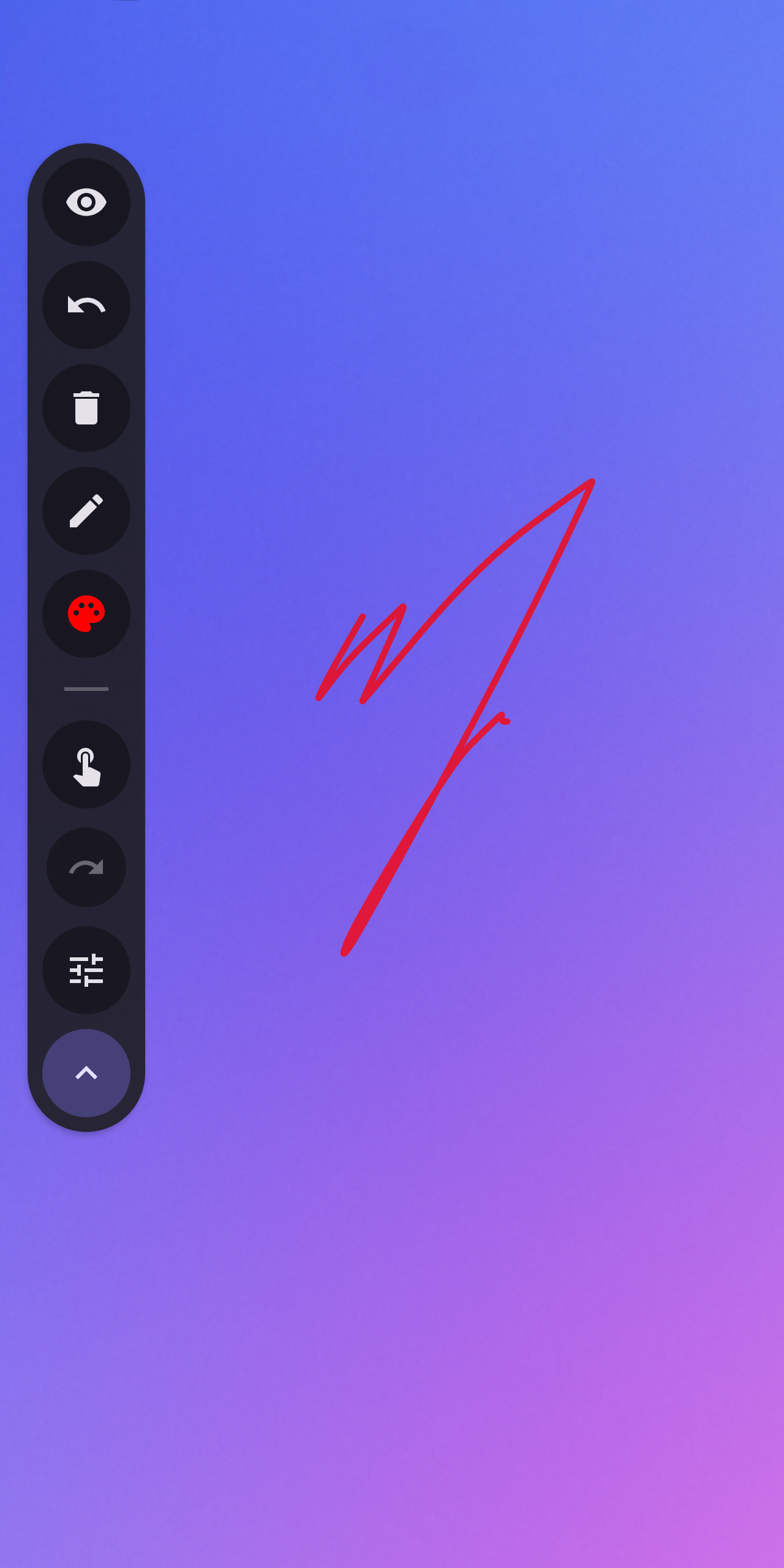
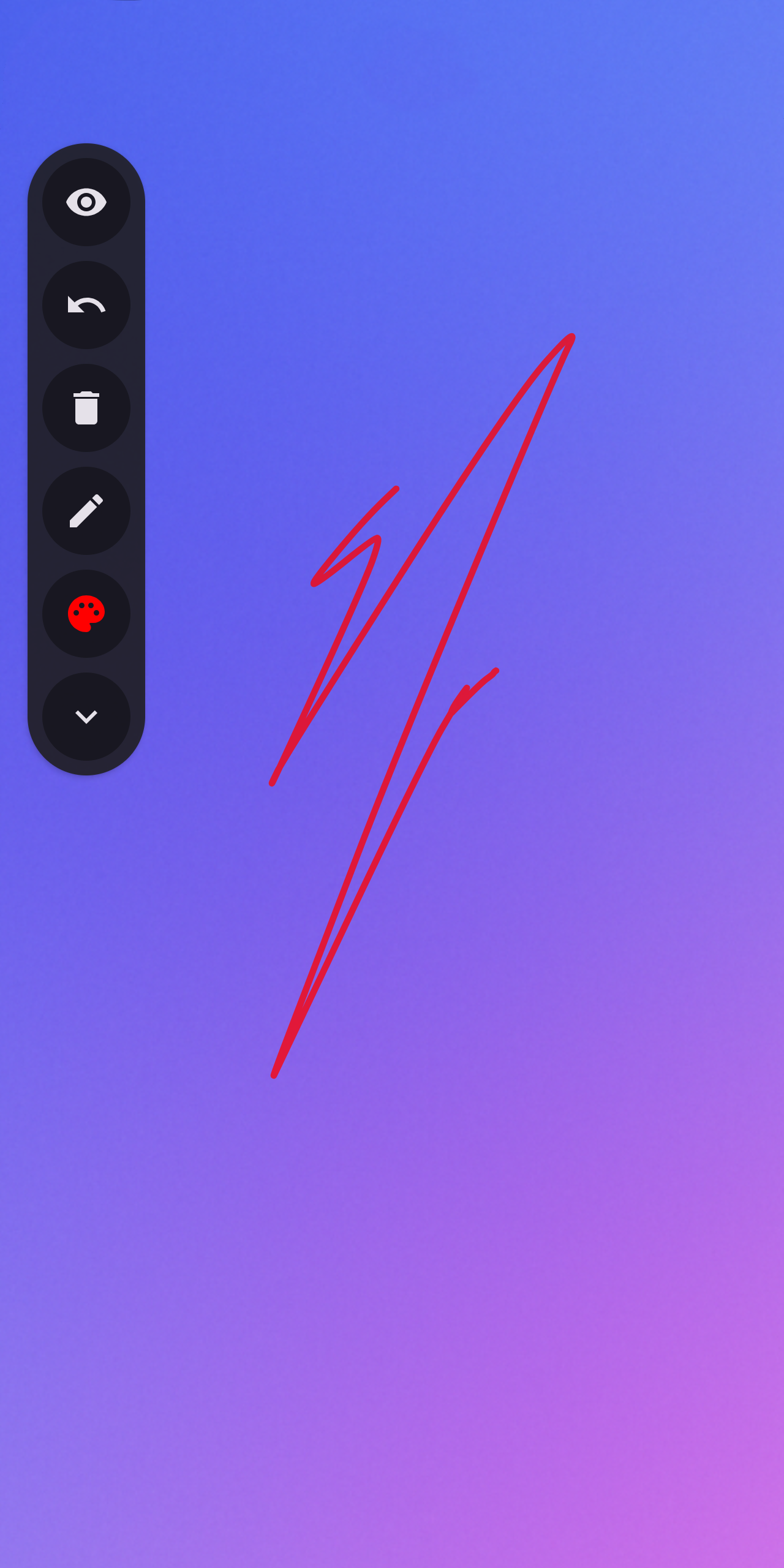
- Freehand pen, rectangle, ellipse, and laser pointer
- Pixel eraser; stroke eraser via stylus button
- 50-step undo/redo
- HSV color wheel, 18 presets, recent colors, hex input
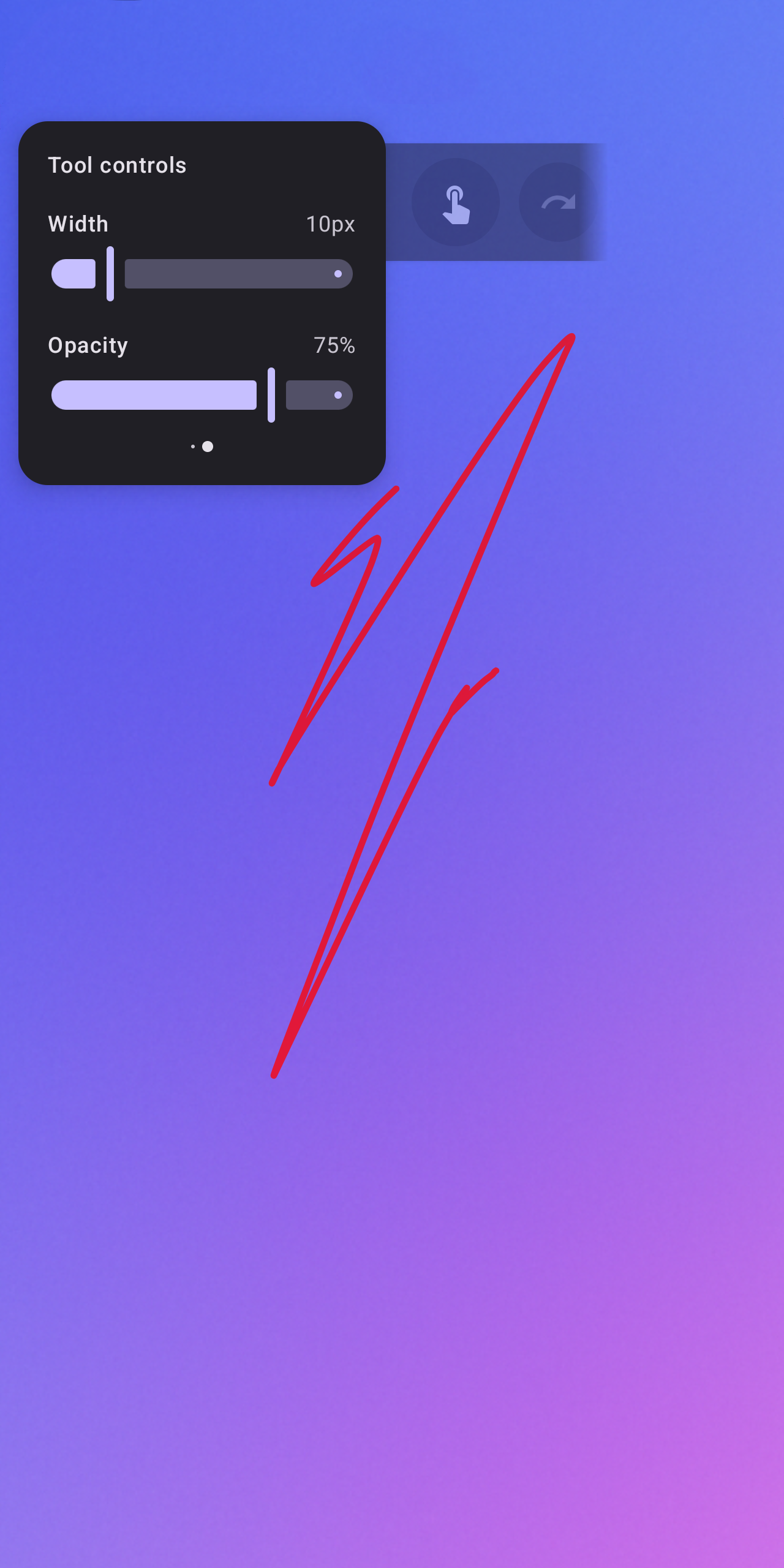
- Stroke width and opacity sliders
Canvas and gestures
- Infinite canvas — pan and pinch-to-zoom freely
- Three-level lock (none, zoom only, all) with HUD indicator
- Two-finger pinch: zoom | double-tap: reset zoom | triple-tap: reset position
- Three-finger double-tap: toggle passthrough | triple-tap: hide canvas
Toolbar
- Horizontal and vertical layout, draggable anywhere via long‑press
- Auto-dims after 3 seconds of inactivity
- Hide canvas or pass touch events through to the app below
- Finger-drawing toggle for stylus-only mode
Convenience
- Quick Settings tile to toggle the service
- Drag the toolbar to the bottom of the screen to close the app
- Second-launch closes the service
- Brush hover preview while drawing
Tips
- Turn on Clear canvas on hide to auto-clear when hiding the canvas (passthrough is also disabled).
- Turn off Open canvas on start to hide the canvas on startup.
Source: https://github.com/DrawAnywhere/DrawAnywhere