Elite Memo Pro
Write, organize, and draw notes with labels, checklists, and reminders.
Version: 1.0.26
Added: 31-10-2026
Updated: 31-10-2026
Added: 31-10-2026
Updated: 31-10-2026
Elite Memo Pro brings text notes and freehand drawings together in one place.
Write notes with titles and checklist items, or sketch on a drawing canvas with pen, marker, highlighter, selection, and eraser tools. Choose a canvas background and use blank, ruled, grid, or dotted guides. Undo and redo drawing changes.
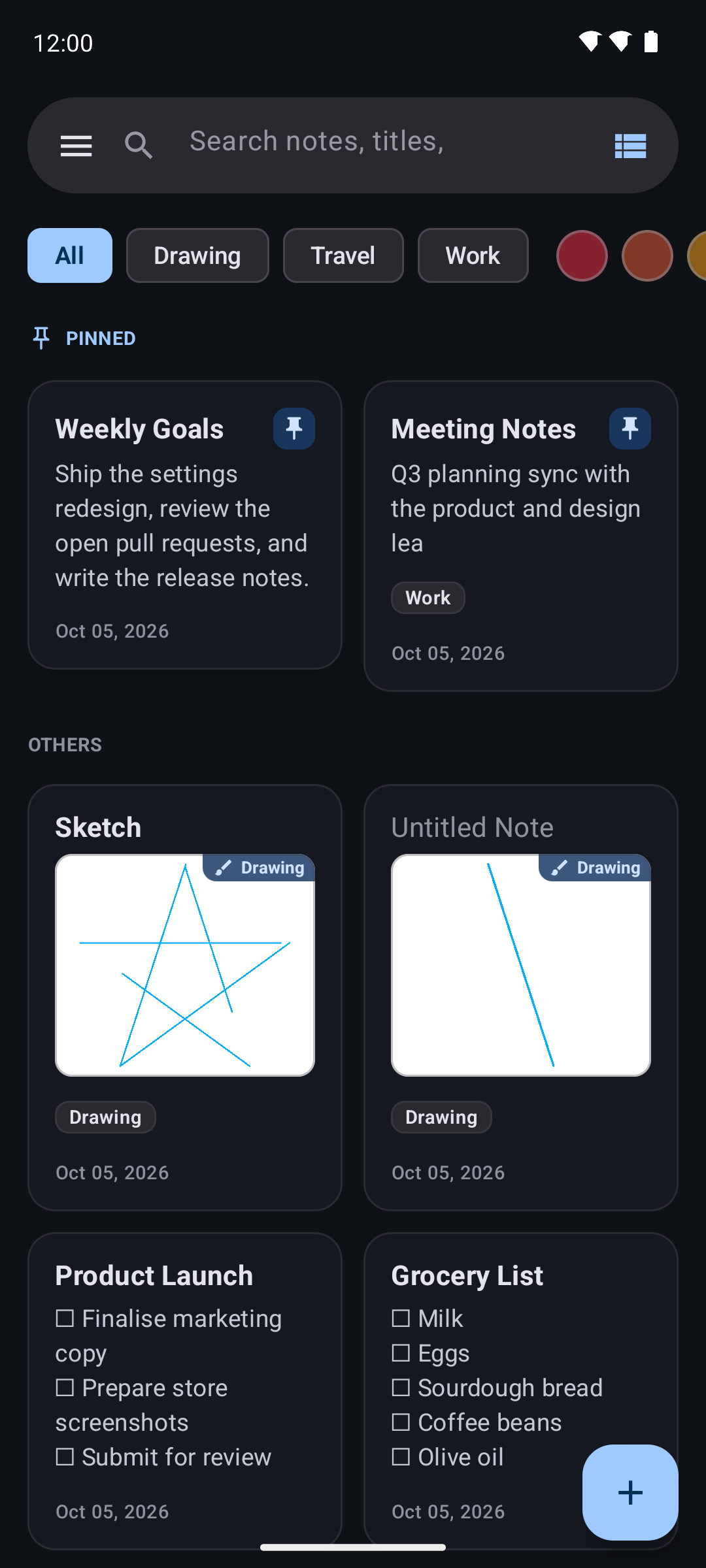
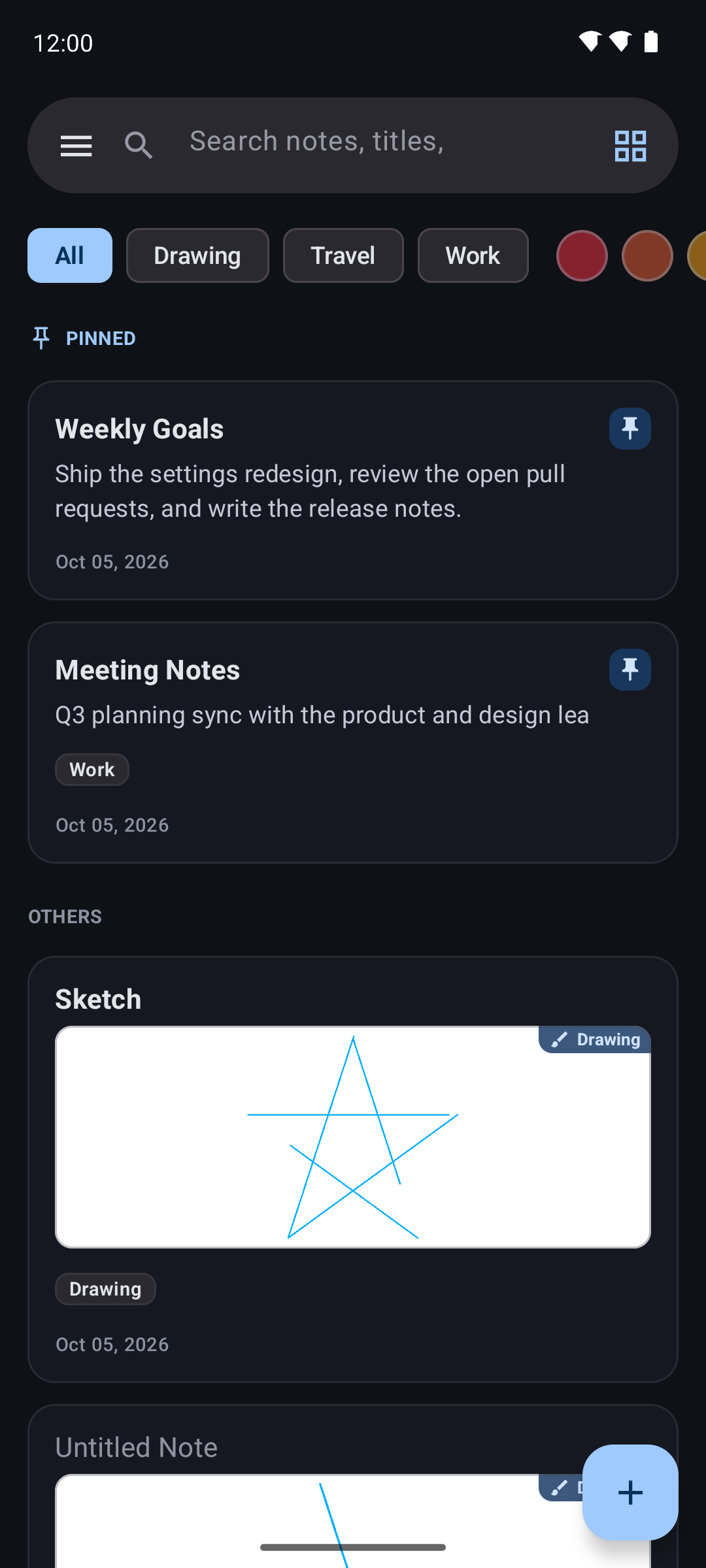
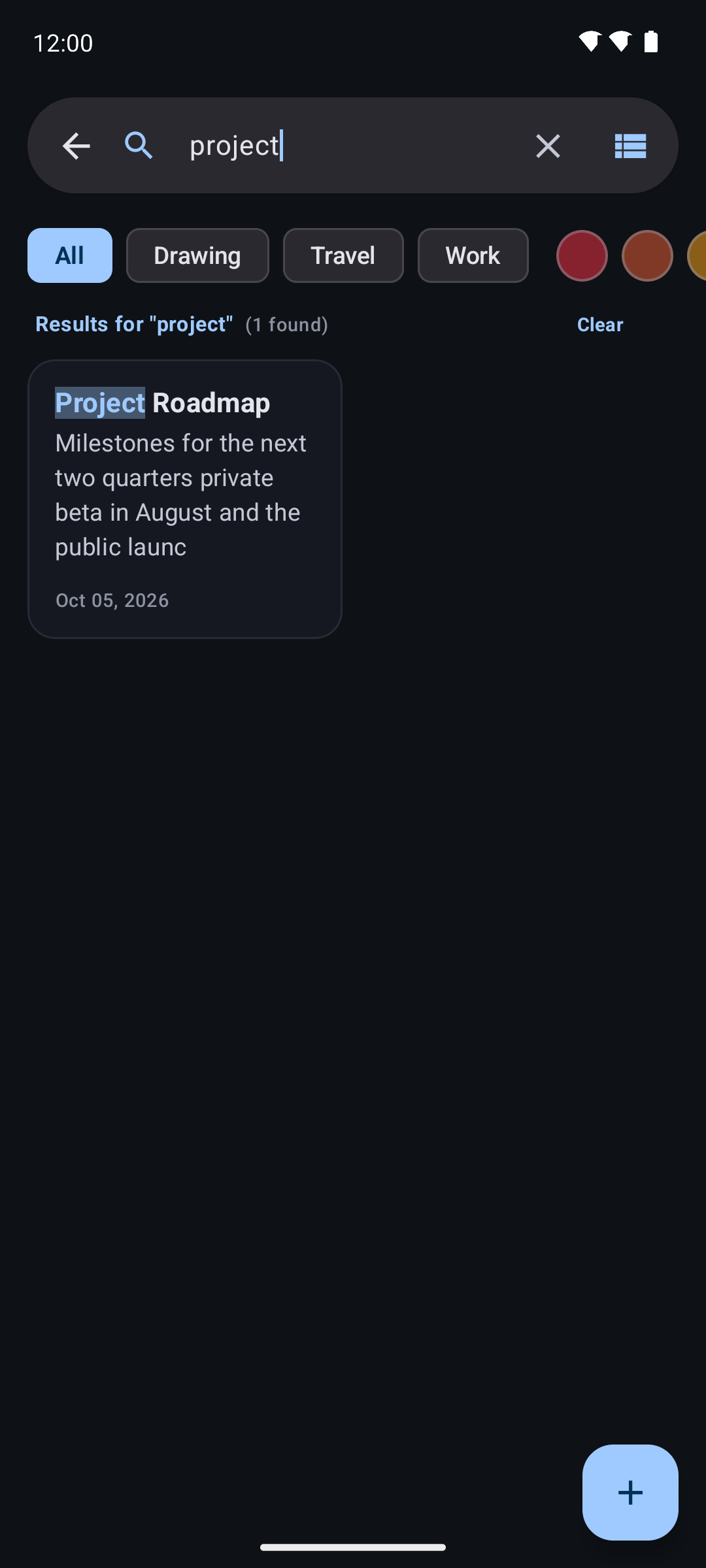
Keep notes organized with labels, colors, and pins. Search note titles, text, and tags, with colorful match highlighting, or filter by label and color. Switch between grid and list layouts, and sort notes by last modified, created date, title, or color. Archive notes to set them aside, or move them to Trash where they can be restored or permanently deleted; trashed notes are cleared automatically after 30 days.
Set a reminder for a note to receive a notification at the scheduled time. Choose light, dark, or system appearance. An optional app lock can request biometric authentication or the device credential when the app opens.
Pin checklist notes to your home screen with a widget and tick items off without opening the app. Share a note as plain text, and back up or restore all your notes to a JSON file in Downloads.
Notes and labels are stored in the app's local Room database.
Write notes with titles and checklist items, or sketch on a drawing canvas with pen, marker, highlighter, selection, and eraser tools. Choose a canvas background and use blank, ruled, grid, or dotted guides. Undo and redo drawing changes.
Keep notes organized with labels, colors, and pins. Search note titles, text, and tags, with colorful match highlighting, or filter by label and color. Switch between grid and list layouts, and sort notes by last modified, created date, title, or color. Archive notes to set them aside, or move them to Trash where they can be restored or permanently deleted; trashed notes are cleared automatically after 30 days.
Set a reminder for a note to receive a notification at the scheduled time. Choose light, dark, or system appearance. An optional app lock can request biometric authentication or the device credential when the app opens.
Pin checklist notes to your home screen with a widget and tick items off without opening the app. Share a note as plain text, and back up or restore all your notes to a JSON file in Downloads.
Notes and labels are stored in the app's local Room database.