Huallet
Self-custodial wallet for Chihuahua Chain and the Cosmos ecosystem
Version: 1.3.4
Added: 25-10-2026
Updated: 25-10-2026
Added: 25-10-2026
Updated: 25-10-2026
Huallet is the self-custodial wallet of Chihuahua Chain. Hold, send, stake, swap and vote on HUAHUA and the whole Cosmos ecosystem, with your keys encrypted on your phone.
Your keys, your phone
Everything Cosmos
Pay and get paid
Every transaction is shown in full before you sign. No analytics, no ads, no trackers.
Network connections:
The icons of the built-in tokens are bundled in the app.
Your keys, your phone
- Create a wallet (12 or 24 words, with verification) or import a recovery phrase or private key
- Secrets encrypted with AES-256-GCM, key derived from your password (PBKDF2-SHA256, 600,000 iterations)
- Optional fingerprint or face unlock: the password is kept by the phone's secure hardware (Android Keystore) and released only after a biometric check
- Screenshots blocked, no cloud backup of wallet data, auto-lock
- The recovery phrase is shown only after your password or biometrics
- Ledger hardware wallets over Bluetooth (Nano X, Stax, Flex) or a USB (OTG) cable, with the Cosmos app: keys never leave the device
Everything Cosmos
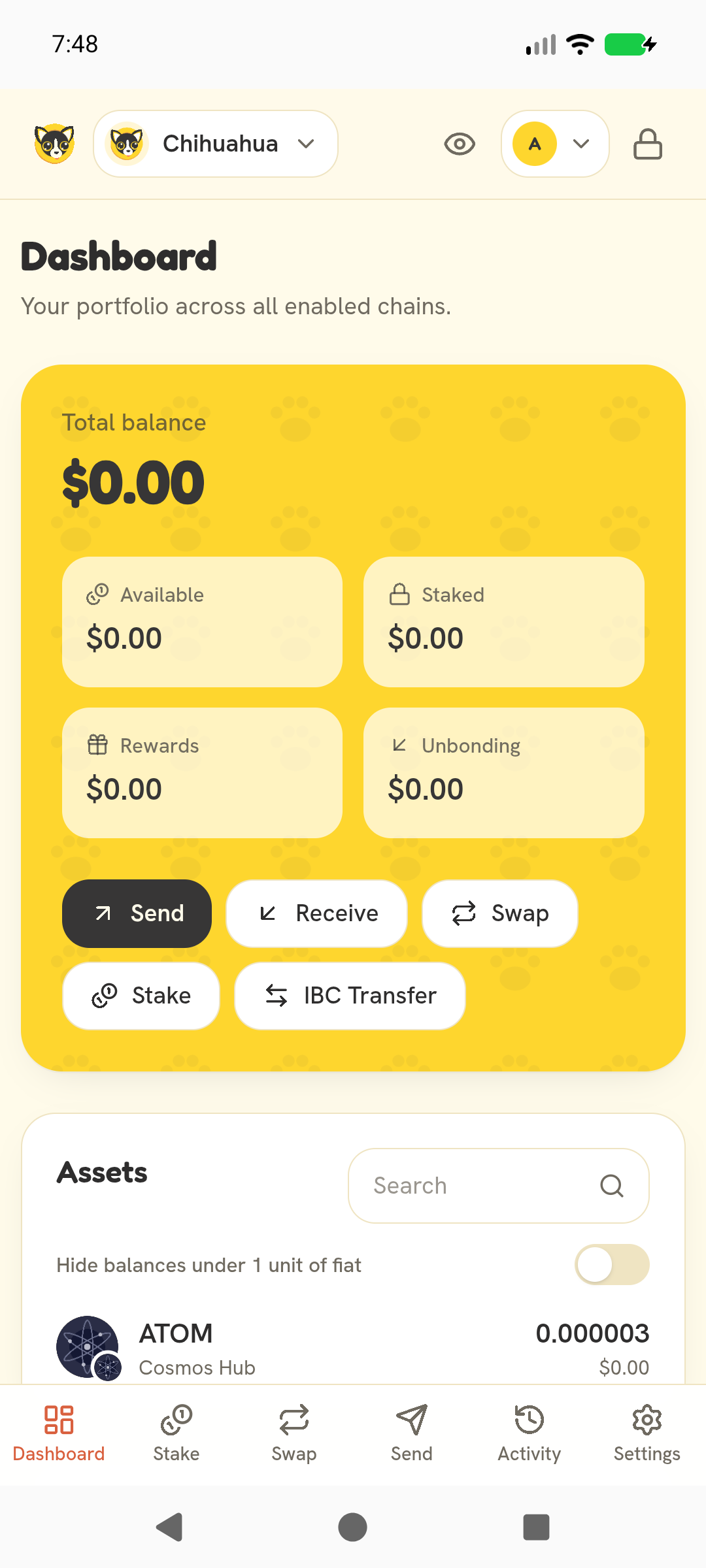
- Portfolio across chains: available, staked, rewards, unbonding
- Staking: stake, unstake, redelegate, claim rewards
- Swap on HuahuaSwap, Chihuahua's native DEX, and on Osmosis with the best route from the Osmosis router
- IBC transfers, channels verified on-chain before sending
- Governance: proposals, live tally, vote
- Chihuahua, Cosmos Hub, Osmosis, Juno and Celestia built in; add any chain from the Cosmos chain registry
Pay and get paid
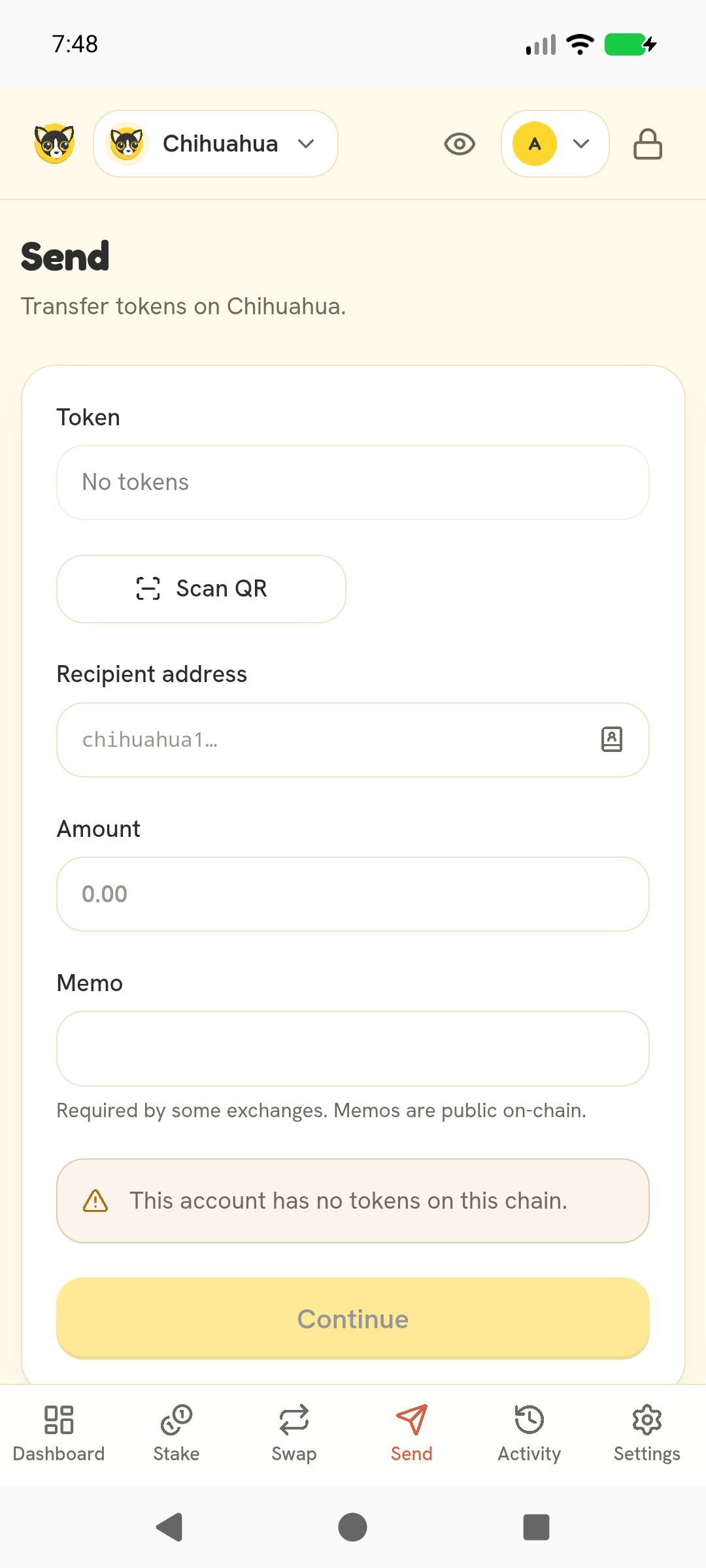
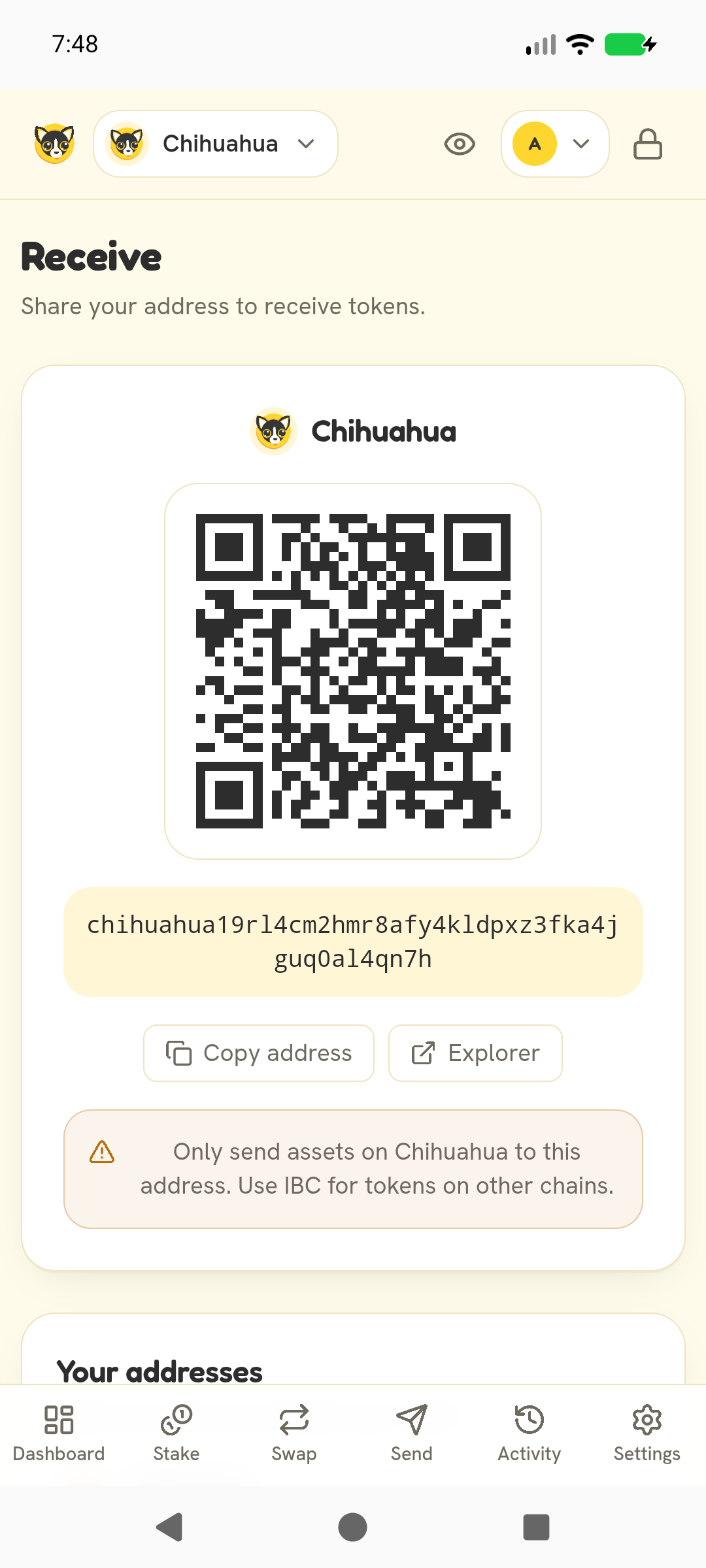
- Scan an address or payment request QR code (in-app scanner, no Google services)
- Tap to pay over NFC: the receiver's phone shares a payment request, the payer's phone reads it. Only the request goes over NFC, never keys or signatures
- Tap a QR code to show it full screen at full brightness
Every transaction is shown in full before you sign. No analytics, no ads, no trackers.
Network connections:
- Public Cosmos RPC/REST endpoints of your chains
- CoinGecko for fiat prices: on by default, can be turned off in Settings. Only token IDs are sent, never your address
- raw.githubusercontent.com for Cosmos chain registry data (asset lists, the chains you add, IBC channels) and token icons; chains.cosmos.directory for the list of chains you can add
- sqs.osmosis.zone for Osmosis swap quotes and raw.githubusercontent.com for the Osmosis asset list, only on the Osmosis swap tab
The icons of the built-in tokens are bundled in the app.