IM2SMS
Added: 15-08-2026
Updated: 15-08-2026
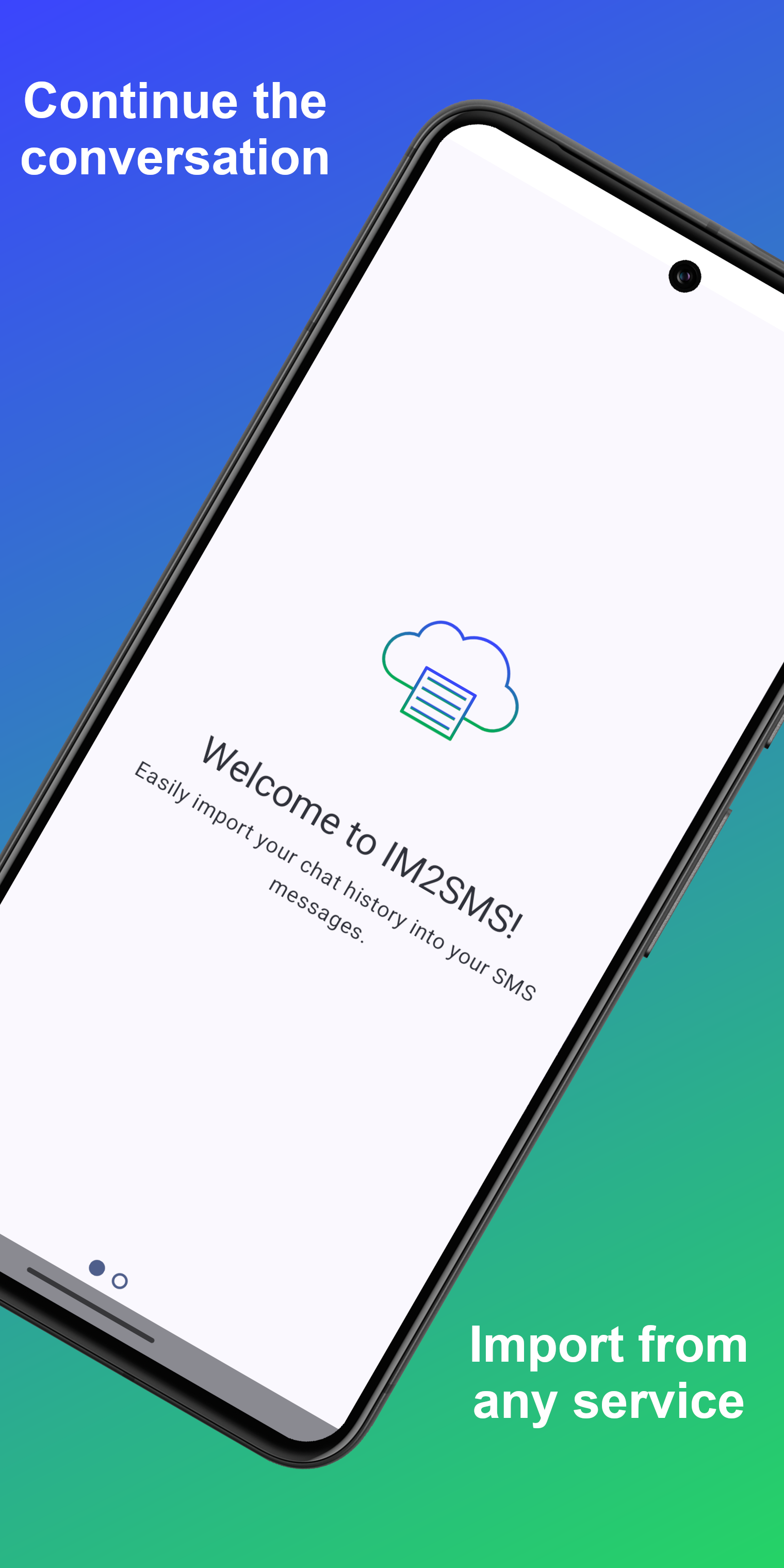
A simple app to import IM chat histories into Android’s SMS storage.
Features
Easy Import:
Import chats directly from an IM app's share menu or by browsing the phone's storage for exported chat files.
Chat Preview:
Preview individual chats before importing into SMS.
Material You:
The app's theme and icon automatically adapts to the phone's wallpaper and system colours.
Dark Mode:
Automatically switches between light and dark themes based on the phone's settings.
Supported Apps
Currently Supported:
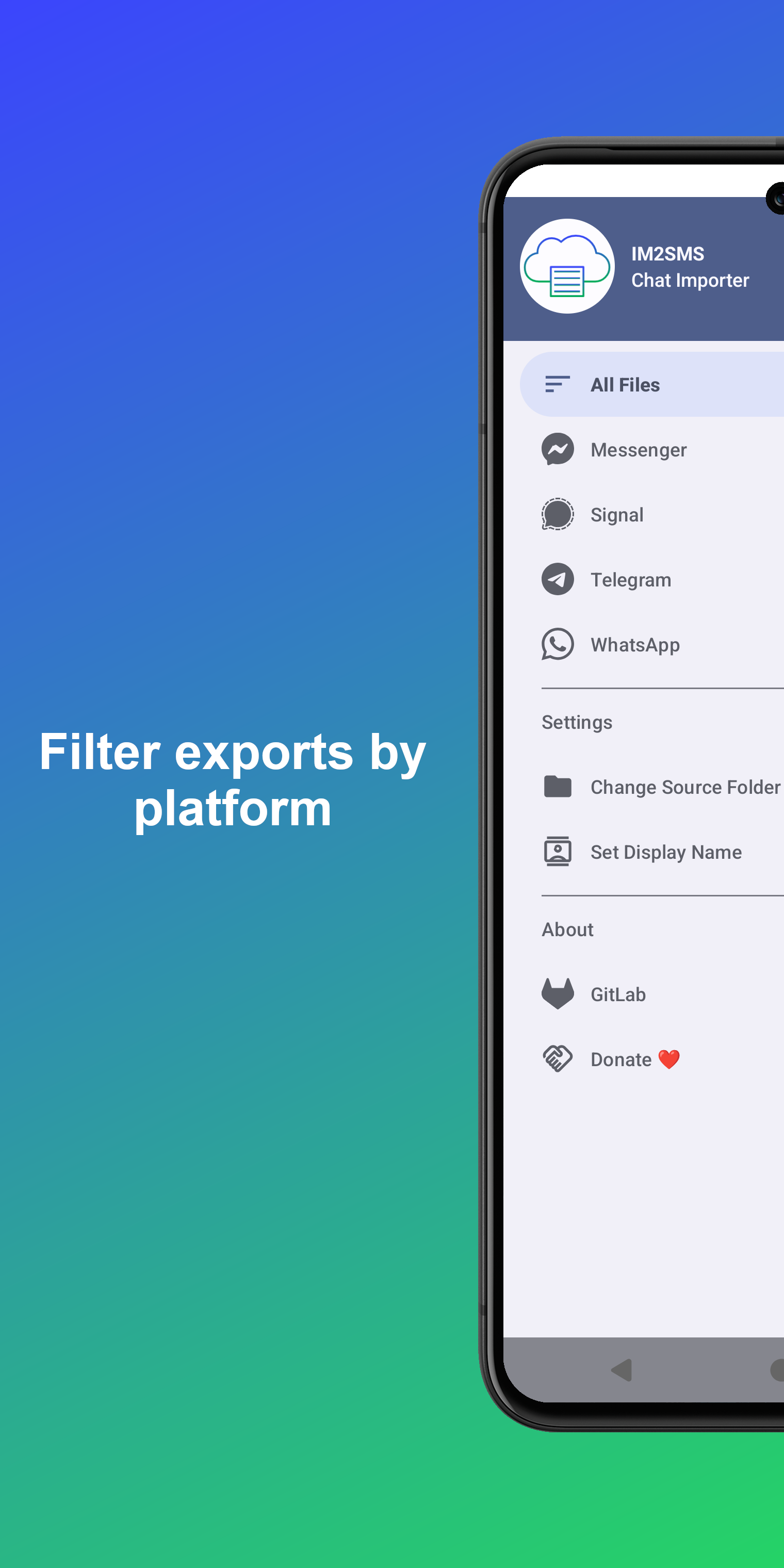
WhatsApp: Use the 'Export chat' option within WhatsApp and share the exported file with IM2SMS. Or browse previously exported chats and view both individual and group chats.
Planned Support:
Facebook Messenger: Support for importing from a Facebook data takeout is planned.
Telegram: Future support is planned.
Signal: Future support is planned via backup files or secure backups.
FAQ
Will an iOS version be available?
No. Due to technical limitations, iOS does not allow third-party apps to write to the SMS database.
Why export to SMS?
SMS is a universal, device-native format. By converting chat histories to SMS, you get a durable, open-standard backup that isn't locked into a single proprietary app.
Why the name?
The name stands for Instant Messenger to SMS. It reflects the app’s broad support for multiple IM platforms beyond just WhatsApp.
Can group chats be imported?
There is basic support for importing group chats, however, there are significant limitations due to how Android and apps like Google Messages handle the legacy SMS/MMS storage. At present, there is no way for third-party apps to programmatically set a group chat name in the system's SMS database that Google Messages will recognise, so the chat name will typically appear as a list of participant numbers. Additionally, a "Mass Text" warning may show if Google Messages cannot verify that all participants are using modern RCS (Rich Communication Services). To fully continue a group chat as a single thread, all members must be using RCS. Once everyone is on RCS, the group chat should automatically "upgrade" and function as a normal group thread.
Can I use IM2SMS to back up my existing SMS messages?
No. The core purpose of IM2SMS is to import Instant Messenger chat histories into the phone's SMS storage. Creating backups of existing SMS messages is already well-supported by other dedicated apps.
Why does the app have to be set as the default SMS app?
Android only allows the current default SMS app to write to the system's message database. To import chats, IM2SMS must temporarily become the default app. After the import process completes, opening the preferred messaging app provides a prompt to restore it as the default.
Contributing
If you find this app useful, please consider donating via PayPal or Patreon. If donation is not possible, please visit our source code repository to learn how to contribute through code and testing.
Licence
This app is released under GPL Licence.