KnightLoader
Remote control for the KnightLoader download manager you host yourself.
Version: 2.6.1
Added: 04-11-2026
Updated: 04-11-2026
Added: 04-11-2026
Updated: 04-11-2026
KnightLoader is a download manager you run yourself, on a home server, a NAS or your computer. This app is its remote control: it shows what your instances are downloading, and you add links and steer the queue from your phone. The downloads themselves run on your instance, never on the phone.
What you can do
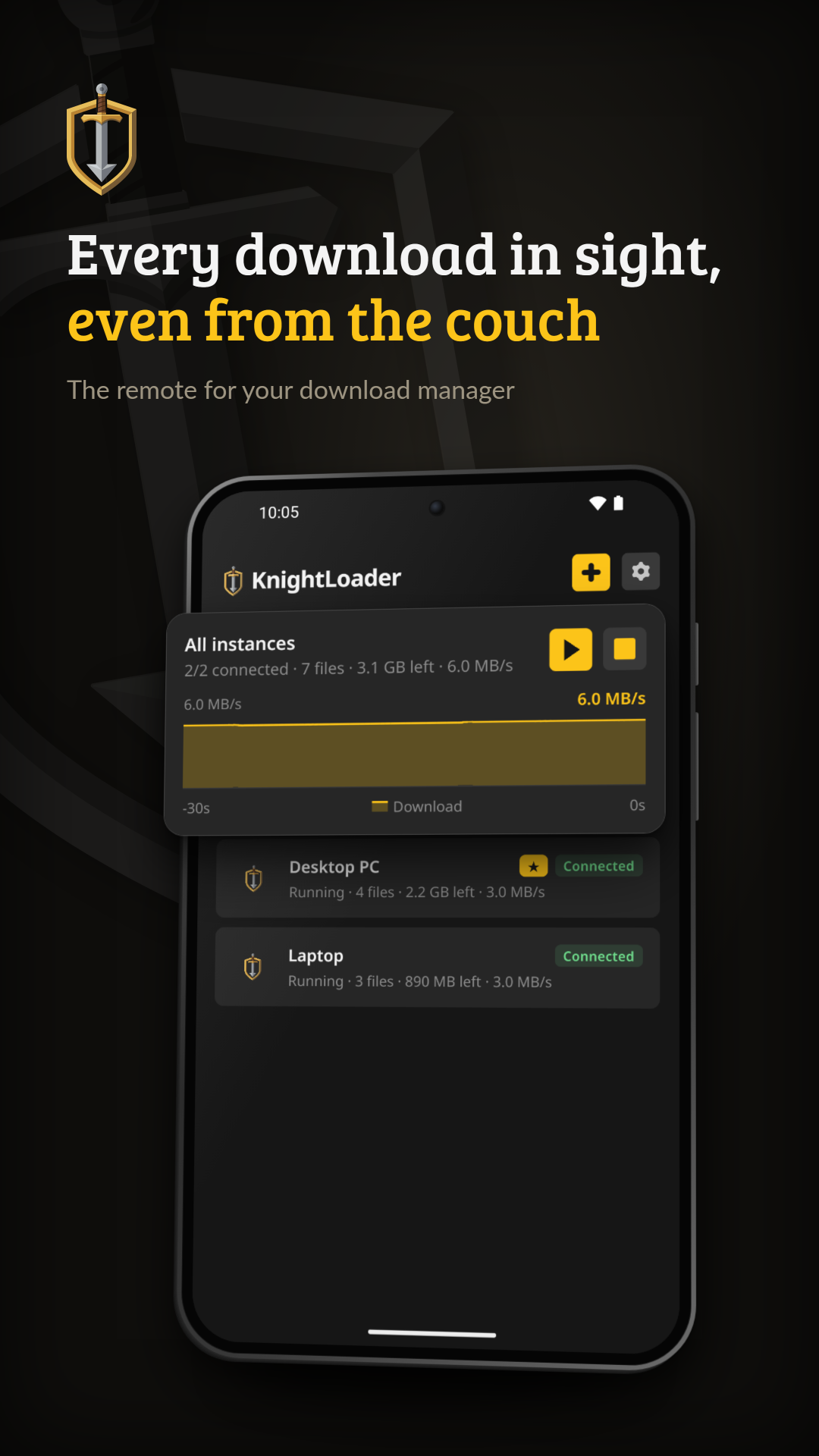
• See every instance in your group on one screen: whether it is online, how many files are left and how fast it is going
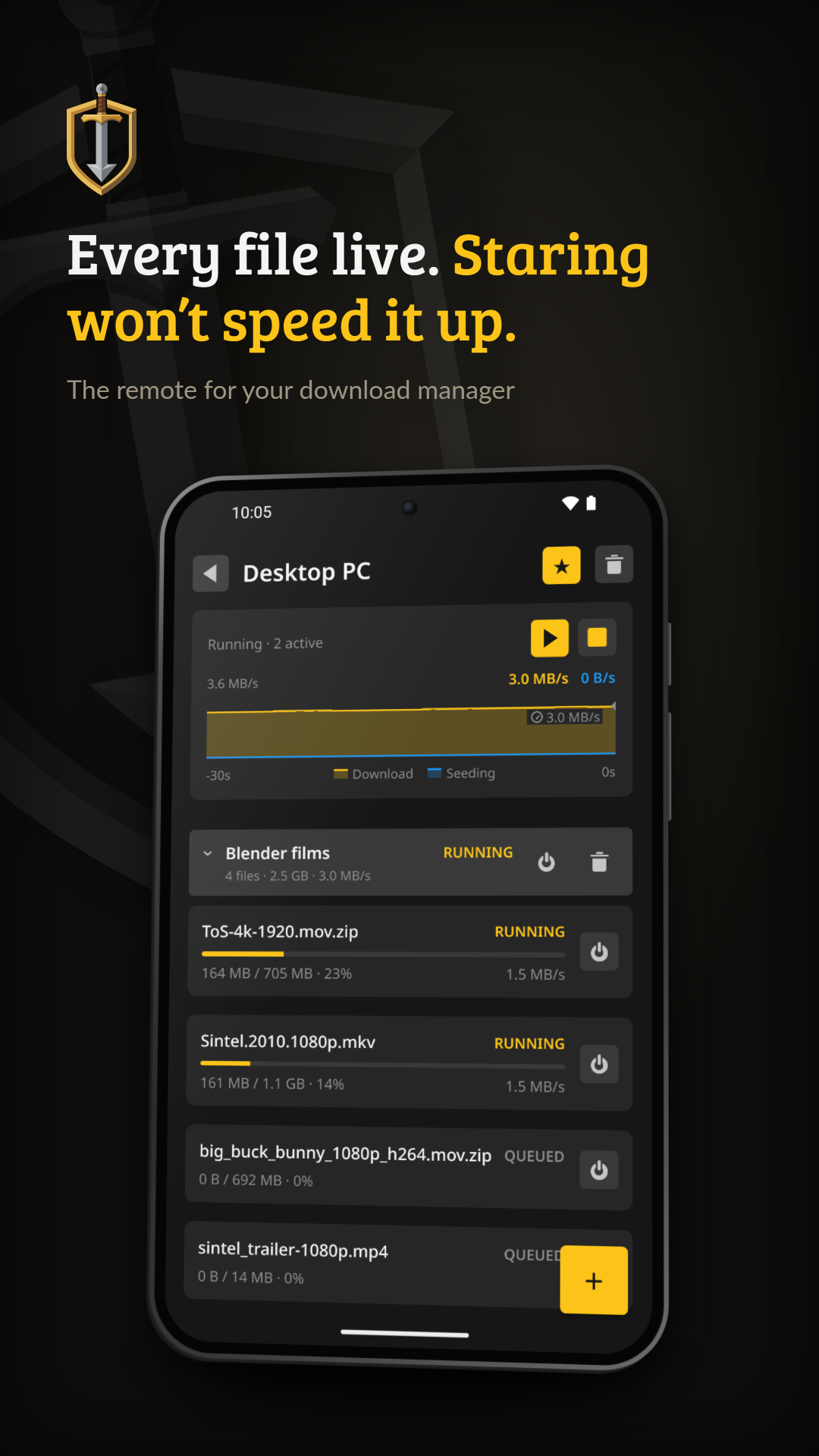
• Follow one instance's queue as it runs, with progress and speed for each file and a plain explanation when a download fails
• Start and stop the queue, switch single links or whole packages on and off, and remove packages
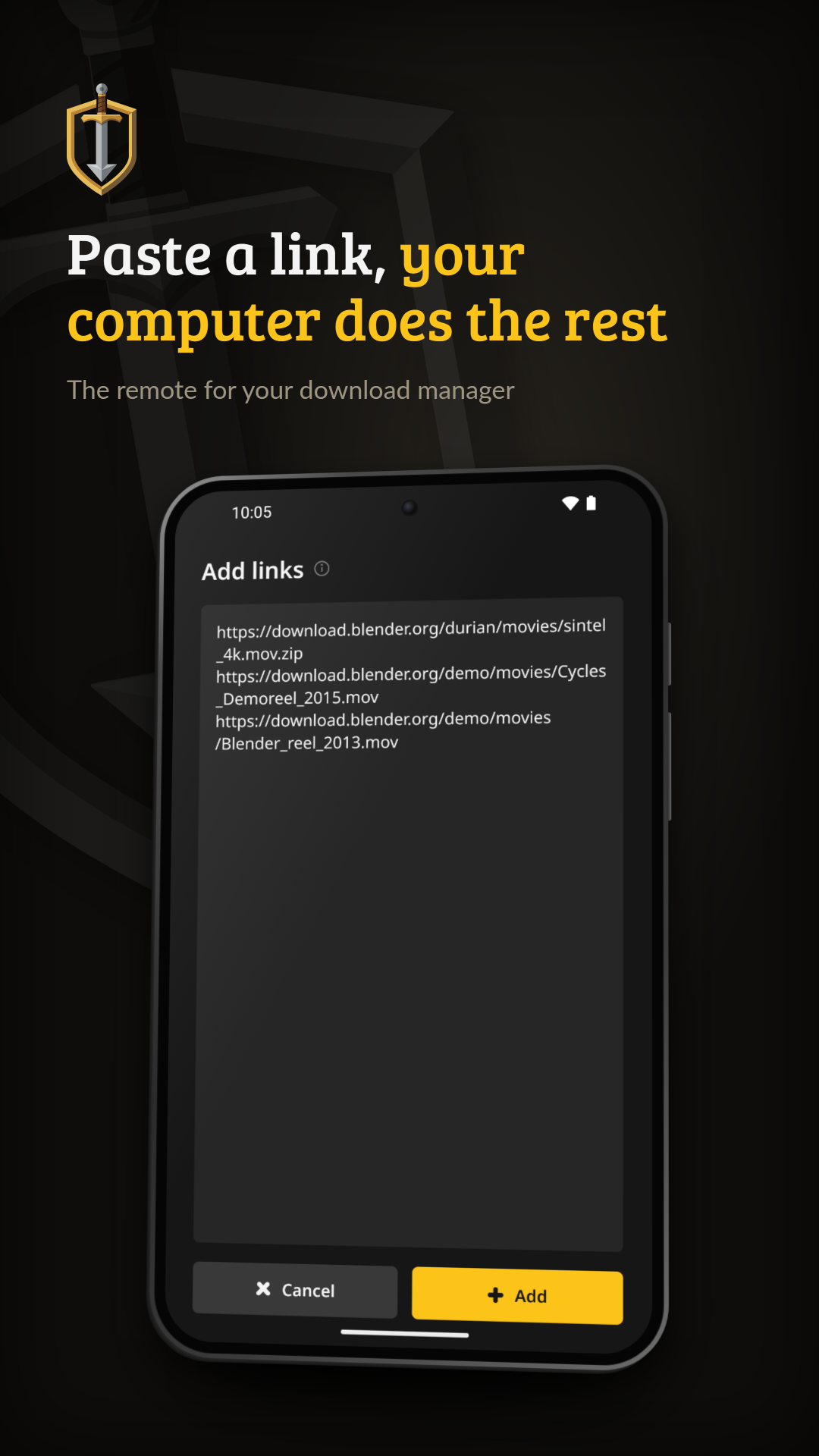
• Paste links and send them to an instance
• Answer many of the captchas that hold up a download, right on the phone
• Pick light or dark, a corner style and an accent colour, or let the app take its look from your instance
To connect, type the twelve-word connection phrase your KnightLoader shows, or scan its QR code. Every instance in the group appears at once. You need no account, no address and no open port.
The app reaches your instances through a relay. The developer runs the default one, parleyport.halleluja.design. If your instance uses a ParleyPort relay of your own, the app follows it when you scan the instance's QR code. Requests and answers between the app and your instances are end-to-end encrypted with a key that comes from your phrase, so the relay passes them on without being able to read them. The app shows no ads.
To tell you about captchas and finished or failed downloads while the app is closed, it keeps its own connection to your instances through the relay. With "Stay connected", which is on by default, it does so all the time: Android shows a quiet notification, and while nothing happens the app checks about once a minute. You can turn it off under Settings › Notifications.
You need a running KnightLoader instance. KnightLoader is free and open source under the AGPL-3.0: https://github.com/junkerderprovinz/knightloader
KnightLoader is at an early stage and changes quickly, and an update to your instance can need an update to the app as well. Please report problems on GitHub.
When you answer a captcha, the app loads that captcha service's own widget (reCAPTCHA, hCaptcha or Cloudflare Turnstile) in a web view.
The app uses the camera only to scan the QR code of your phrase.
What you can do
• See every instance in your group on one screen: whether it is online, how many files are left and how fast it is going
• Follow one instance's queue as it runs, with progress and speed for each file and a plain explanation when a download fails
• Start and stop the queue, switch single links or whole packages on and off, and remove packages
• Paste links and send them to an instance
• Answer many of the captchas that hold up a download, right on the phone
• Pick light or dark, a corner style and an accent colour, or let the app take its look from your instance
To connect, type the twelve-word connection phrase your KnightLoader shows, or scan its QR code. Every instance in the group appears at once. You need no account, no address and no open port.
The app reaches your instances through a relay. The developer runs the default one, parleyport.halleluja.design. If your instance uses a ParleyPort relay of your own, the app follows it when you scan the instance's QR code. Requests and answers between the app and your instances are end-to-end encrypted with a key that comes from your phrase, so the relay passes them on without being able to read them. The app shows no ads.
To tell you about captchas and finished or failed downloads while the app is closed, it keeps its own connection to your instances through the relay. With "Stay connected", which is on by default, it does so all the time: Android shows a quiet notification, and while nothing happens the app checks about once a minute. You can turn it off under Settings › Notifications.
You need a running KnightLoader instance. KnightLoader is free and open source under the AGPL-3.0: https://github.com/junkerderprovinz/knightloader
KnightLoader is at an early stage and changes quickly, and an update to your instance can need an update to the app as well. Please report problems on GitHub.
When you answer a captcha, the app loads that captcha service's own widget (reCAPTCHA, hCaptcha or Cloudflare Turnstile) in a web view.
The app uses the camera only to scan the QR code of your phrase.