Liseur
EPUBs: AI, read-aloud, translation, character guides and automatic mind maps.
Version: 0.24.0
Added: 12-08-2026
Updated: 22-10-2026
Added: 12-08-2026
Updated: 22-10-2026
Read EPUBs your way: follow the text as it reads aloud, translate a page as you go, or ask about characters and events. Liseur brings books from your phone, OPDS catalogs, calibre-web, Komga, BookOrbit and liseur-sync into one library.
Read aloud
Listen to any EPUB with sentence highlighting and automatic page turns. Android voices can read offline when a compatible offline voice is installed. Choose voices by language, adjust the speed, keep listening with the screen off, or set a sleep timer. Connect an OpenAI-compatible speech server, including one on your own network.
Translation
Translate a selection or read a book page by page in another language. Liseur saves translated sentences on your phone, so they are ready when you return to a page. Use Android's on-device translator or an OpenAI-compatible service on your network or hosted online. Read translated pages aloud in the target language and look up words without leaving the page.
Reading companion and Codex
Ask the reading companion about characters and events. Character profiles use passages before the selected text, including earlier chapters and earlier passages in the current chapter; source excerpts show where details come from. Turn on background chapter recaps for each book. Use an OpenAI-compatible service.
Codex builds a searchable, on-device index of people, places and groups, and shows which names appear together in earlier chapters. It needs no AI service or API key.
Your reader
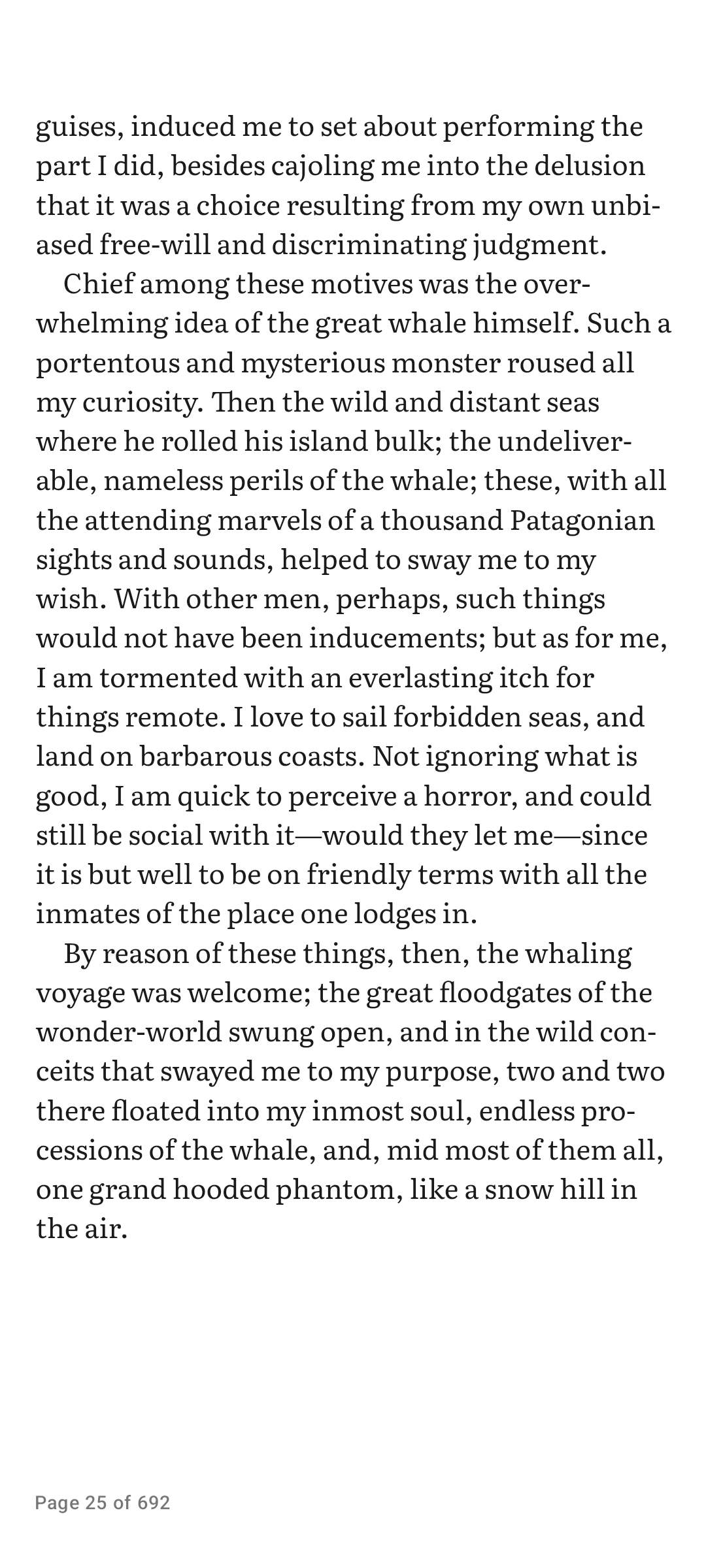
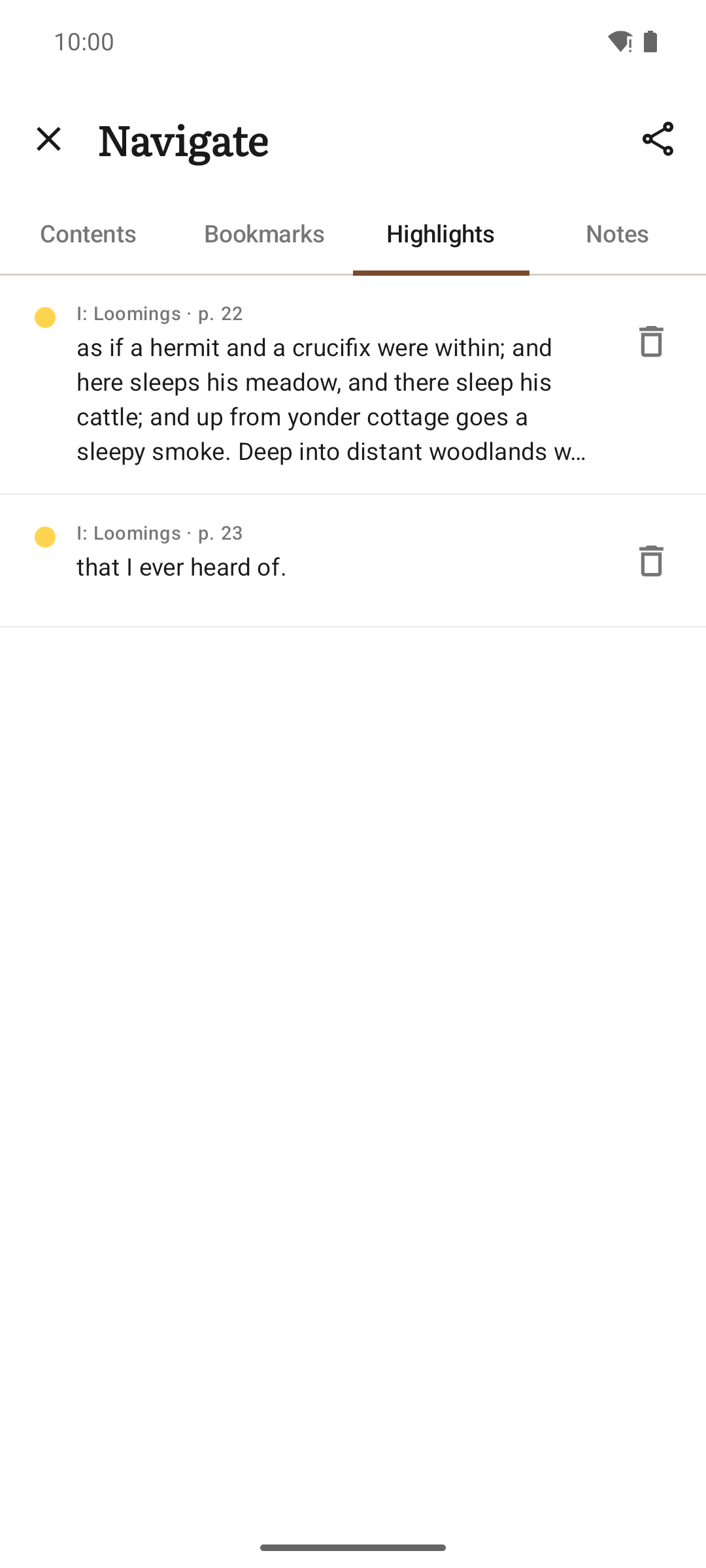
Choose paginated pages or continuous scroll, adjust type, margins and brightness, and use light, sepia, dark or black themes. Add highlights, notes and bookmarks, search the full text, and open footnotes in a popup. Import your own fonts or use the bundled and publisher fonts. E-ink mode turns off animations and supports refresh controls on Onyx devices.
Your library and sync
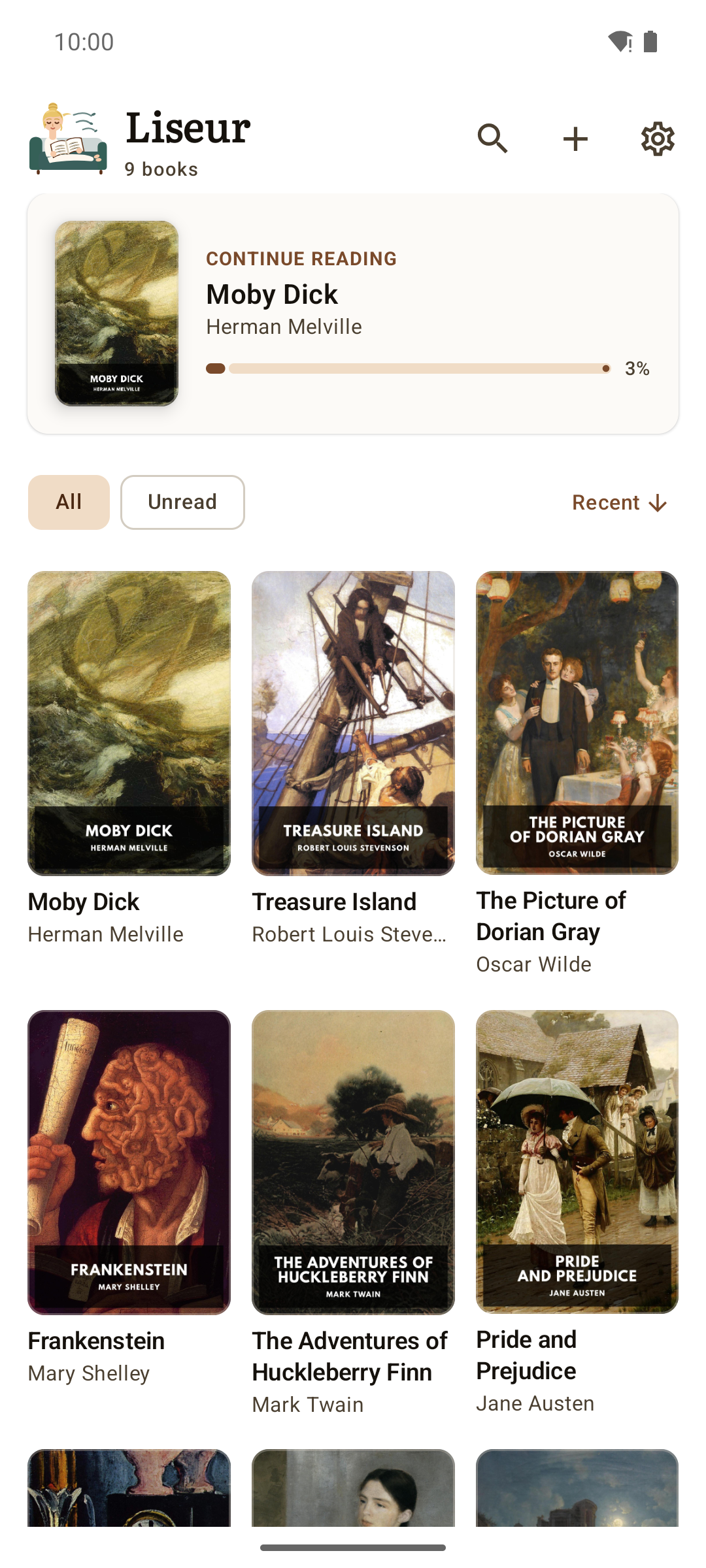
Browse local folders and SD cards, group books into series, or find free books in the built-in Project Gutenberg catalog. Home-screen widgets show your current book or a shelf of covers. Back up settings, fonts, reading positions and annotations in a ZIP file.
Sync reading positions with calibre-web, Komga, BookOrbit or liseur-sync. Connect any OPDS catalog to a KOReader sync server. With liseur-sync, back up settings per device and see reading statistics across devices.
Privacy
No ads. You do not need an account to read books on your device. Android's system translator and Codex process book text on your phone. When you choose an online service for translation, the reading companion or speech, Liseur sends text to that provider. Optional dictionary lookups contact Wiktionary; browsing the catalog also contacts Project Gutenberg.
MIT licensed. Source code and issue tracker: https://github.com/chmouel/liseur
Read aloud
Listen to any EPUB with sentence highlighting and automatic page turns. Android voices can read offline when a compatible offline voice is installed. Choose voices by language, adjust the speed, keep listening with the screen off, or set a sleep timer. Connect an OpenAI-compatible speech server, including one on your own network.
Translation
Translate a selection or read a book page by page in another language. Liseur saves translated sentences on your phone, so they are ready when you return to a page. Use Android's on-device translator or an OpenAI-compatible service on your network or hosted online. Read translated pages aloud in the target language and look up words without leaving the page.
Reading companion and Codex
Ask the reading companion about characters and events. Character profiles use passages before the selected text, including earlier chapters and earlier passages in the current chapter; source excerpts show where details come from. Turn on background chapter recaps for each book. Use an OpenAI-compatible service.
Codex builds a searchable, on-device index of people, places and groups, and shows which names appear together in earlier chapters. It needs no AI service or API key.
Your reader
Choose paginated pages or continuous scroll, adjust type, margins and brightness, and use light, sepia, dark or black themes. Add highlights, notes and bookmarks, search the full text, and open footnotes in a popup. Import your own fonts or use the bundled and publisher fonts. E-ink mode turns off animations and supports refresh controls on Onyx devices.
Your library and sync
Browse local folders and SD cards, group books into series, or find free books in the built-in Project Gutenberg catalog. Home-screen widgets show your current book or a shelf of covers. Back up settings, fonts, reading positions and annotations in a ZIP file.
Sync reading positions with calibre-web, Komga, BookOrbit or liseur-sync. Connect any OPDS catalog to a KOReader sync server. With liseur-sync, back up settings per device and see reading statistics across devices.
Privacy
No ads. You do not need an account to read books on your device. Android's system translator and Codex process book text on your phone. When you choose an online service for translation, the reading companion or speech, Liseur sends text to that provider. Optional dictionary lookups contact Wiktionary; browsing the catalog also contacts Project Gutenberg.
MIT licensed. Source code and issue tracker: https://github.com/chmouel/liseur