MoodyRoutine
Samsung One UI-style Modes and Routines automation engine for Android.
Version: 1.0.1
Added: 22-10-2026
Updated: 22-10-2026
Added: 22-10-2026
Updated: 22-10-2026
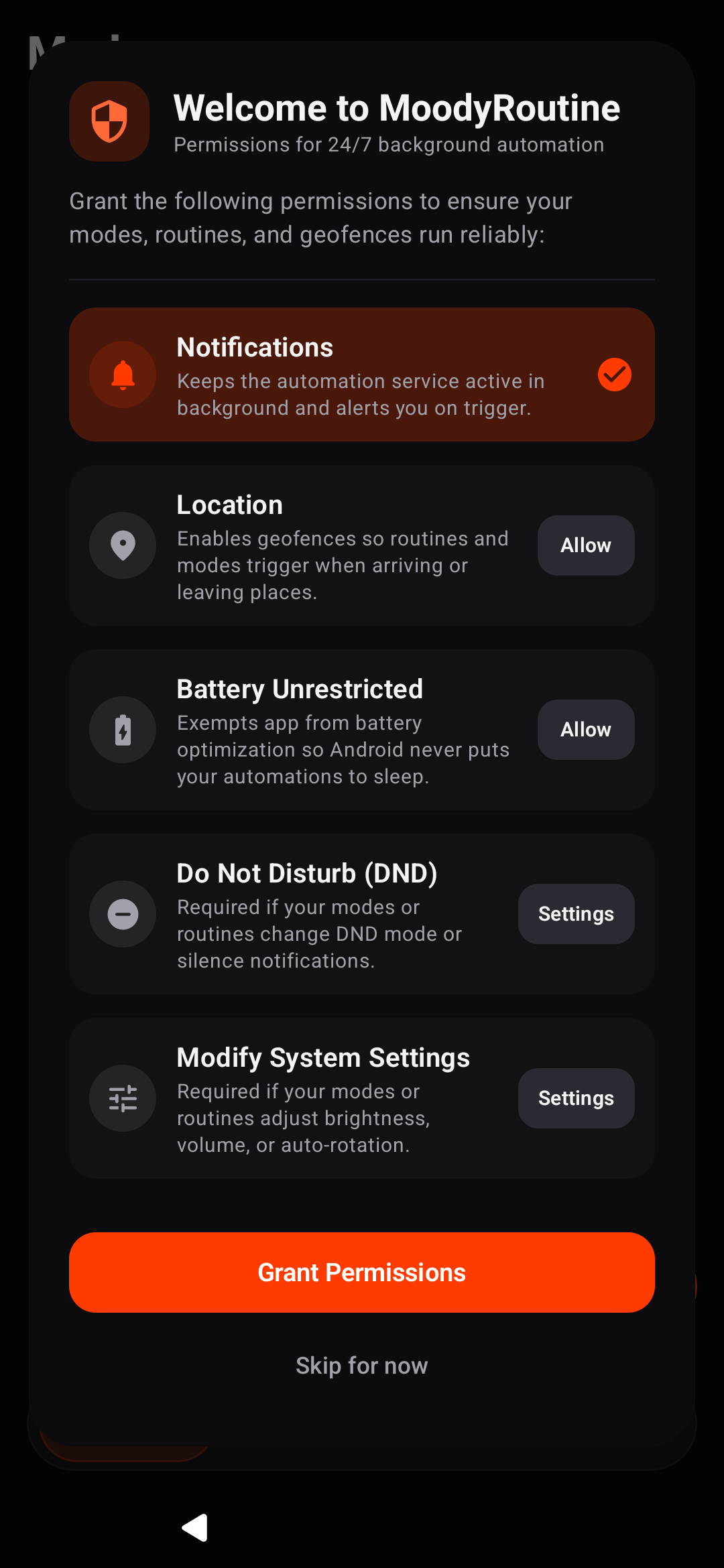
MoodyRoutine brings contextual automation, situational profiles, and event-driven workflows to any Android device running Android 8.0 (API 26) or higher. It reproduces the design philosophy, ergonomics, and automation capabilities of Samsung's One UI Modes & Routines without requiring root privileges or manufacturer-locked frameworks.
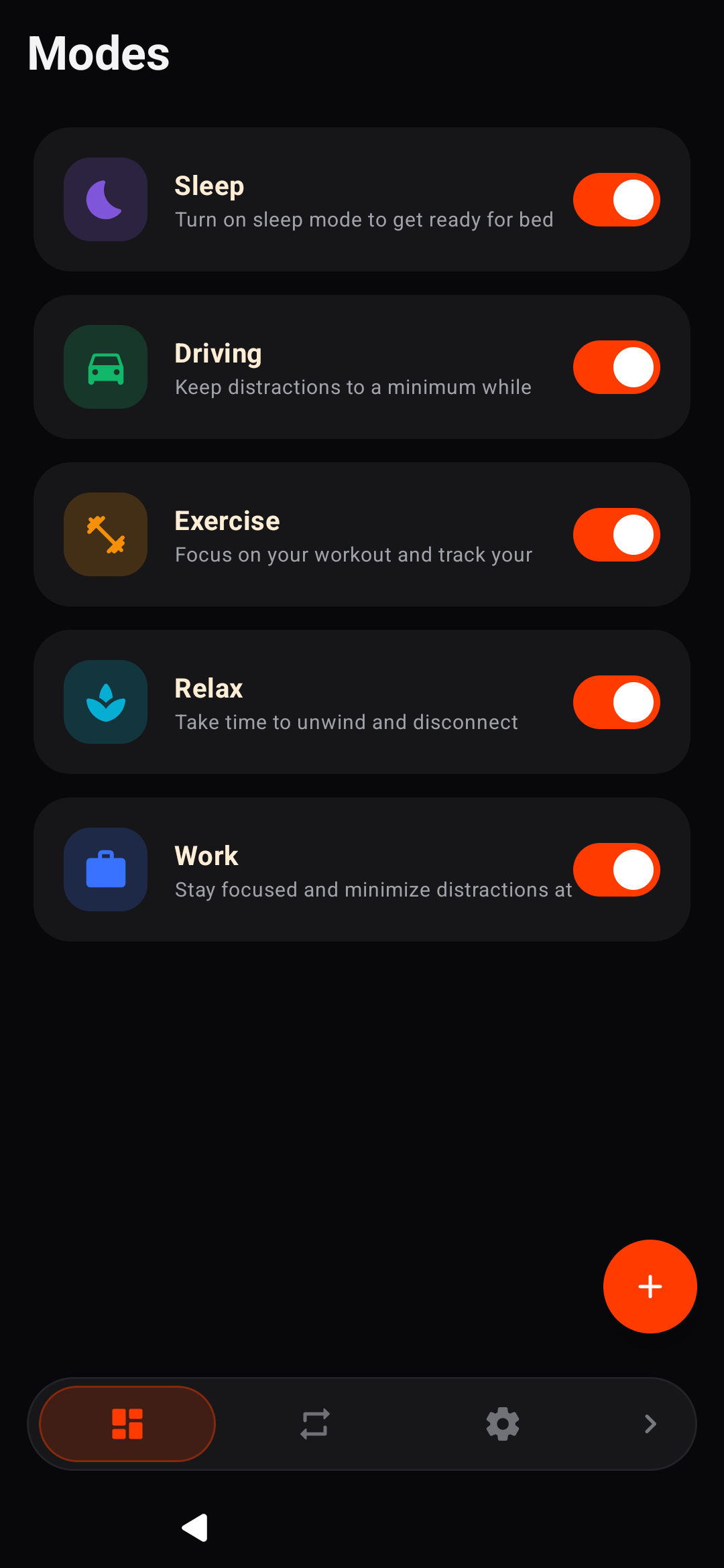
Modes (Situational Profiles)
Bundle device settings into situational profiles:
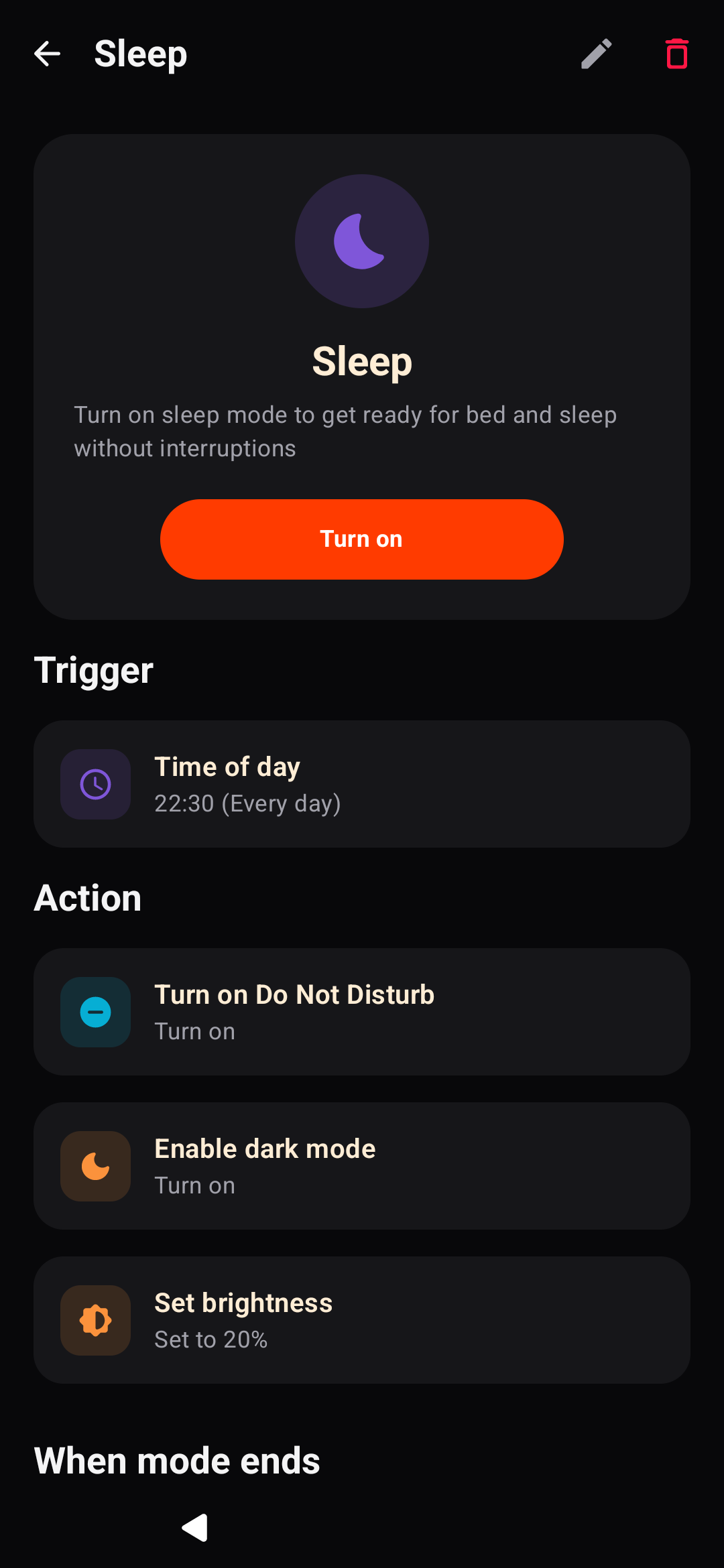
- Sleep Mode: Enables Do Not Disturb, reduces screen brightness, activates dark mode, and silences notifications.
- Work Mode: Switches ringer to vibrate, mutes media, and restricts distracting applications.
- Driving Mode: Enables auto-rotate, adjusts media volume, and launches navigation.
- Exercise Mode: Configures media volume and launches workout tracking.
- Relax Mode: Reduces screen brightness, silences alerts, and starts music or ambient audio.
- Custom Modes: Define arbitrary modes with custom naming, color schemes, and 30+ categorized icons.
- Stay Focused (App Blocker): Restricts selected applications while a mode is active, with options to close, snooze for 5 minutes, or turn off the mode.
- State Reversion: Automatically snapshots prior volume, ringer, and display settings before mode activation, restoring them upon deactivation.
- Status Bar Notifications: Ongoing foreground notification displaying active mode state with an instant "Turn off" action.
Routines (IF → THEN Automation)
Automate actions based on environmental triggers:
- Conditions (IF): Schedule (time ranges, recurrence), Battery & Charging thresholds, Wi-Fi connected/disconnected (with SSID targeting), Bluetooth devices, App open/close, Headphones connected/disconnected, and Location geofencing via OpenStreetMap.
- Actions (THEN): Audio sliders (Ring, media, alarm, notification), Ringer modes (Normal, vibrate, silent), Do Not Disturb states, Brightness adjustment, Auto-rotate toggle, Dark mode toggle, Home/Lock screen wallpapers, App launcher, and App shortcuts.
Privacy & Libre Software
- 100% Free & Open Source (GPL-3.0)
- Zero trackers, zero analytics, zero ads
- Fully offline operation with no account or registration required