NasManager
Unofficial companion client for TrueNAS SCALE: dashboard, graphs, alerts, apps
Version: 1.1.0
Added: 22-10-2026
Updated: 22-10-2026
Added: 22-10-2026
Updated: 22-10-2026
NasManager is an unofficial companion client for TrueNAS® SCALE servers. It talks directly to your server's REST API (/api/v2.0): no account to create, no intermediate server, no tracking, no ads.
Dashboard
Reporting graphs
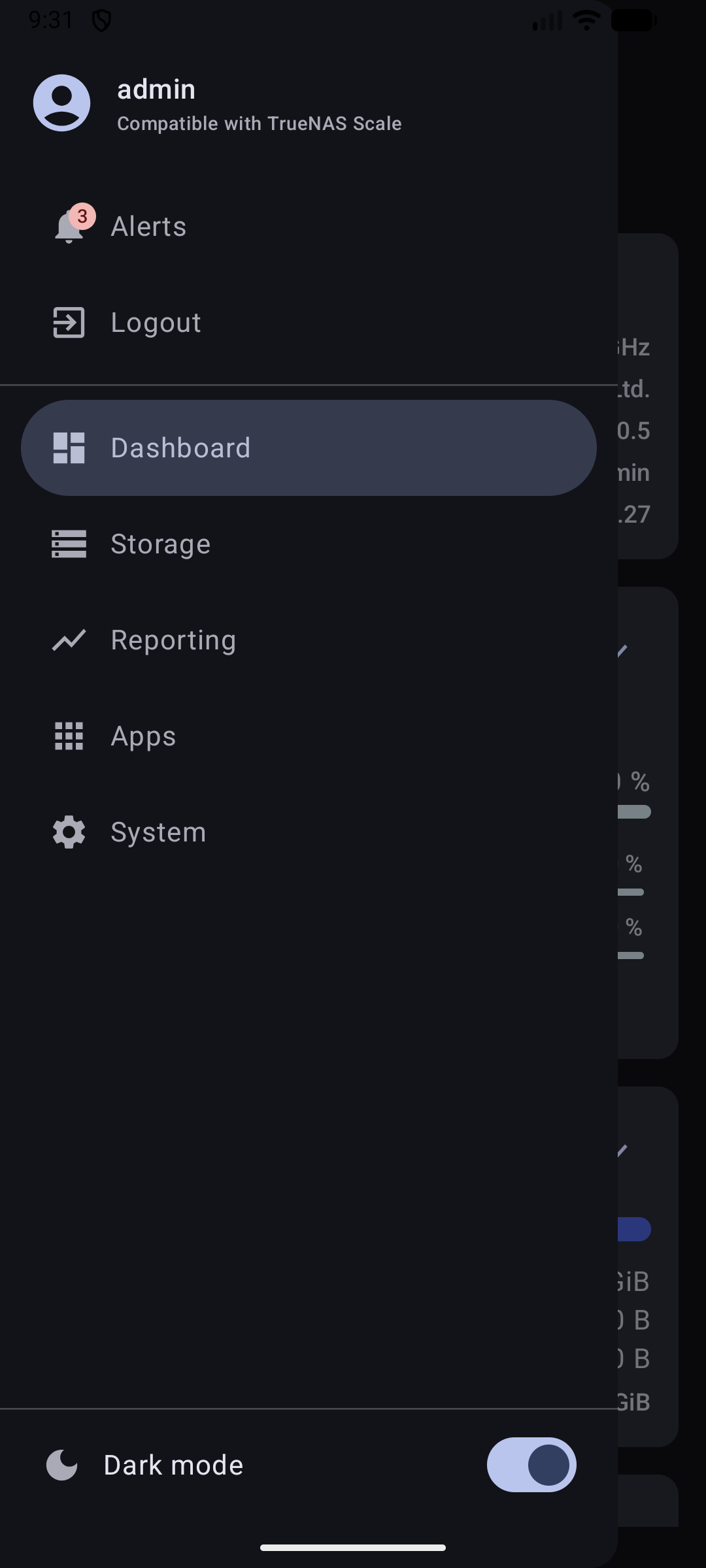
Alerts: list of active alerts with a badge in the menu, and a "Dismiss" button per alert (applied on the server, like in the web interface).
Apps: installed apps with their status, update one app or all of them at once.
System: general settings, network configuration and interfaces, boot environments (read-only).
Security and privacy — please read
Requirements and limits
Free software, GPLv3 licensed.
TrueNAS® is a registered trademark of iXsystems, Inc. This app is an independent project, not affiliated with or endorsed by iXsystems.
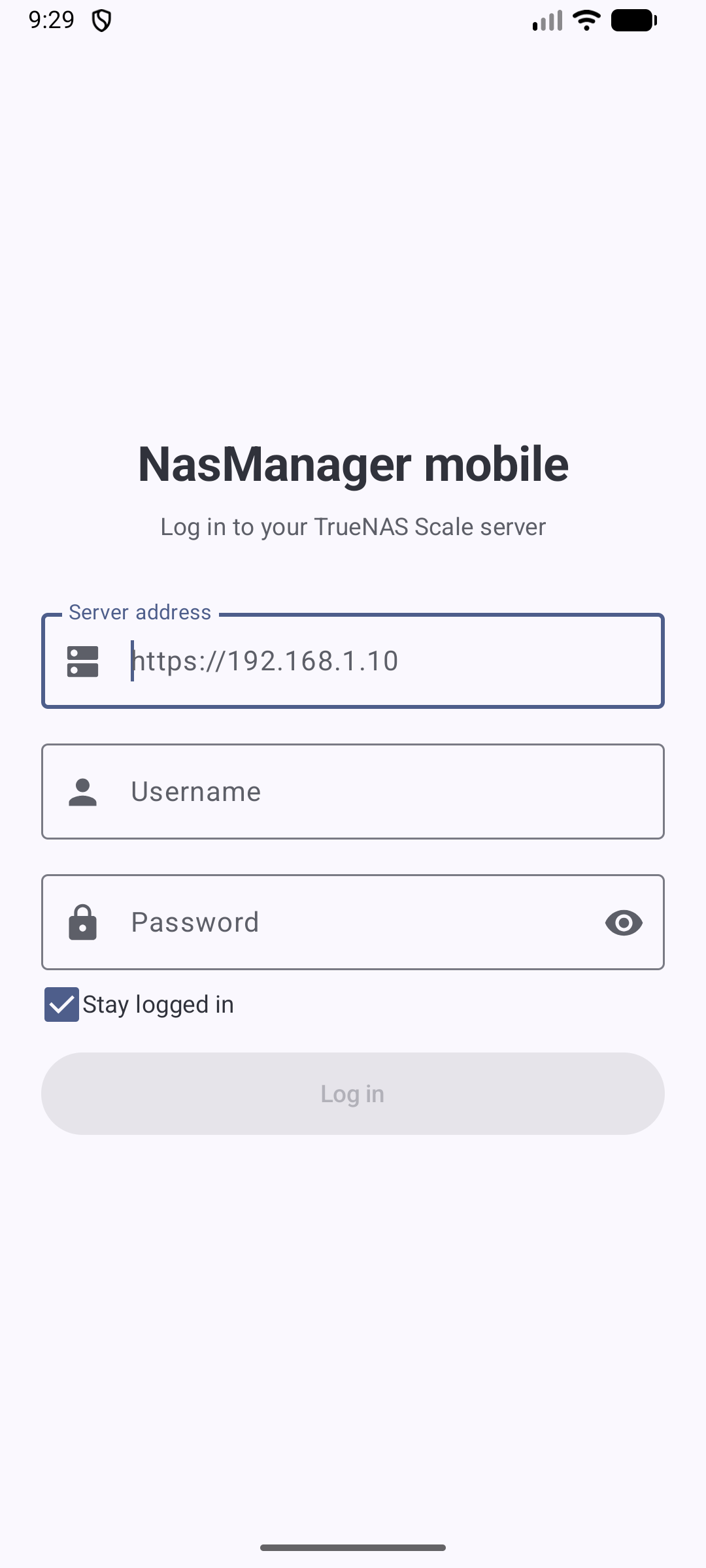
Dashboard
- System information, CPU (total and per core), memory (Services / ZFS Cache / Free, same breakdown as the TrueNAS web dashboard), pools and storage
- CPU, memory and pools refreshed every 2 seconds
Reporting graphs
- CPU: usage (average and per core), temperature, load average
- Memory: available, used, ZFS cache (ARC)
- Time range from 5 minutes to 1 month, optional auto-refresh every 5 seconds
- Pools: space breakdown, topology, usable capacity, status, fragmentation, last scrub
- Per-disk detail: I/O and temperature graphs, with max / mean / min
Alerts: list of active alerts with a badge in the menu, and a "Dismiss" button per alert (applied on the server, like in the web interface).
Apps: installed apps with their status, update one app or all of them at once.
System: general settings, network configuration and interfaces, boot environments (read-only).
Security and privacy — please read
- Authentication: TrueNAS SCALE has no REST login route, so the app uses HTTP Basic Auth: your username and password are sent with every request to your server. Use a TrueNAS account dedicated to the app with reduced permissions, rather than your main admin account.
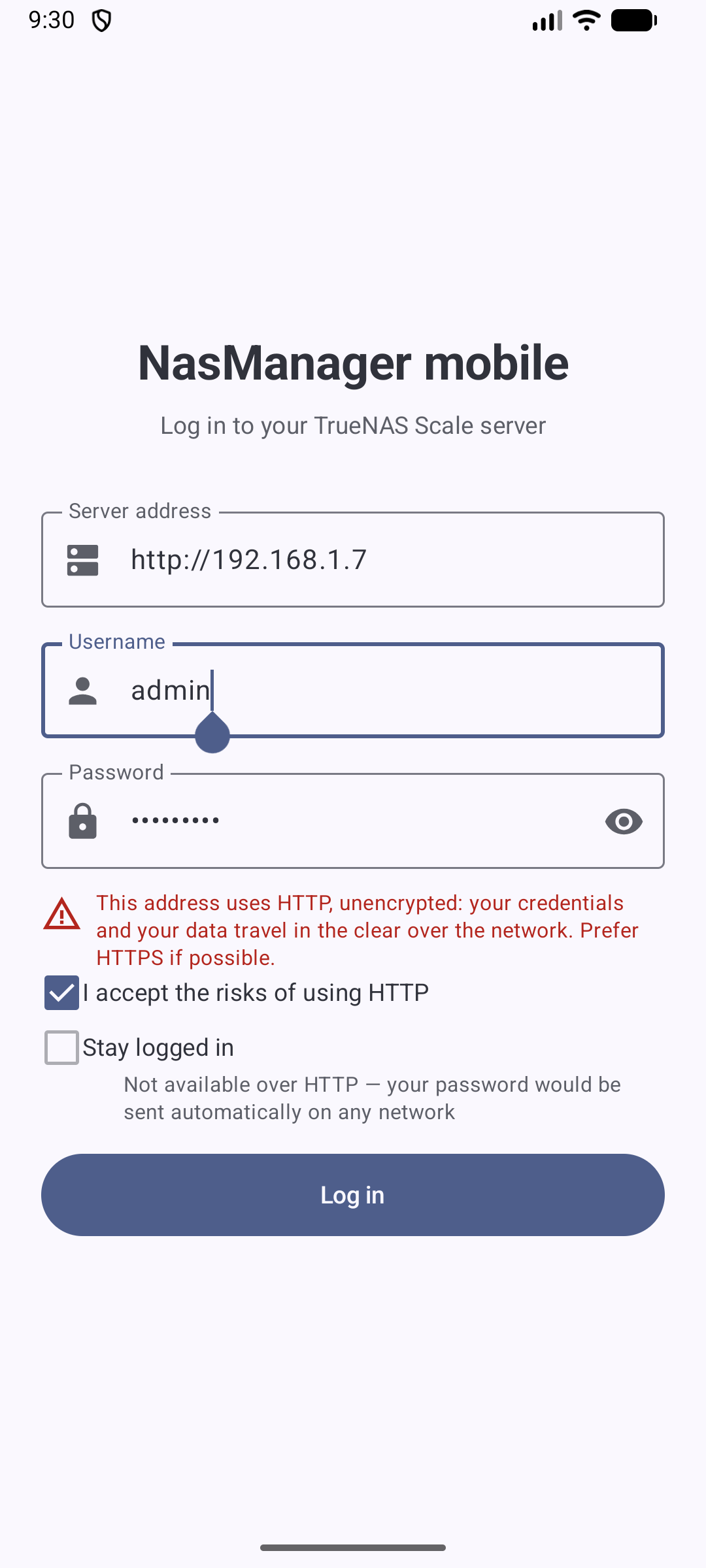
- Unencrypted HTTP: HTTPS is recommended. Plain HTTP (IP address or hostname) is possible, but only after you explicitly check a box accepting the risk: your credentials then travel in clear text on the network.
- Credential storage: by default, credentials are only kept in memory. If you check "Stay logged in", they are saved on the device, encrypted with a key held in the Android Keystore (EncryptedSharedPreferences). "Stay logged in" is unavailable for an HTTP address, so a saved password is never sent automatically in clear text.
- Network connections: the app only connects to the server address you enter, plus, on the Apps screen, the public TrueNAS icon CDN (media.sys.truenas.net) to display app icons. Your credentials are never sent to that CDN.
Requirements and limits
- A TrueNAS SCALE server reachable from your phone. With a self-signed certificate (TrueNAS default), install it in Android's security settings for HTTPS to work.
- No per-app CPU / memory / network usage: TrueNAS only exposes these metrics over WebSocket, not REST.
- "Discover Apps" (catalog browsing and install) is not available yet.
- Interface in English.
Free software, GPLv3 licensed.
TrueNAS® is a registered trademark of iXsystems, Inc. This app is an independent project, not affiliated with or endorsed by iXsystems.