NetToggle
5G network control with custom Quick Settings cycles, shortcuts and automation
Version: 1.2.0
Added: 02-08-2026
Updated: 16-09-2026
Added: 02-08-2026
Updated: 16-09-2026
NetToggle is a lightweight Android Quick Settings (QS) tile app for cellular network control. Create custom tile cycles, target one or both SIMs, build shortcuts, secure broadcast automation, and troubleshoot failures with detailed diagnostics.
⚙️ NETWORK MODES
If calls or service fail in an Only mode, return to Preferred 5G or Preferred 4G.
QUICK TILE CYCLE
TARGET SIM
If Auto detection fails, select a SIM manually.
SHORTCUTS & ROUTINES
Create up to 4 capability-aware actions with custom names, modes, and SIM targets. Use app shortcuts, pin actions, or integrate with supported OEM routines.
BROADCAST AUTOMATION
Integrate with Tasker, MacroDroid, Automate, and similar tools. External automation is disabled by default and requires opt-in.
REQUIREMENTS & PERMISSIONS
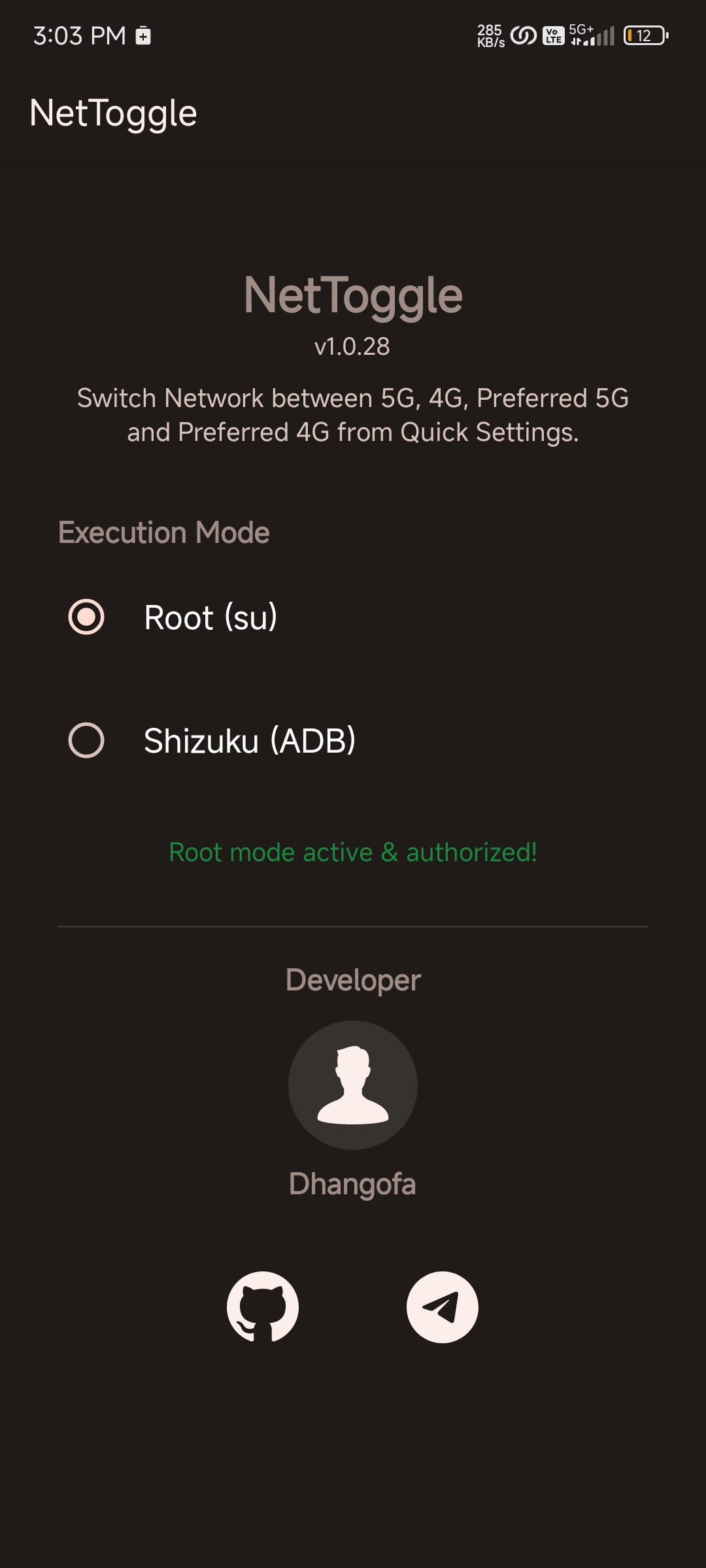
Some root managers require manual authorization. Shizuku users must authorize NetToggle.
SMART CAPABILITY FILTERING
Evaluates device, SIM, and carrier information to hide unsupported modes. Both-SIM operation offers mutually supported modes. A registry helps hide legacy options on known 2G/3G sunset networks.
DESIGN & THEMES
Portrait and landscape layouts include guided setup and Auto, Light, Dark, and AMOLED themes.
️ DIAGNOSTICS
Copyable reports include commands, exit codes, output, exceptions, execution state, and SIM resolution.
COMPATIBILITY
Supports Android 7.0 and newer. Availability varies by Android version, OEM, ROM, modem, SIM, local network, and carrier.
️ PRIVACY
⚙️ NETWORK MODES
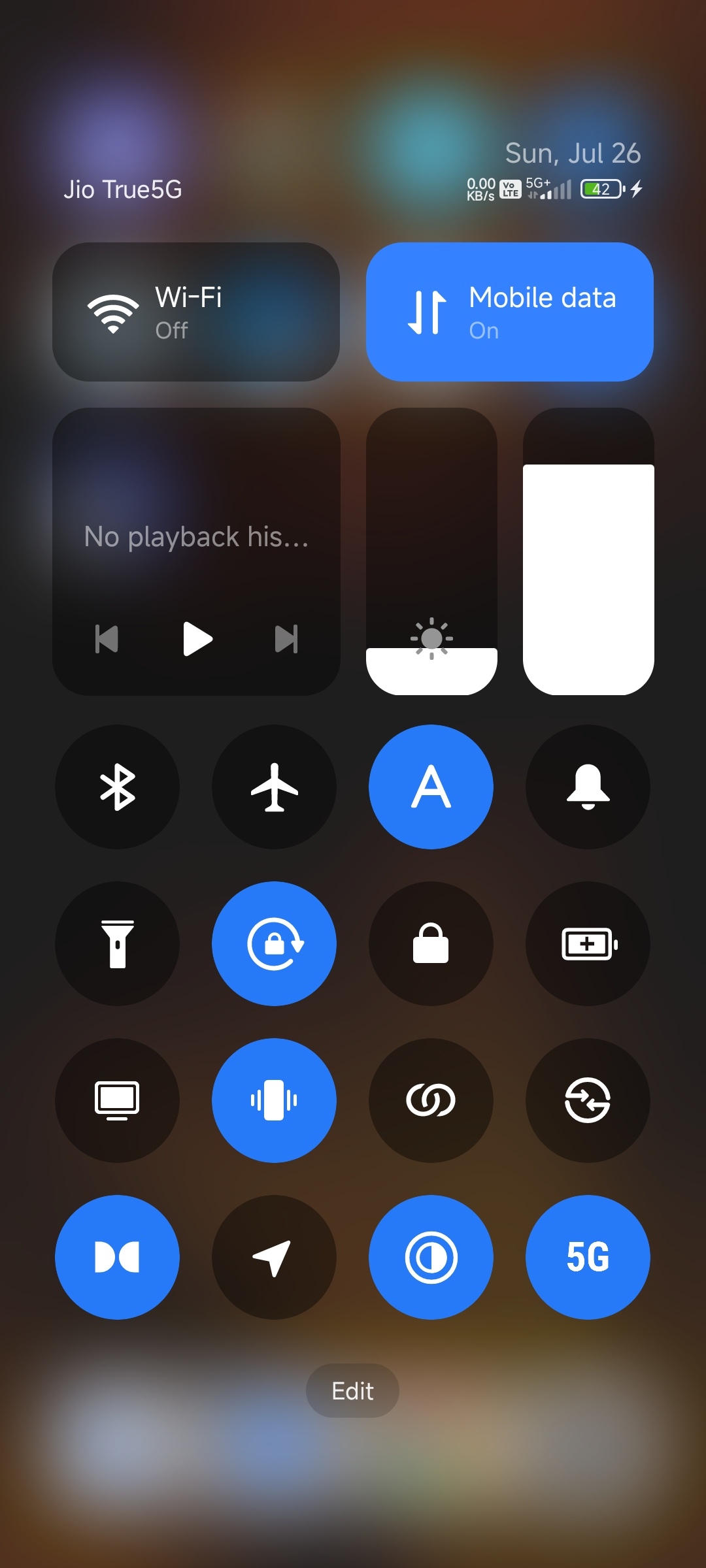
- Preferred 5G (5G/4G/3G/2G): Recommended for daily use. Allows 5G SA and NSA, including UW, UC, 5G+, or 5G++ where supported, with LTE and legacy fallback.
- 5G Only (NR Only): Disables 4G, 3G, and 2G. Intended for 5G SA networks. Service and calls may fail on NSA networks or without SA and VoNR.
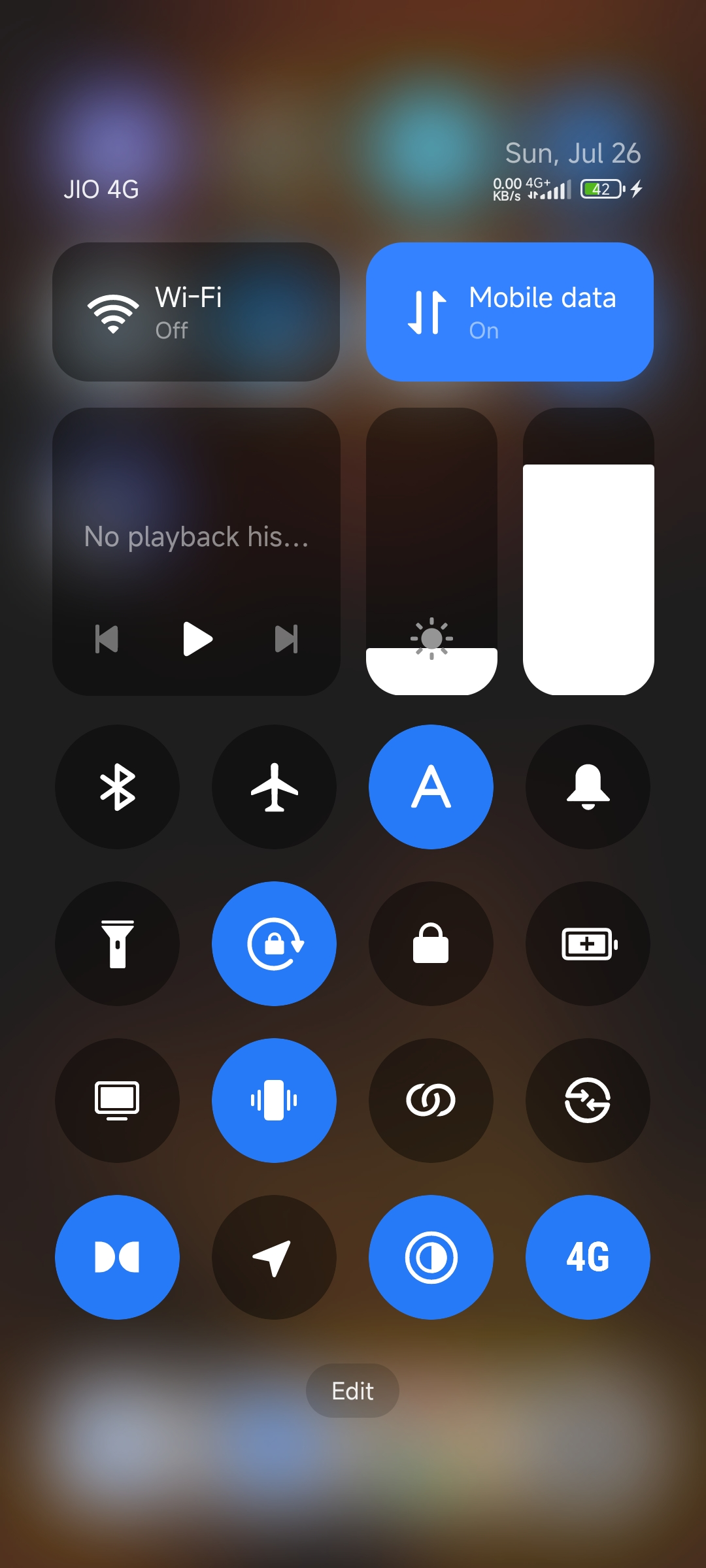
- Preferred 4G (4G/3G/2G): Disables 5G while retaining LTE and legacy fallback. Useful for battery saving, reduced heat, or unstable 5G.
- 4G Only (LTE/LTE-A): Locks to LTE without 3G/2G fallback. Calls require VoLTE; carrier aggregation is controlled by the modem and network.
- Preferred 3G (3G/2G): Disables 4G and 5G while allowing supported 3G and 2G networks.
- 2G Only (GSM/EDGE): Locks to 2G where legacy service remains available.
If calls or service fail in an Only mode, return to Preferred 5G or Preferred 4G.
QUICK TILE CYCLE
- Custom Sequence: Choose an ordered cycle of 2 or 3 modes.
- Live State: Shows the active mode with an Auto, SIM 1, SIM 2, or Both badge.
- Auto Restore: Optionally restores the last selected mode if Android, thermal management, or the carrier changes it.
- Efficient Refresh: Controlled checks avoid continuous polling.
TARGET SIM
- Auto: Resolves the active data subscription and physical SIM slot.
- SIM 1 or SIM 2: Applies changes to the selected SIM.
- Both SIMs: Offers mutually supported modes, applies changes to both, and reports partial failures.
If Auto detection fails, select a SIM manually.
SHORTCUTS & ROUTINES
Create up to 4 capability-aware actions with custom names, modes, and SIM targets. Use app shortcuts, pin actions, or integrate with supported OEM routines.
BROADCAST AUTOMATION
Integrate with Tasker, MacroDroid, Automate, and similar tools. External automation is disabled by default and requires opt-in.
REQUIREMENTS & PERMISSIONS
- Root or Shizuku Required: Either must be active and authorized. Shizuku is recommended and can run through Root, ADB, or Wireless Debugging. Trusted forks may add start on boot, watchdog, or TCP mode. Root supports Magisk, KernelSU, APatch, and compatible su solutions.
- Read Phone State: Optional permission for faster native SIM and capability detection. Without it, privileged shell fallbacks are used where available.
- Run at Startup: Briefly clears stale tile state after boot or app update. No persistent background service is used.
Some root managers require manual authorization. Shizuku users must authorize NetToggle.
SMART CAPABILITY FILTERING
Evaluates device, SIM, and carrier information to hide unsupported modes. Both-SIM operation offers mutually supported modes. A registry helps hide legacy options on known 2G/3G sunset networks.
DESIGN & THEMES
Portrait and landscape layouts include guided setup and Auto, Light, Dark, and AMOLED themes.
️ DIAGNOSTICS
Copyable reports include commands, exit codes, output, exceptions, execution state, and SIM resolution.
COMPATIBILITY
Supports Android 7.0 and newer. Availability varies by Android version, OEM, ROM, modem, SIM, local network, and carrier.
️ PRIVACY
- No advertisements, analytics, telemetry, or trackers.
- No Internet permission or transmission of user data.