Network Scanner - WiFi & IP
Who's on my WiFi? Find every device, its IP address & open ports. No ads.
Version: 1.1.11
Added: 11-03-2026
Updated: 22-10-2026
Added: 11-03-2026
Updated: 22-10-2026
Network Scanner is a fast WiFi and IP scanner that finds every device on your local network and shows its IP address, hostname, open ports, and device type. No ads, no tracking, no root required.
See who's on your WiFi, spot unknown devices, find the IP address of a printer, camera, or smart home device, and check your router and LAN for open ports. Everything runs offline on your phone, and the app is fully open source (GPL-3.0).
Features
• Network scanner: ping sweep with TCP fallback, ARP, mDNS / Bonjour, SSDP / UPnP, and NetBIOS discovery
• Port scanner: scan common ports with service and version detection, or all 65,535 ports
• Device identification: hostname, vendor, model, OS fingerprint, and device type (phone, laptop, TV, router, printer, NAS)
• MAC address and vendor lookup from a bundled offline database, with optional Shizuku or root access to show MAC addresses on Android 10 and later
• Rename devices and assign custom icons
• Long press to copy any detail, or tap a web port to open it in your browser
• Scan over WiFi, Ethernet, or VPN, with customizable ports
Permissions
• Nearby WiFi devices: required on Android 16 and later to reach devices on your LAN
• Location (optional): only to show your WiFi network name (SSID), never for tracking
• Shizuku or root (optional): off by default; used only if you turn on MAC address access in Settings, to read the network's ARP table
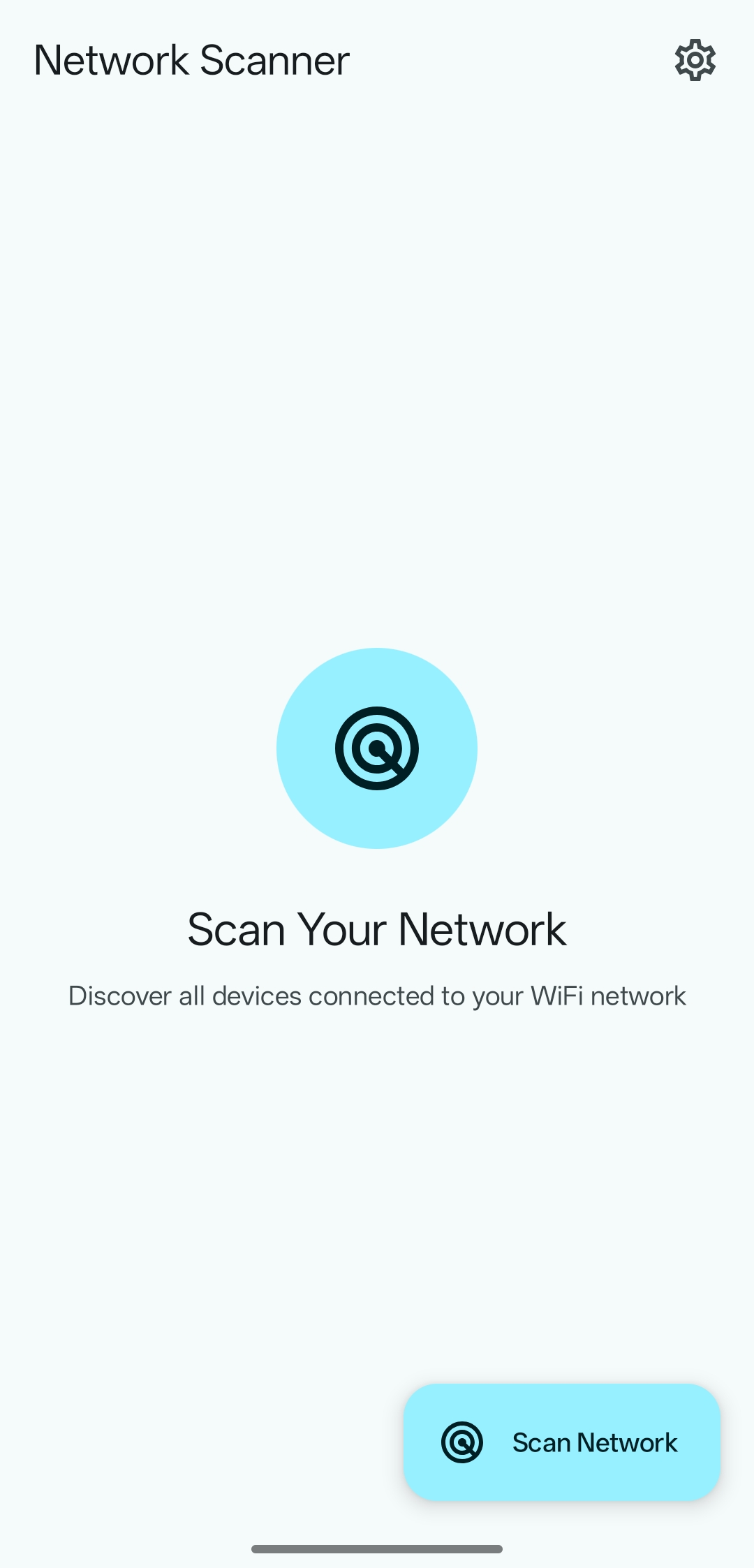
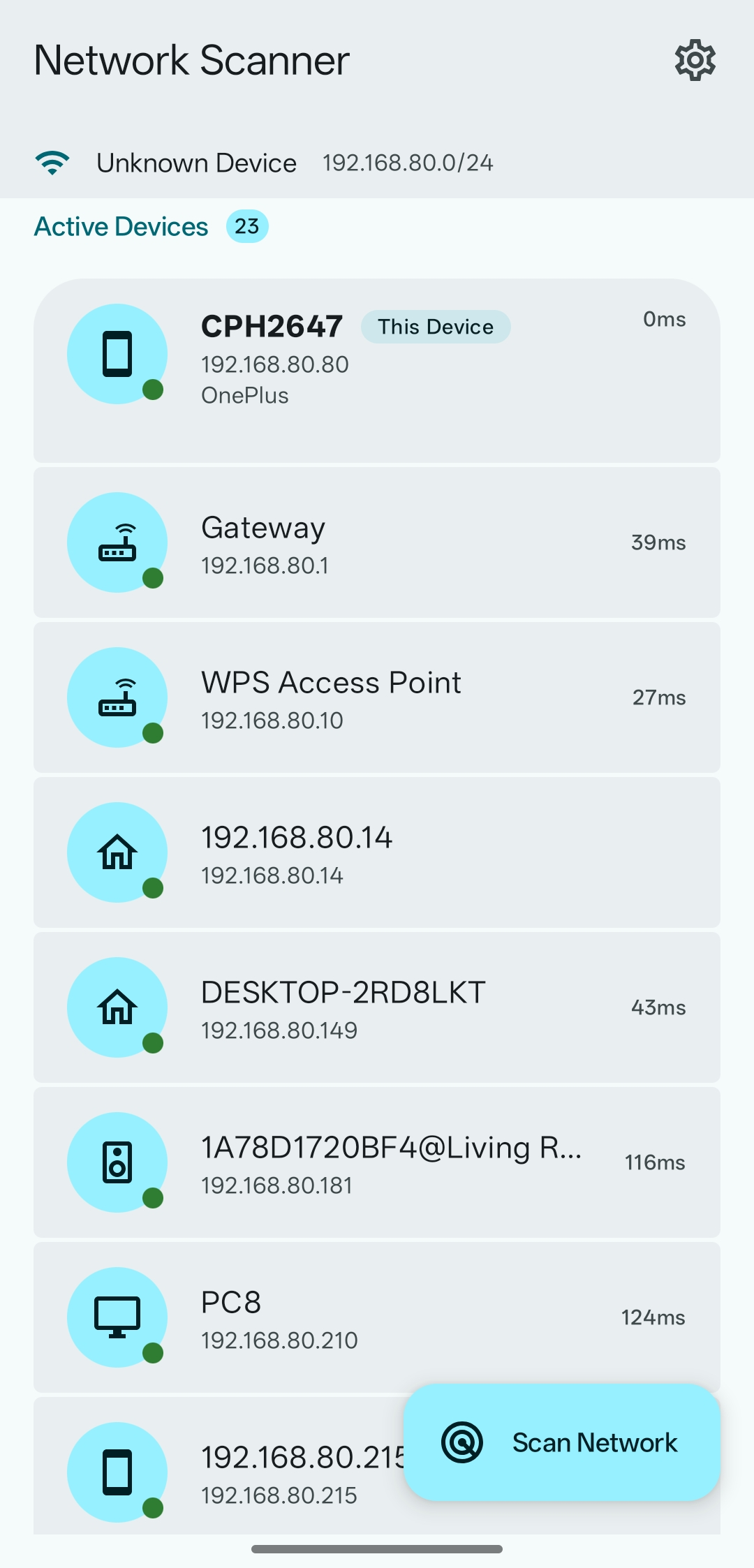
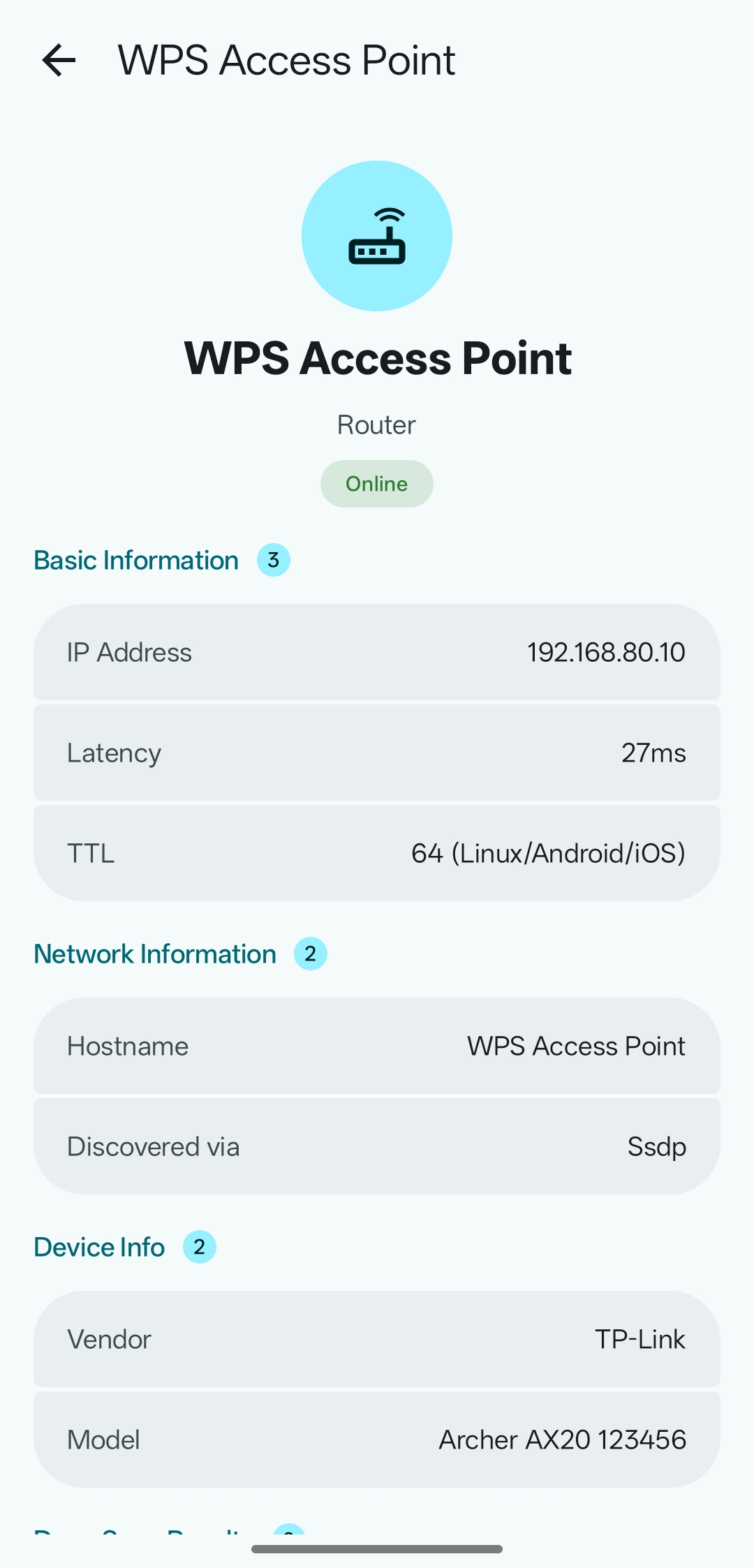
See who's on your WiFi, spot unknown devices, find the IP address of a printer, camera, or smart home device, and check your router and LAN for open ports. Everything runs offline on your phone, and the app is fully open source (GPL-3.0).
Features
• Network scanner: ping sweep with TCP fallback, ARP, mDNS / Bonjour, SSDP / UPnP, and NetBIOS discovery
• Port scanner: scan common ports with service and version detection, or all 65,535 ports
• Device identification: hostname, vendor, model, OS fingerprint, and device type (phone, laptop, TV, router, printer, NAS)
• MAC address and vendor lookup from a bundled offline database, with optional Shizuku or root access to show MAC addresses on Android 10 and later
• Rename devices and assign custom icons
• Long press to copy any detail, or tap a web port to open it in your browser
• Scan over WiFi, Ethernet, or VPN, with customizable ports
Permissions
• Nearby WiFi devices: required on Android 16 and later to reach devices on your LAN
• Location (optional): only to show your WiFi network name (SSID), never for tracking
• Shizuku or root (optional): off by default; used only if you turn on MAC address access in Settings, to read the network's ARP table