Oxu
Read PDFs and translate any text you select, instantly
Version: 1.0.1
Added: 31-10-2026
Updated: 31-10-2026
Added: 31-10-2026
Updated: 31-10-2026
Oxu turns a PDF into text you can read and translate.
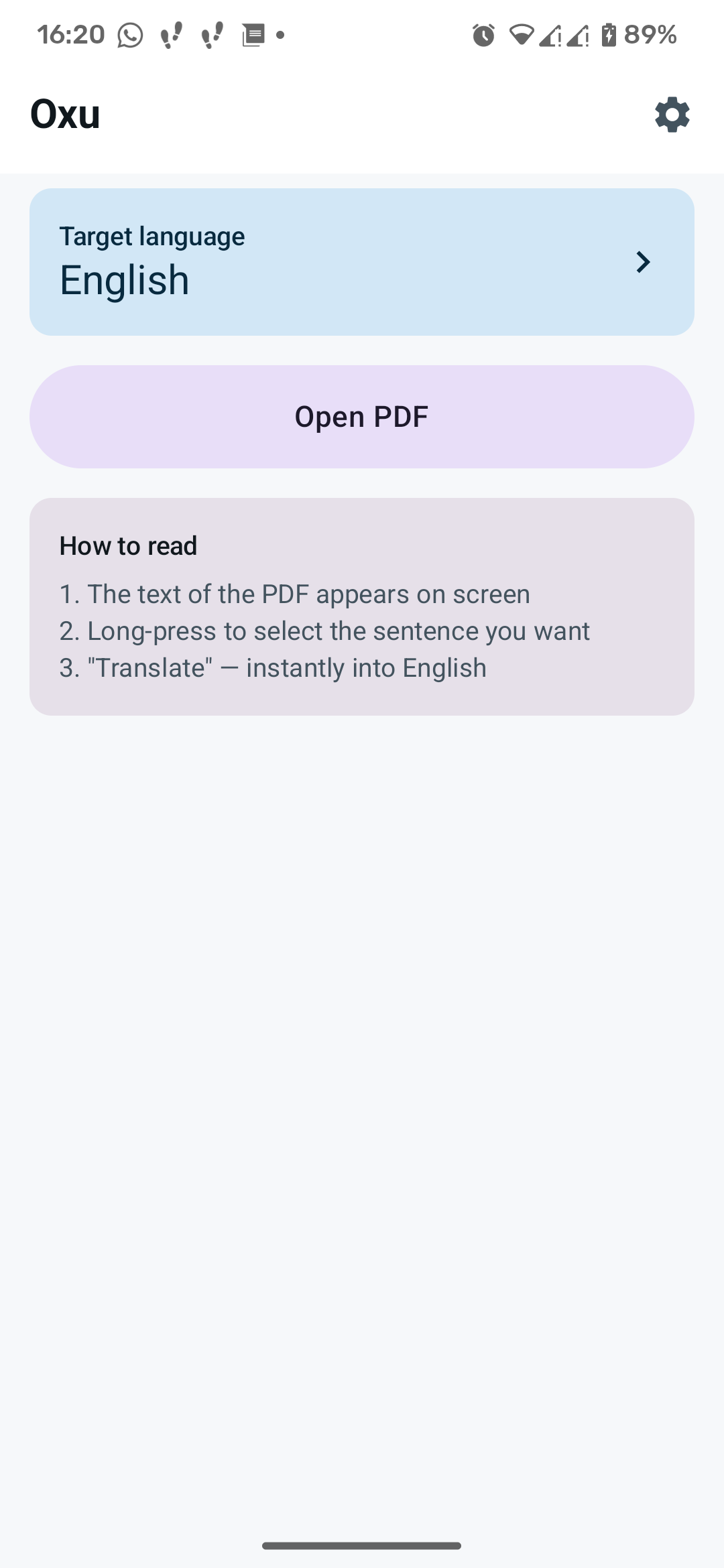
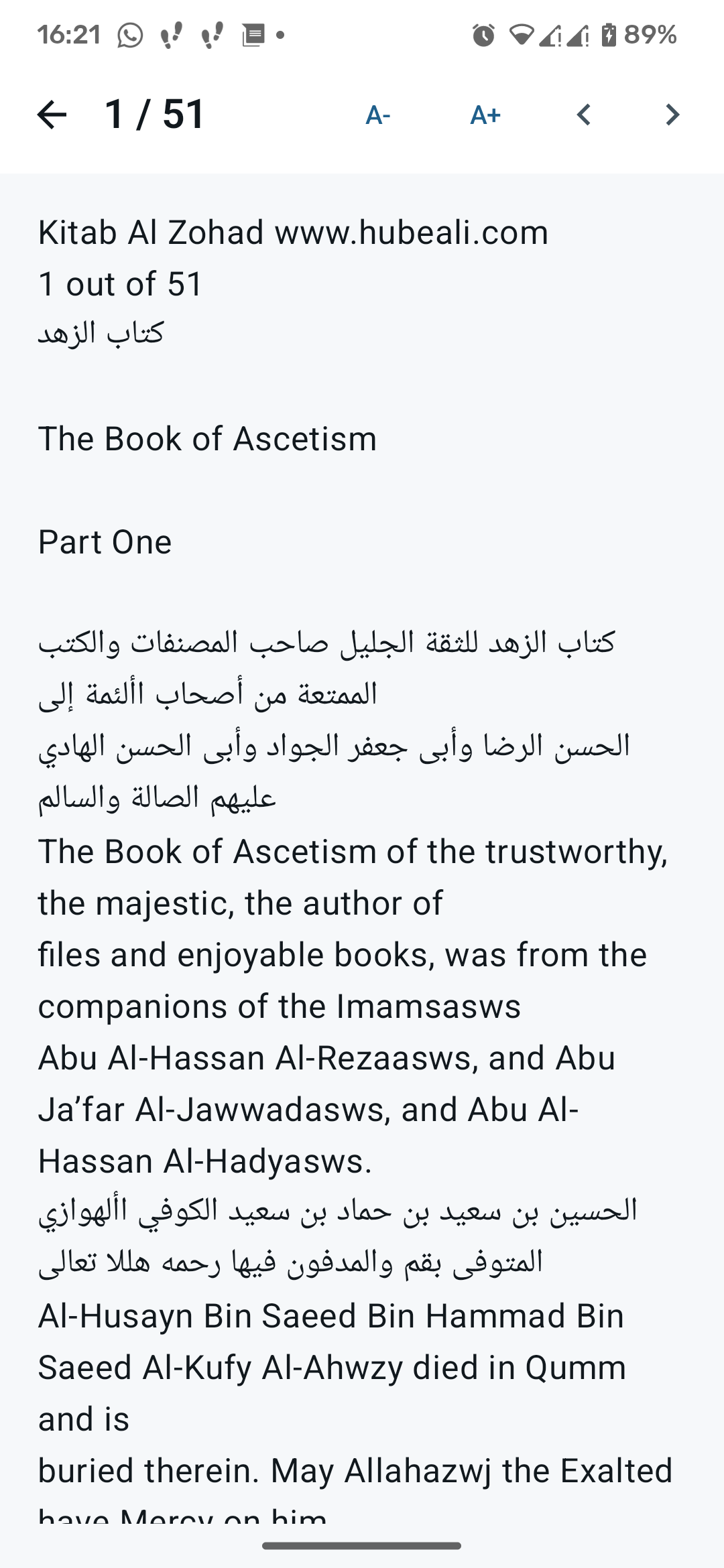
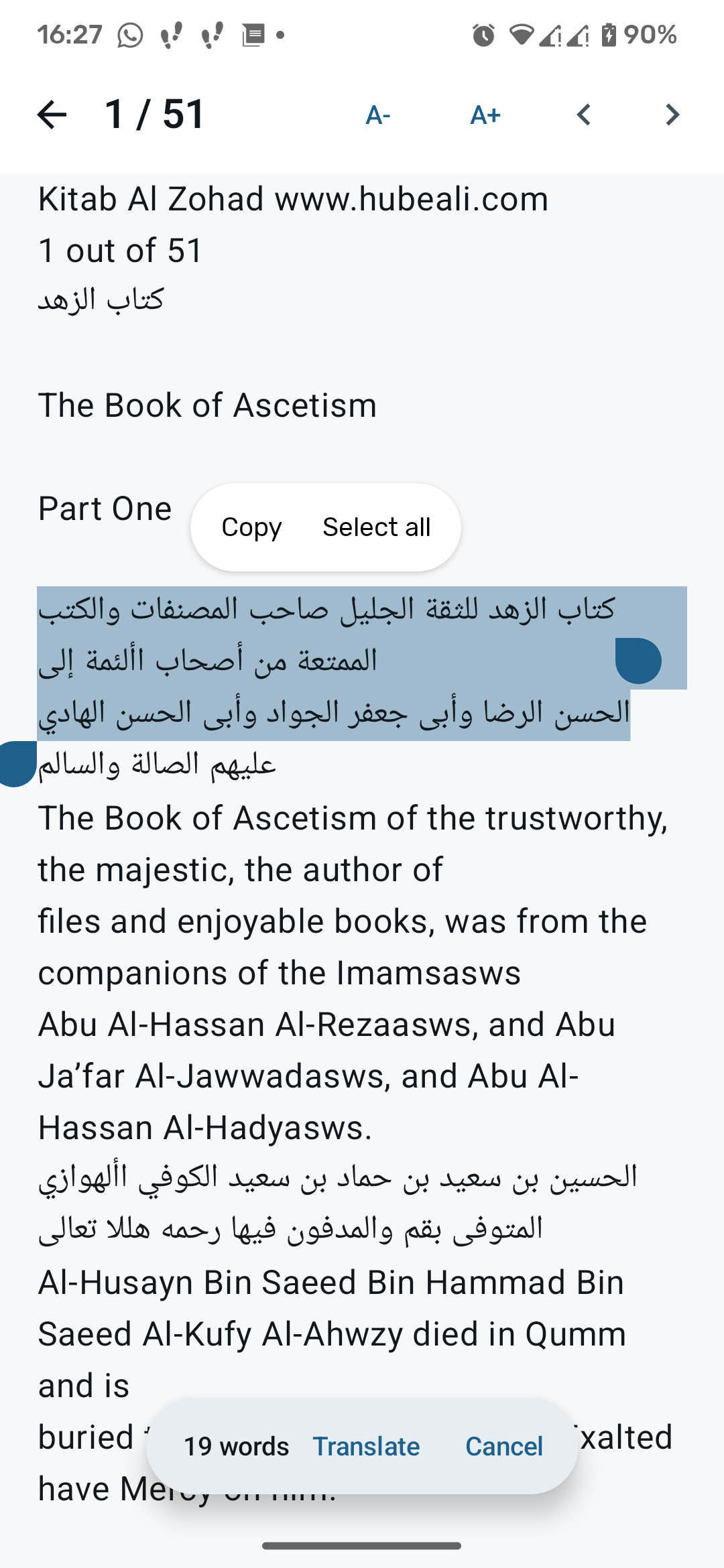
How it works
- Open a PDF, the text of the page appears on screen
- Long-press to select the sentence you want
- Tap "Translate" and read it in your own language
What you get
- Page-by-page text extraction, no account, no ads, no tracking
- 21 target languages, including English, Turkish, Azerbaijani, Russian, German, Spanish, Arabic, Chinese and Japanese
- Adjustable text size and a dark theme
- Recent files that remember the page you stopped at
- Opens PDFs from any file manager, or by sharing them into Oxu
- Two translation backends: MyMemory (an online service, free, no API key, daily limit) or LibreTranslate (your own server, no limits)
Privacy
Oxu has no analytics. Reading a PDF works entirely offline. The only network
request is the translation of the text you selected, sent to the service you chose
in Settings. Translation needs an online service unless you run your own
LibreTranslate server, in which case the text never leaves your own
infrastructure.
Requirements
Android 8.0 (API 26) or newer. Scanned or image-only PDFs contain no text to
extract, so they are not supported.