Pause
A short, timed pause before chosen apps open, so opening is deliberate.
Version: 0.5.0
Added: 16-08-2026
Updated: 07-09-2026
Added: 16-08-2026
Updated: 07-09-2026
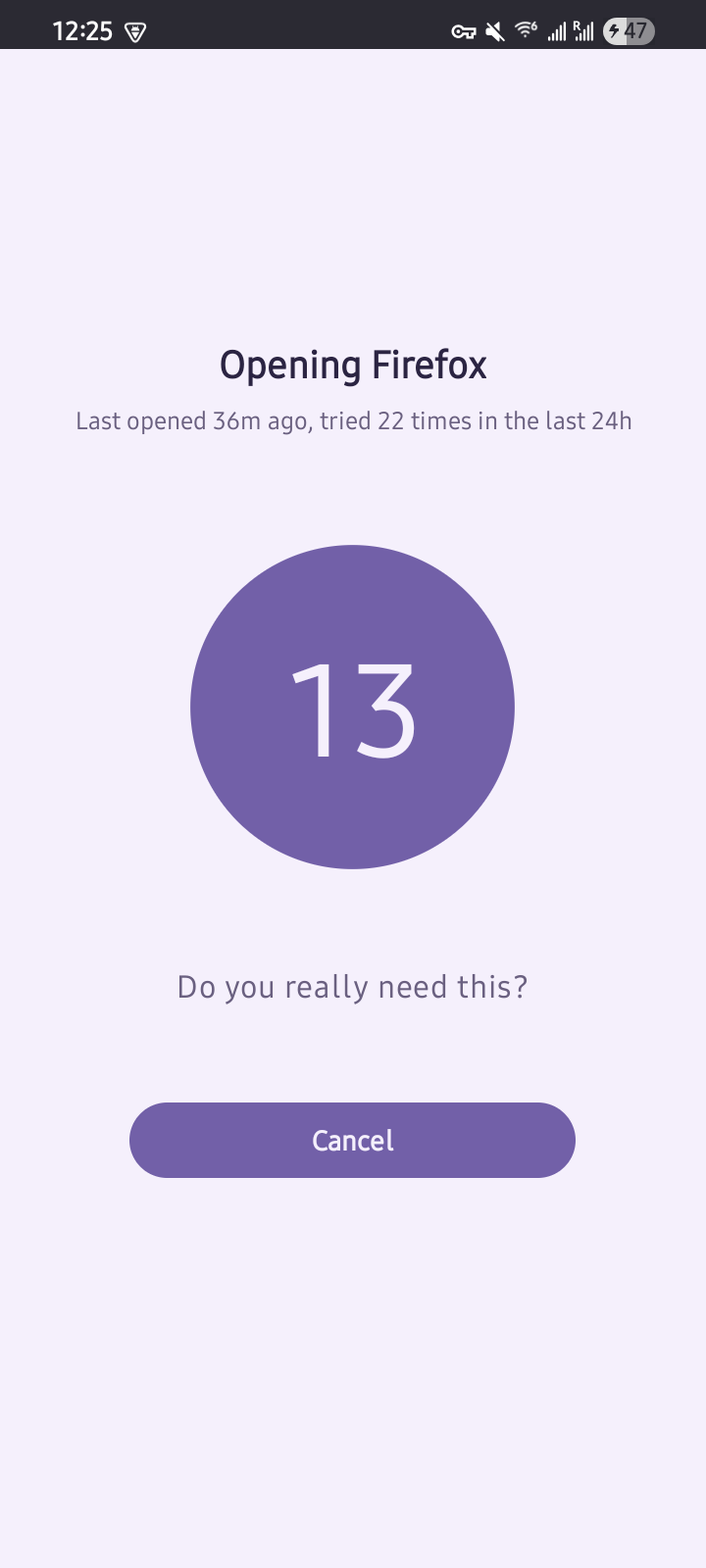
Pause adds a short, timed pause before you open the apps you choose. When you launch a selected app, the screen is covered by a panel with a countdown. Only after it finishes can you choose Open anyway or Cancel. It turns an automatic tap into a deliberate choice. It is friction, not a hard block.
The pause screen also shows how many times you have opened that app in the last 24 hours and when you last opened it.
Features:
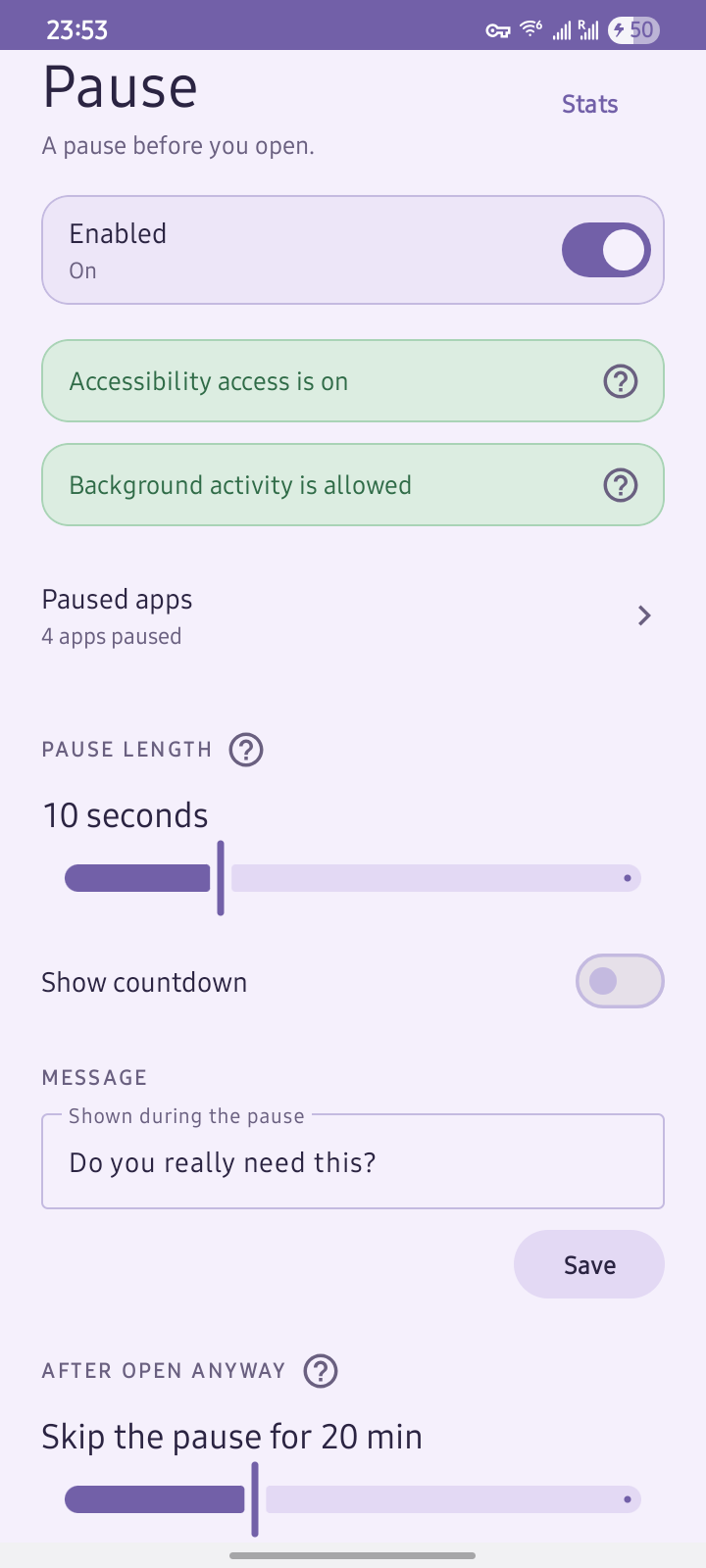
* Timed pause: a short countdown before the app opens, with a length you choose.
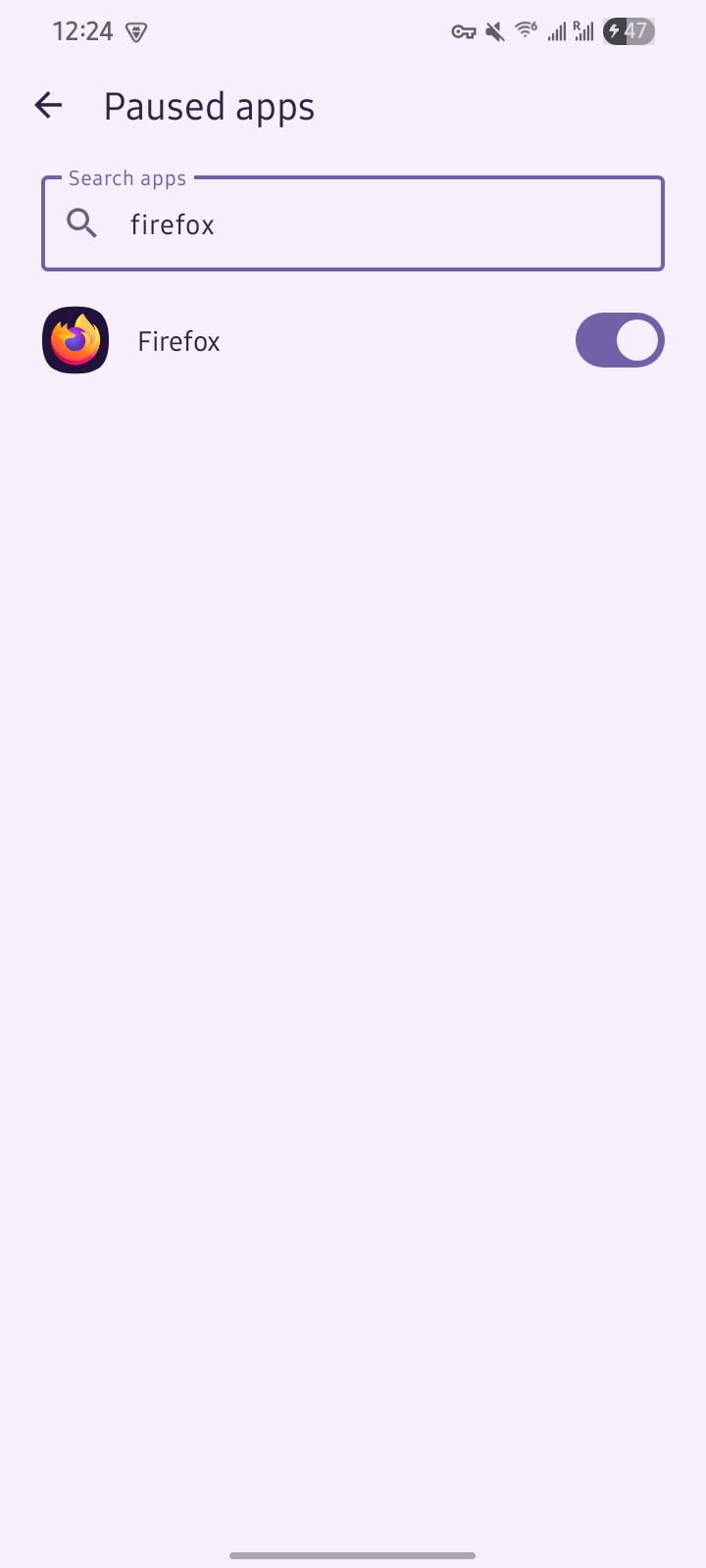
* Per app: pick which apps get a pause; everything else opens normally.
* Open count: see how many times you have opened that app in the last 24 hours.
* Adjustable: set the pause length, a custom message, and whether the countdown is shown.
* Local stats: per-app pauses, opens, and cancels, plus total time paused.
* No network access: everything stays on your phone. No account, no analytics. The app cannot reach the internet.
How it works:
Pause uses an Accessibility Service to detect when a chosen app opens and an accessibility overlay to draw the pause screen, so it needs no "draw over other apps" permission. An accessibility-based gate is best-effort, not a hard block: it is meant to make impulsive opens deliberate, not to be tamper-proof.
Check your phone first:
Recent Android versions may already do this. Android 17's Pause Point adds a built-in delay before selected apps on some Pixel and Samsung phones, and Digital Wellbeing offers app timers and Focus mode. If your phone has those, prefer them. Pause is for older devices, custom ROMs, and phones that ship without Google's Digital Wellbeing.
The pause screen also shows how many times you have opened that app in the last 24 hours and when you last opened it.
Features:
* Timed pause: a short countdown before the app opens, with a length you choose.
* Per app: pick which apps get a pause; everything else opens normally.
* Open count: see how many times you have opened that app in the last 24 hours.
* Adjustable: set the pause length, a custom message, and whether the countdown is shown.
* Local stats: per-app pauses, opens, and cancels, plus total time paused.
* No network access: everything stays on your phone. No account, no analytics. The app cannot reach the internet.
How it works:
Pause uses an Accessibility Service to detect when a chosen app opens and an accessibility overlay to draw the pause screen, so it needs no "draw over other apps" permission. An accessibility-based gate is best-effort, not a hard block: it is meant to make impulsive opens deliberate, not to be tamper-proof.
Check your phone first:
Recent Android versions may already do this. Android 17's Pause Point adds a built-in delay before selected apps on some Pixel and Samsung phones, and Digital Wellbeing offers app timers and Focus mode. If your phone has those, prefer them. Pause is for older devices, custom ROMs, and phones that ship without Google's Digital Wellbeing.