PC HW Monitor
Added: 09-11-2026
Updated: 09-11-2026
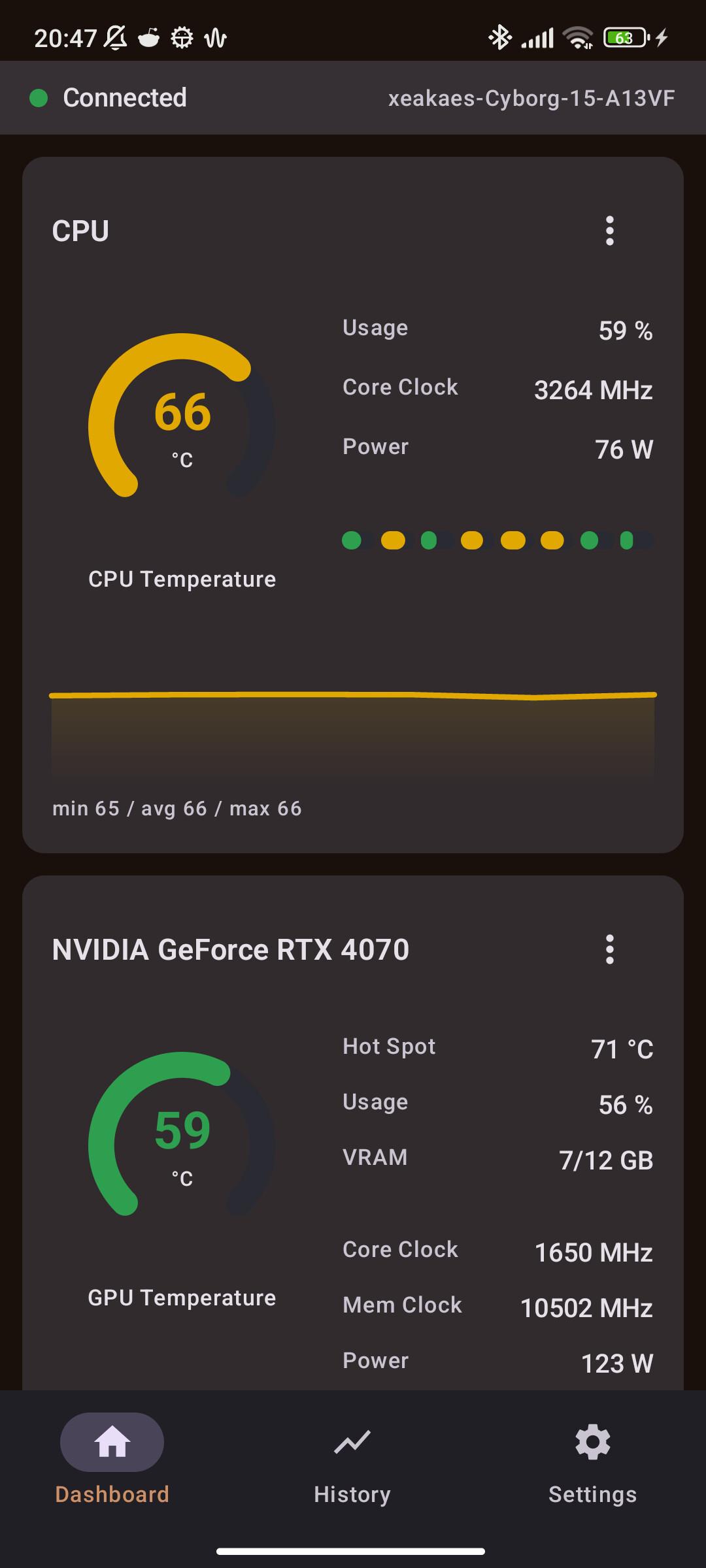
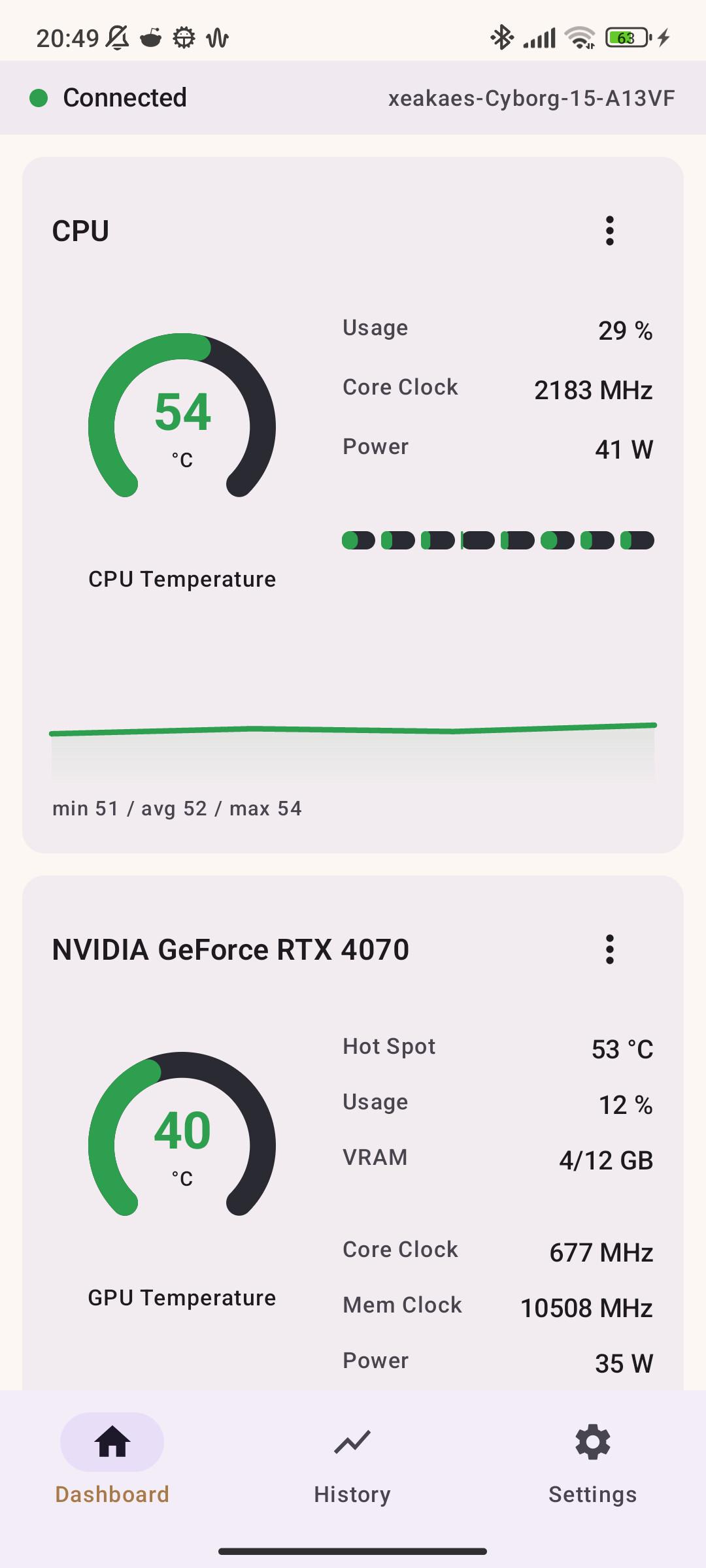
PC HW Monitor shows your PC's real-time hardware statistics on your phone — over local Wi-Fi, or anywhere via an optional Cloudflare Tunnel.
Features
- CPU, GPU, iGPU and RAM cards with temperatures, usage, clock speeds, power, VRAM/RAM and per-core loads
- Disk, network, fan and FPS cards (FPS via embedded PresentMon)
- Live charts and 1-hour history (stored locally on the device)
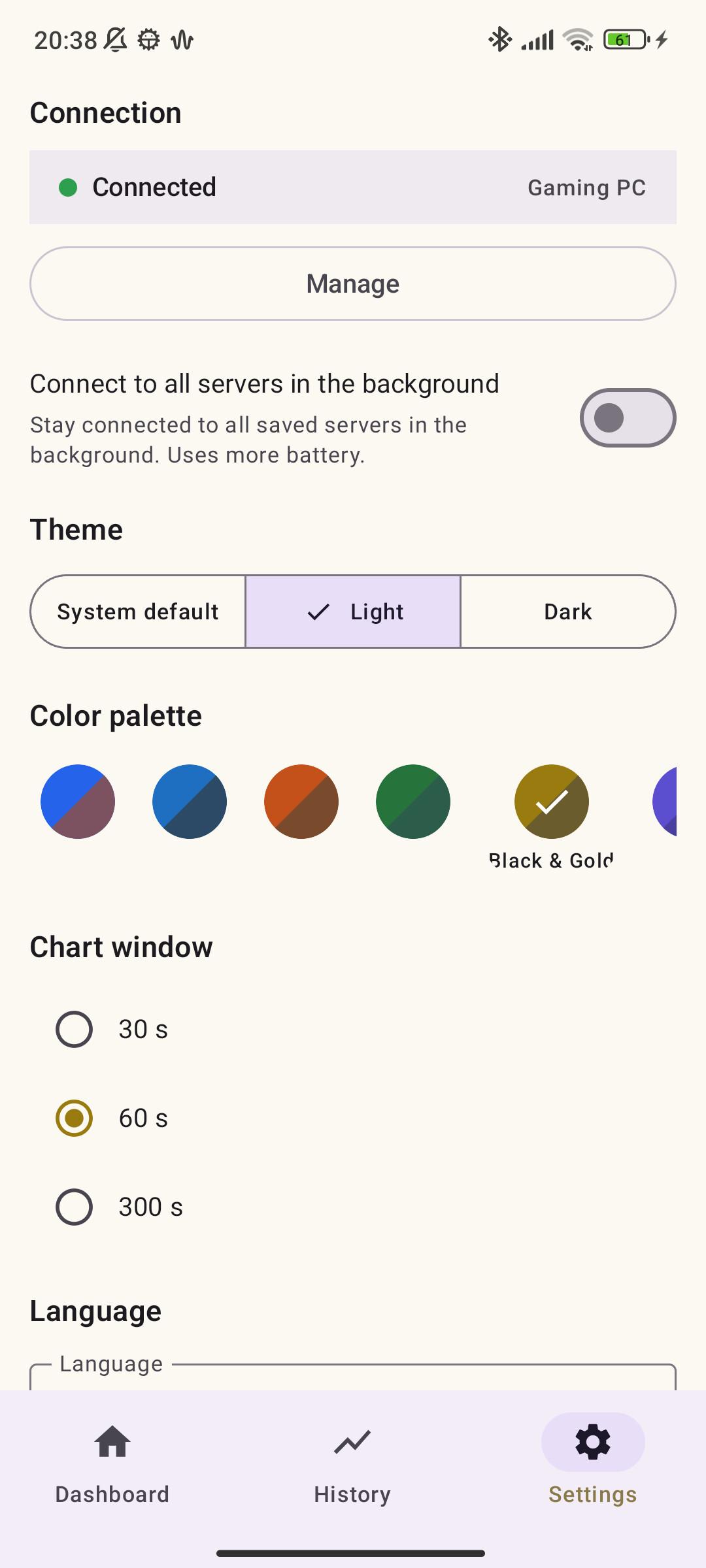
- 9 color palettes with light and dark variants, dashboard edit mode, landscape mode
- Multi-PC support: connect to several PCs and switch via dashboard tabs
- Optional TLS/SSL (wss://) and Cloudflare Tunnel for secure remote access
- QR quick connect, network scan, persistent notification with live stats
- 14 languages, selectable in Settings
How it works
Run the bundled single-file Windows server (no installation needed) on your PC. It reads hardware data from LibreHardwareMonitor and streams it over WebSocket to the app once per second. By default the app only talks to the server over your local Wi-Fi; no data leaves your network unless you enable the optional Cloudflare Tunnel.
No PC hardware available? Start the server with --simulate to generate realistic fake data.
License
AGPL-3.0. The Windows server bundles LibreHardwareMonitor (AGPL-3.0), cloudflared (Apache-2.0) and PresentMon (MIT).
If this app is useful to you, consider supporting development on Patreon: Patreon.