Phosphor Cam
Turn your camera and photos into live ASCII art
Version: 1.3.0
Added: 08-10-2026
Updated: 17-11-2026
Added: 08-10-2026
Updated: 17-11-2026
Phosphor Cam turns your live camera feed into ASCII art, dithering, halftone, lines and voxel visuals, in real time and entirely on your device. With Phosphor Studio, you can give any photo the same treatment.
Point your camera at anything, pick a style, and watch the world get redrawn as text, dots, ribbons or pixel blocks. Switch styles on the fly without restarting the camera, and fine-tune the look until it feels right.
Five visual styles
- ASCII: characters mapped to brightness, optionally tinted with the original colors
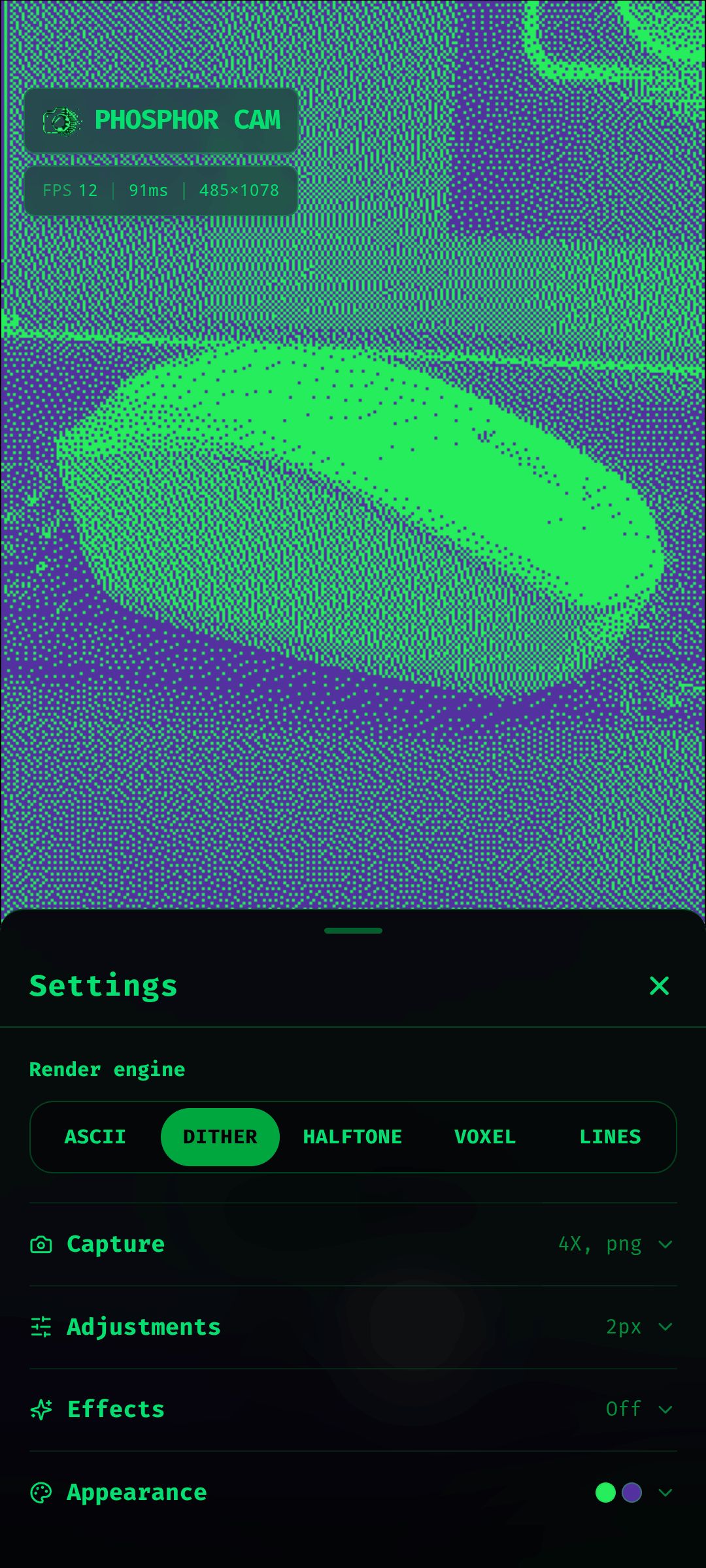
- Dither: a retro, print-like bitmap look
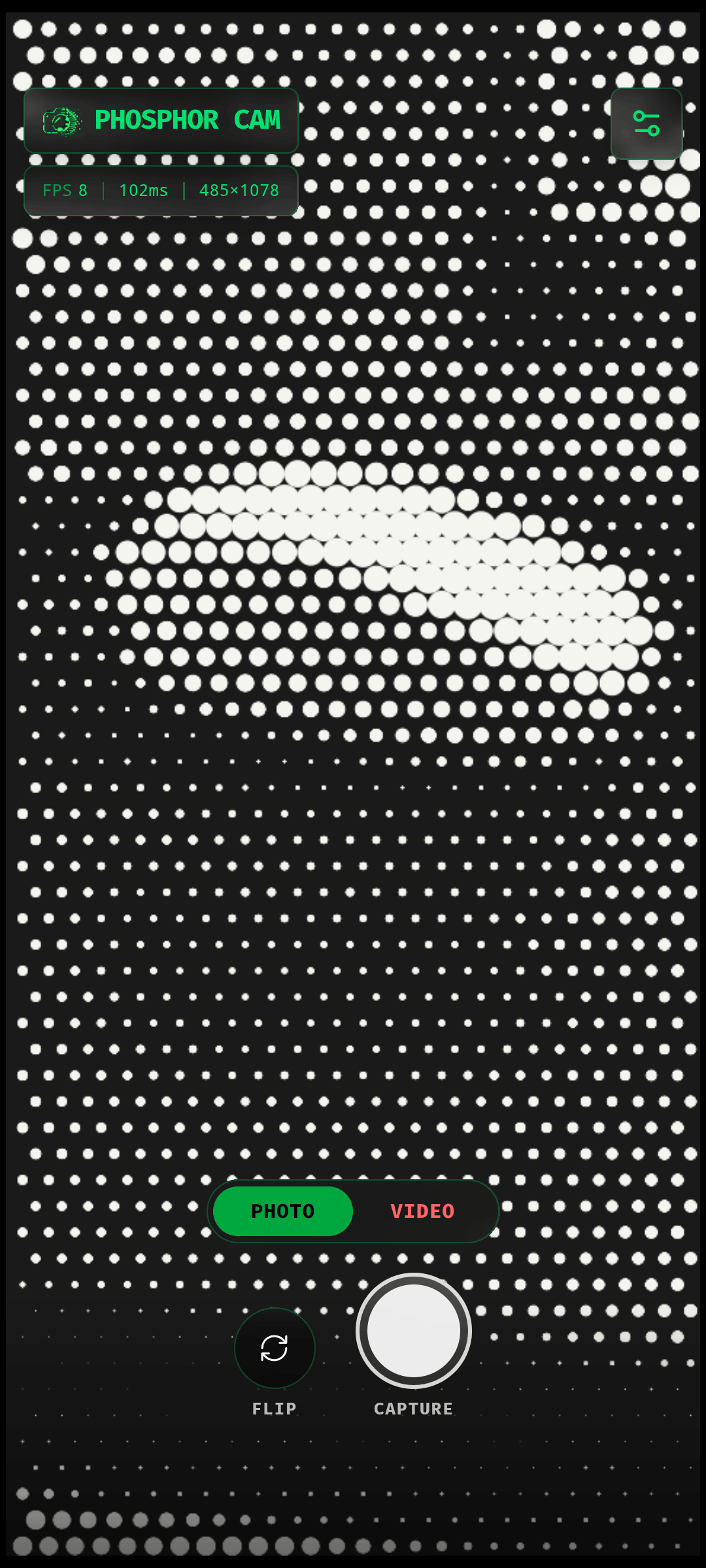
- Halftone: your image rebuilt as a grid of dots
- Voxel: chunky pixels with a 3D block effect
- Lines: every row or column drawn as one continuous ribbon
Phosphor Studio
Open Studio from the button beside settings to edit a photo instead of the live feed.
- Load an image from your device, drag and drop it, paste it, or start from a sample
- Zoom, pan and pinch to inspect the result, and hold Compare to see the original
- Undo and redo adjustments, with keyboard shortcuts
- Ten presets across Retro CRT, Print & Dither and Digital & 3D
- Export at up to 20x scale as PNG, JPEG or WEBP, copy the image, or copy the ASCII as plain text
Make it yours
- 22 ASCII character sets, including blocks, matrix, braille, runes and more
- Adjustable character size, contrast and brightness
- Seven effects: glow, bloom, halation, chromatic aberration, vignette, scanlines and grain
- Color mode, invert, and custom foreground and background colors
- Horizontal or vertical lines, and an optional 3D mode for voxels
- Live FPS and render time readout
Capture and share
- Save high-resolution images of what you see, as PNG, JPEG or WEBP
- Record video of the rendered output
- Copy the current ASCII art to your clipboard as text
- Switch between front and back cameras
Private and offline
Everything runs locally. Your camera feed and photos are never uploaded, and the app needs no account, no server and no internet connection. It contains no ads and no trackers.
Phosphor Cam is free and open source under the MIT license.
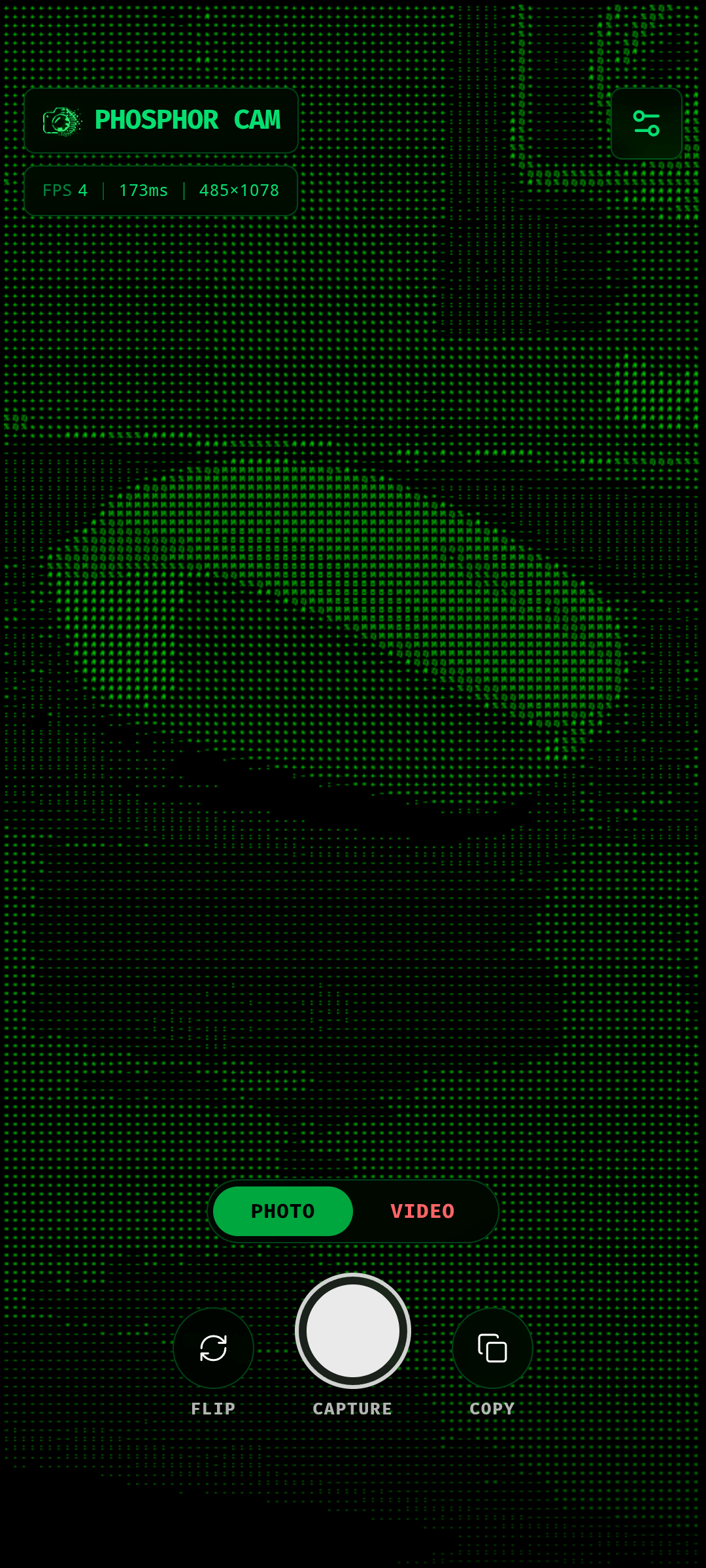
Point your camera at anything, pick a style, and watch the world get redrawn as text, dots, ribbons or pixel blocks. Switch styles on the fly without restarting the camera, and fine-tune the look until it feels right.
Five visual styles
- ASCII: characters mapped to brightness, optionally tinted with the original colors
- Dither: a retro, print-like bitmap look
- Halftone: your image rebuilt as a grid of dots
- Voxel: chunky pixels with a 3D block effect
- Lines: every row or column drawn as one continuous ribbon
Phosphor Studio
Open Studio from the button beside settings to edit a photo instead of the live feed.
- Load an image from your device, drag and drop it, paste it, or start from a sample
- Zoom, pan and pinch to inspect the result, and hold Compare to see the original
- Undo and redo adjustments, with keyboard shortcuts
- Ten presets across Retro CRT, Print & Dither and Digital & 3D
- Export at up to 20x scale as PNG, JPEG or WEBP, copy the image, or copy the ASCII as plain text
Make it yours
- 22 ASCII character sets, including blocks, matrix, braille, runes and more
- Adjustable character size, contrast and brightness
- Seven effects: glow, bloom, halation, chromatic aberration, vignette, scanlines and grain
- Color mode, invert, and custom foreground and background colors
- Horizontal or vertical lines, and an optional 3D mode for voxels
- Live FPS and render time readout
Capture and share
- Save high-resolution images of what you see, as PNG, JPEG or WEBP
- Record video of the rendered output
- Copy the current ASCII art to your clipboard as text
- Switch between front and back cameras
Private and offline
Everything runs locally. Your camera feed and photos are never uploaded, and the app needs no account, no server and no internet connection. It contains no ads and no trackers.
Phosphor Cam is free and open source under the MIT license.