PlusPlay
A minimal, lightweight Android video player app written in Kotlin
Version: 1.0.67
Added: 15-10-2026
Updated: 15-10-2026
Added: 15-10-2026
Updated: 15-10-2026
Plus Play - Lightweight Android Video Player
A minimal, lightweight Android video player app written in Kotlin that provides essential video playback features.
Key Features:
- Video File Listing: Scans and displays video files from device storage (.mp4, .mkv, .avi, .mov)
- Folder Navigation: Browse videos organized by folders with instant loading (no lag)
- Intuitive Gestures:
- - Swipe left/right: Seek 10 seconds backward/forward (responsive 100px threshold)
- - Double-tap left/right: Seek 10 seconds backward/forward
- - Double-tap middle: Play/Pause
- - Single tap: Toggle system UI
- Playback Resume: Automatically remembers playback position for last 3 videos
- - Resume dialog offers "Resume" or "Start from Beginning" options
- Subtitle Support: Automatically loads .srt subtitle files with matching basename
- Full-Screen Mode: Immersive video playback experience
- Rotation Support: Handles device orientation changes
- Storage Permissions: Proper handling for Android 13+ and legacy versions
- Minimal UI: Clean, simple interface with two activities (list and player)
Note from Developer:
If you find this tool helpful, please consider starring the project on GitHub!
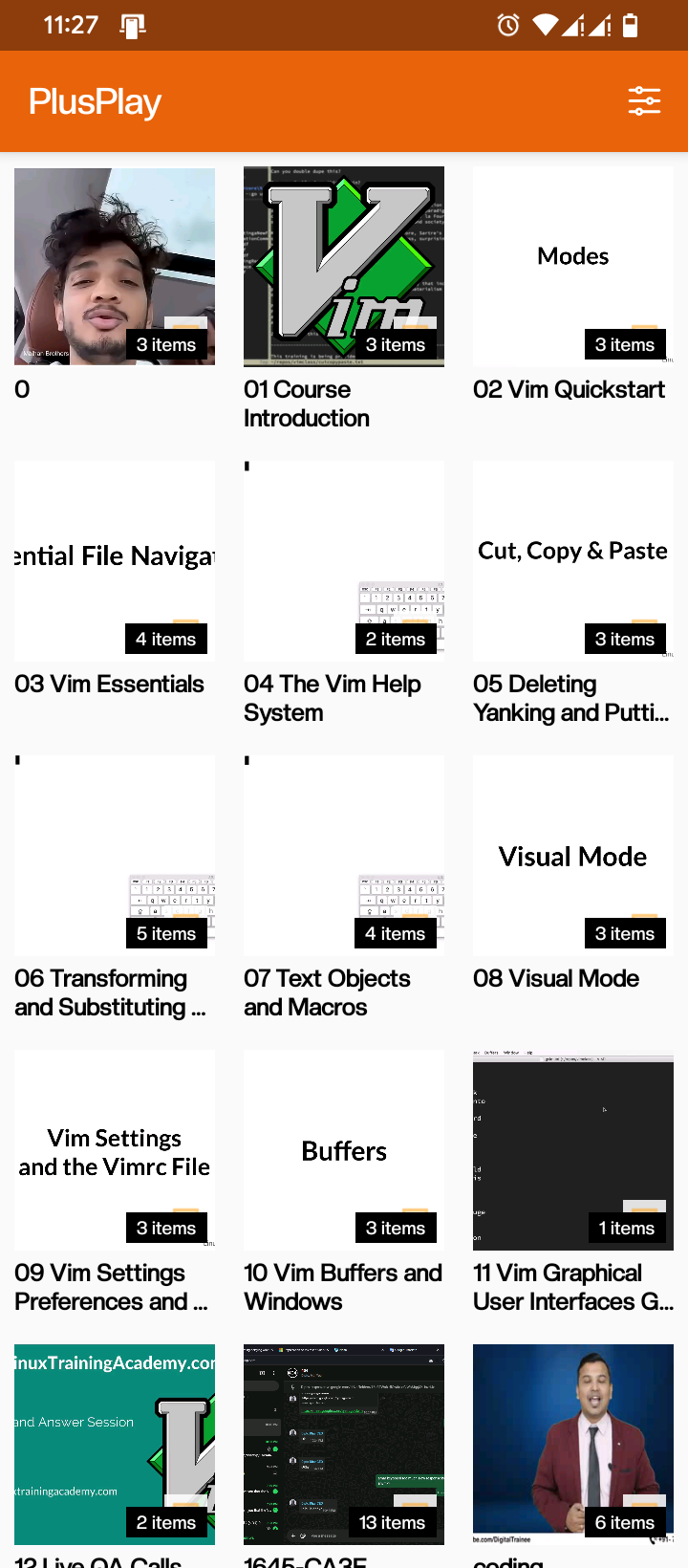
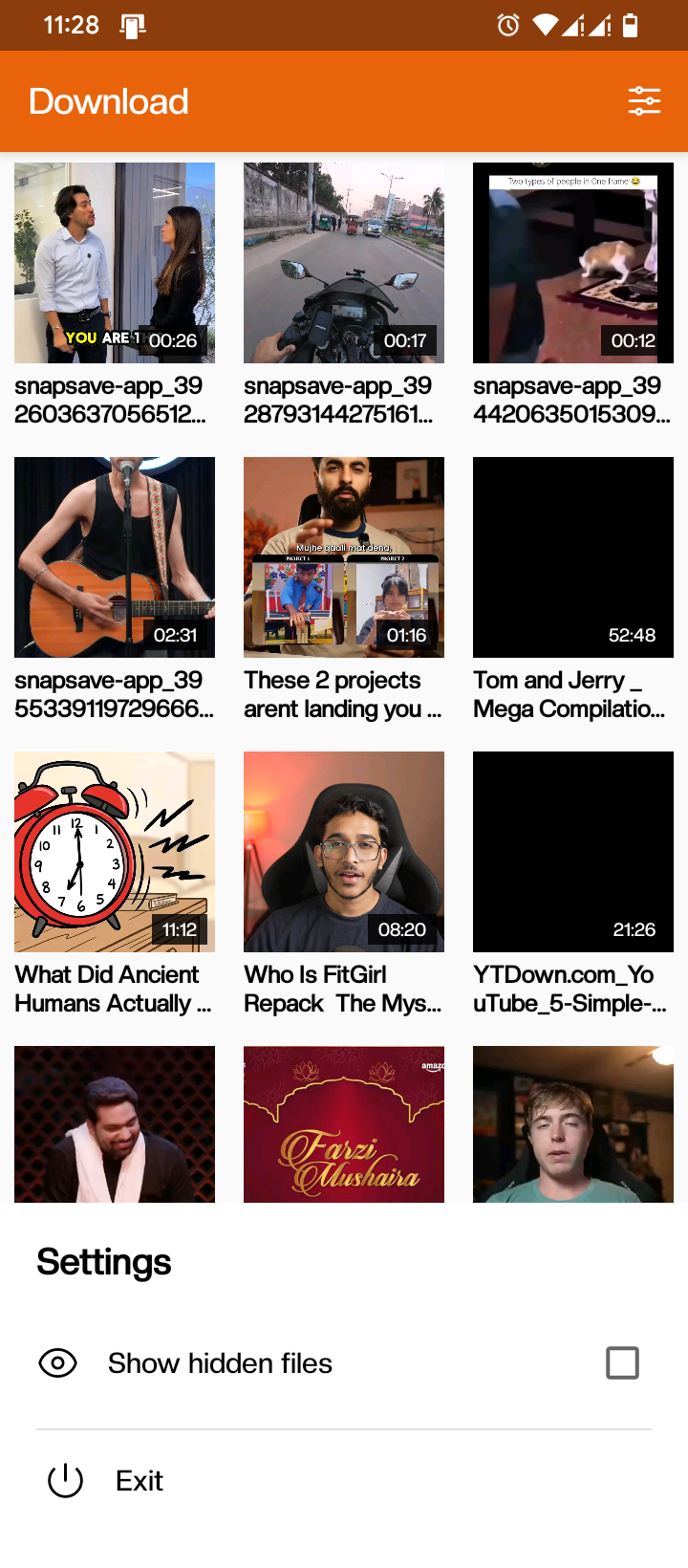
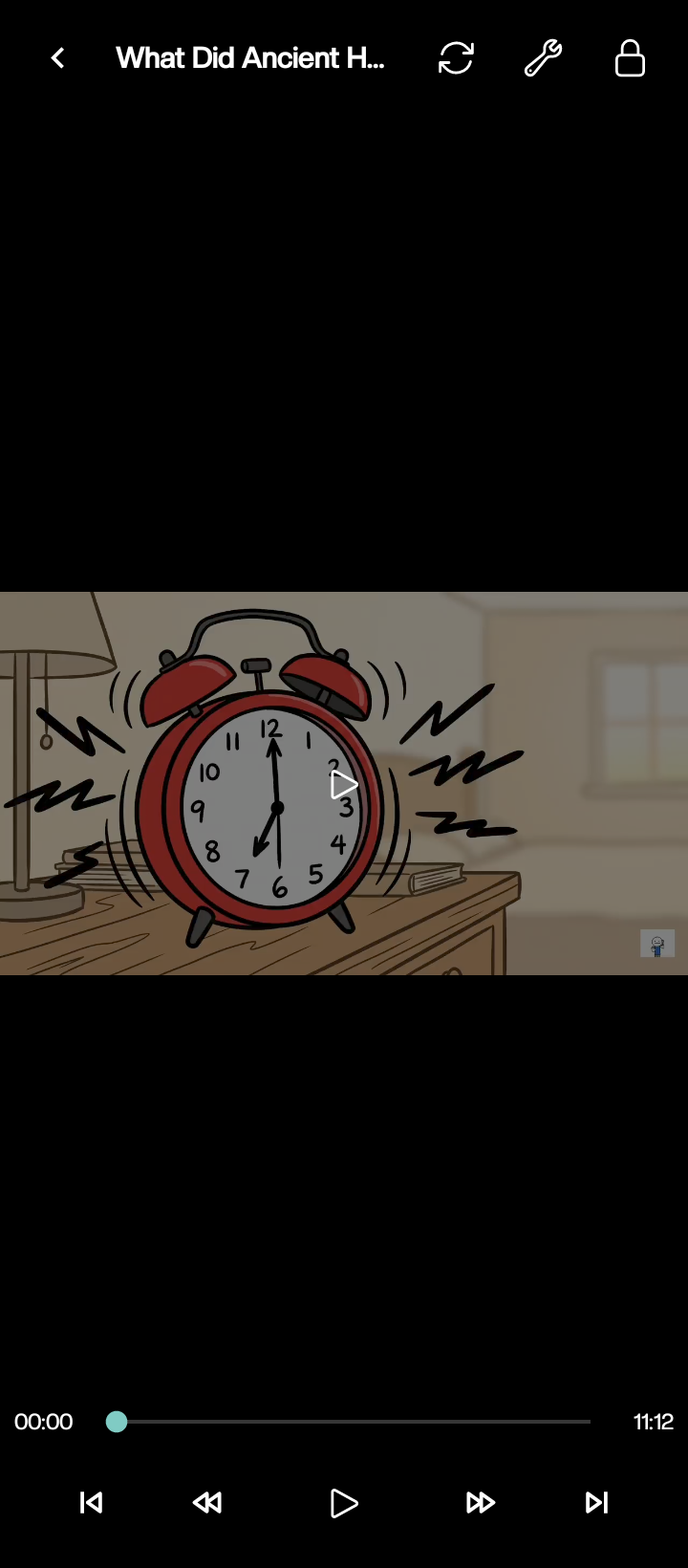
A minimal, lightweight Android video player app written in Kotlin that provides essential video playback features.
Key Features:
- Video File Listing: Scans and displays video files from device storage (.mp4, .mkv, .avi, .mov)
- Folder Navigation: Browse videos organized by folders with instant loading (no lag)
- Intuitive Gestures:
- - Swipe left/right: Seek 10 seconds backward/forward (responsive 100px threshold)
- - Double-tap left/right: Seek 10 seconds backward/forward
- - Double-tap middle: Play/Pause
- - Single tap: Toggle system UI
- Playback Resume: Automatically remembers playback position for last 3 videos
- - Resume dialog offers "Resume" or "Start from Beginning" options
- Subtitle Support: Automatically loads .srt subtitle files with matching basename
- Full-Screen Mode: Immersive video playback experience
- Rotation Support: Handles device orientation changes
- Storage Permissions: Proper handling for Android 13+ and legacy versions
- Minimal UI: Clean, simple interface with two activities (list and player)
Note from Developer:
If you find this tool helpful, please consider starring the project on GitHub!