SearchLauncher
Search apps, contacts and the web, and open results in an ad-free browser
Version: 0.0.51
Added: 13-08-2026
Updated: 02-10-2026
Added: 13-08-2026
Updated: 02-10-2026
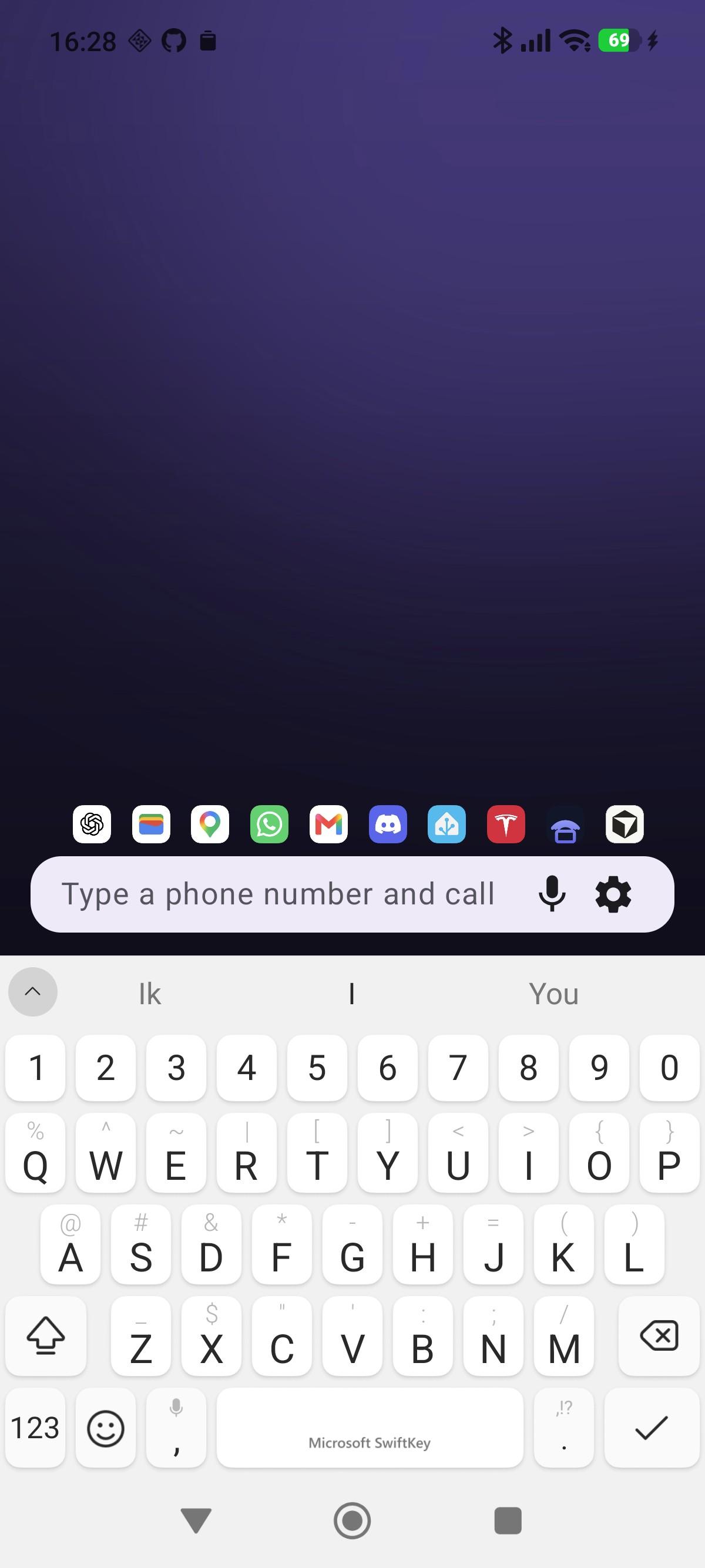
Your home screen opens with a keyboard. One bar finds everything on your phone and everything on the web, and opens what you find in a browser that blocks ads.
SEARCH ANYTHING
Apps, app shortcuts, contacts, device settings, downloads, calendar events for the coming week, text snippets and your own custom actions. Ranking learns from what you pick, so the next time is faster.
SEARCH INSIDE APPS, NOT JUST FOR THEM
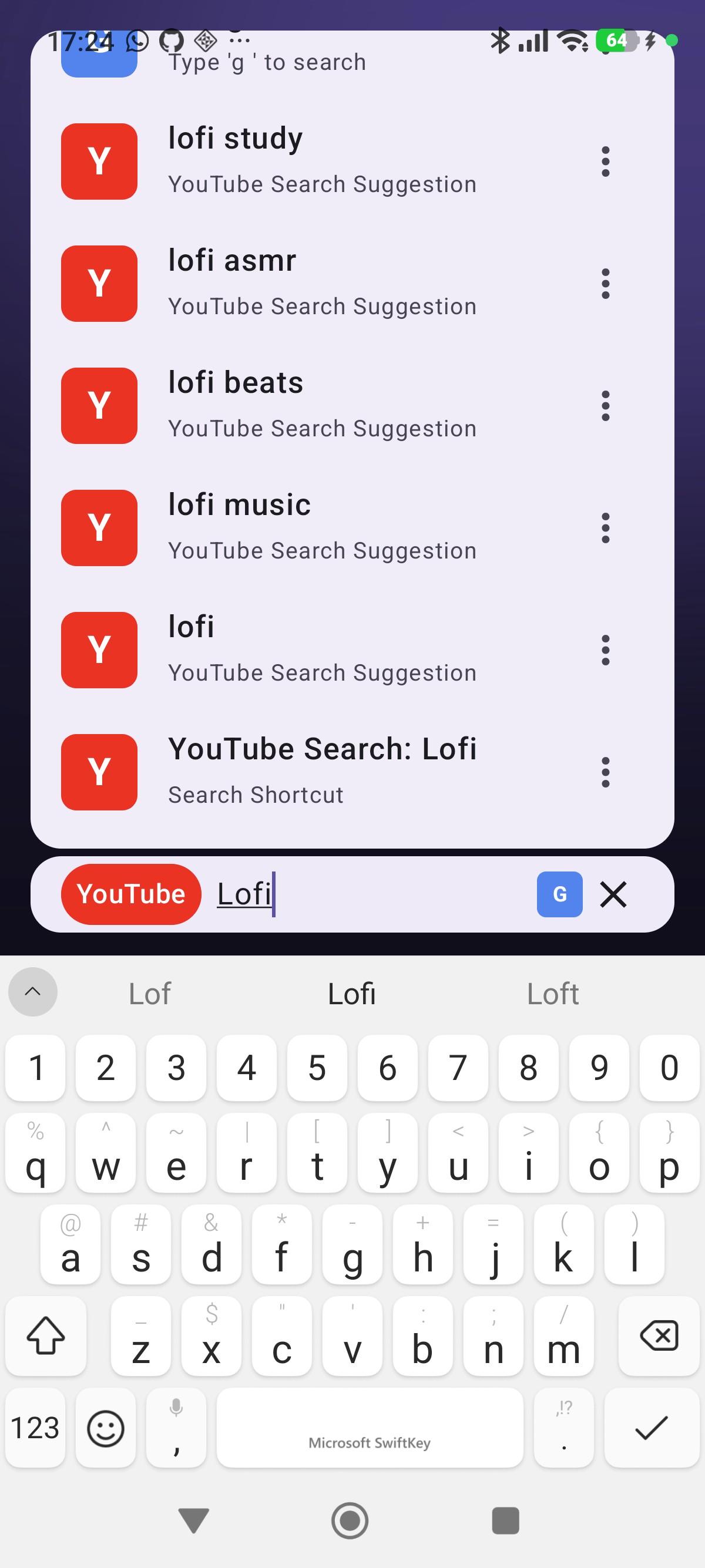
Type y for YouTube, m for Maps, w for Wikipedia, then what you are looking for. Add a shortcut for any site with a search URL, and give it whatever letter you like.
ONE FIELD THAT KNOWS WHAT YOU TYPED
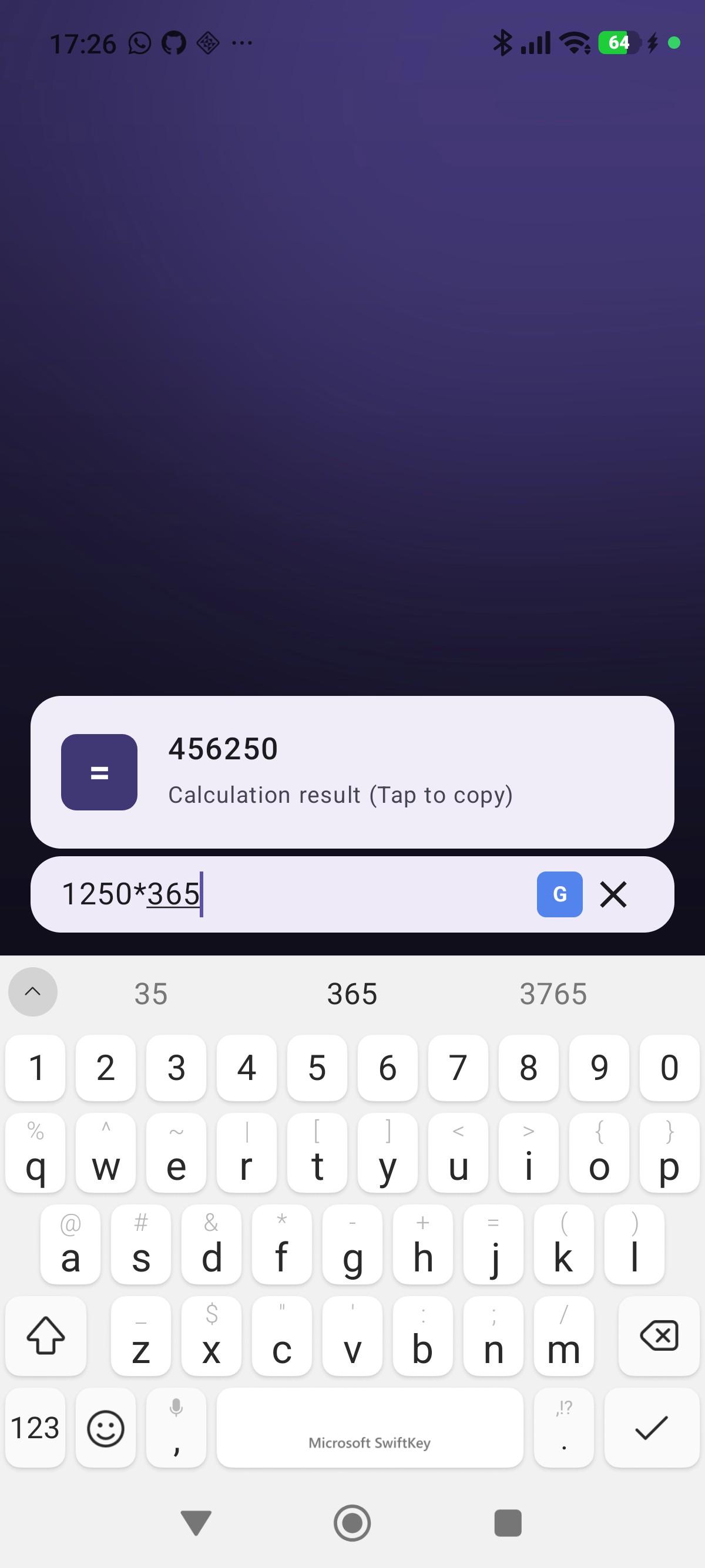
A sum gets an answer you can tap to copy. A web address opens. "5m pasta" sets a timer. A phone number offers to call it, message it, or save it as a contact. An email address offers to write to it.
A BROWSER WITH NO ADS
Web results open in the app, with ads and trackers blocked by default. Swipe the search bar sideways to move between tabs, or up to see them all as live previews. Both work from the home screen, so your tabs are one gesture away without opening a browser first. Save a page under a title you choose, and find visited pages back from the search bar. Private windows, file uploads, picture-in-picture video and hardware keyboard shortcuts are all included.
FEWER ICONS, MORE ROOM FOR WIDGETS
Add a widget by typing its name, resize it by dragging, and tap the wallpaper to show or hide them all. On a tablet they lay out in columns rather than one widget stretched across the display.
MAKE IT YOURS
Swipe through your own wallpapers. The theme colour can follow the wallpaper behind the search bar. Monochrome icons are optional. Dark mode, a true black OLED mode, a row of favourites, voice search, and export and import of everything you have set up.
Use it as your default launcher, or as a widget on the launcher you already have.
PRIVACY
Nothing is sent anywhere by default. Search suggestions are optional, and when you turn them on, what you type goes to whichever provider the shortcut names. Crash reporting is opt-in. Contacts and calendar entries are read on your device to answer what you typed and are never uploaded. The browser's blocklist is downloaded from the StevenBlack hosts project.
SearchLauncher is free and open source: https://github.com/ontola/searchlauncher
SEARCH ANYTHING
Apps, app shortcuts, contacts, device settings, downloads, calendar events for the coming week, text snippets and your own custom actions. Ranking learns from what you pick, so the next time is faster.
SEARCH INSIDE APPS, NOT JUST FOR THEM
Type y for YouTube, m for Maps, w for Wikipedia, then what you are looking for. Add a shortcut for any site with a search URL, and give it whatever letter you like.
ONE FIELD THAT KNOWS WHAT YOU TYPED
A sum gets an answer you can tap to copy. A web address opens. "5m pasta" sets a timer. A phone number offers to call it, message it, or save it as a contact. An email address offers to write to it.
A BROWSER WITH NO ADS
Web results open in the app, with ads and trackers blocked by default. Swipe the search bar sideways to move between tabs, or up to see them all as live previews. Both work from the home screen, so your tabs are one gesture away without opening a browser first. Save a page under a title you choose, and find visited pages back from the search bar. Private windows, file uploads, picture-in-picture video and hardware keyboard shortcuts are all included.
FEWER ICONS, MORE ROOM FOR WIDGETS
Add a widget by typing its name, resize it by dragging, and tap the wallpaper to show or hide them all. On a tablet they lay out in columns rather than one widget stretched across the display.
MAKE IT YOURS
Swipe through your own wallpapers. The theme colour can follow the wallpaper behind the search bar. Monochrome icons are optional. Dark mode, a true black OLED mode, a row of favourites, voice search, and export and import of everything you have set up.
Use it as your default launcher, or as a widget on the launcher you already have.
PRIVACY
Nothing is sent anywhere by default. Search suggestions are optional, and when you turn them on, what you type goes to whichever provider the shortcut names. Crash reporting is opt-in. Contacts and calendar entries are read on your device to answer what you typed and are never uploaded. The browser's blocklist is downloaded from the StevenBlack hosts project.
SearchLauncher is free and open source: https://github.com/ontola/searchlauncher