SideDeck
Free DJ app. Mix on your phone. No subscriptions.
Version: 1.1.1
Added: 27-08-2026
Updated: 02-10-2026
Added: 27-08-2026
Updated: 02-10-2026
SideDeck is a free, open-source DJ app for Android. Mix local files on dual decks, or plug in a USB mixer such as the Teenage Engineering EP-136 K.O. Sidekick and mix on the hardware. No monthly subscription, no paywall, no premium tier.
MIX ON THE PHONE, OR ON HARDWARE
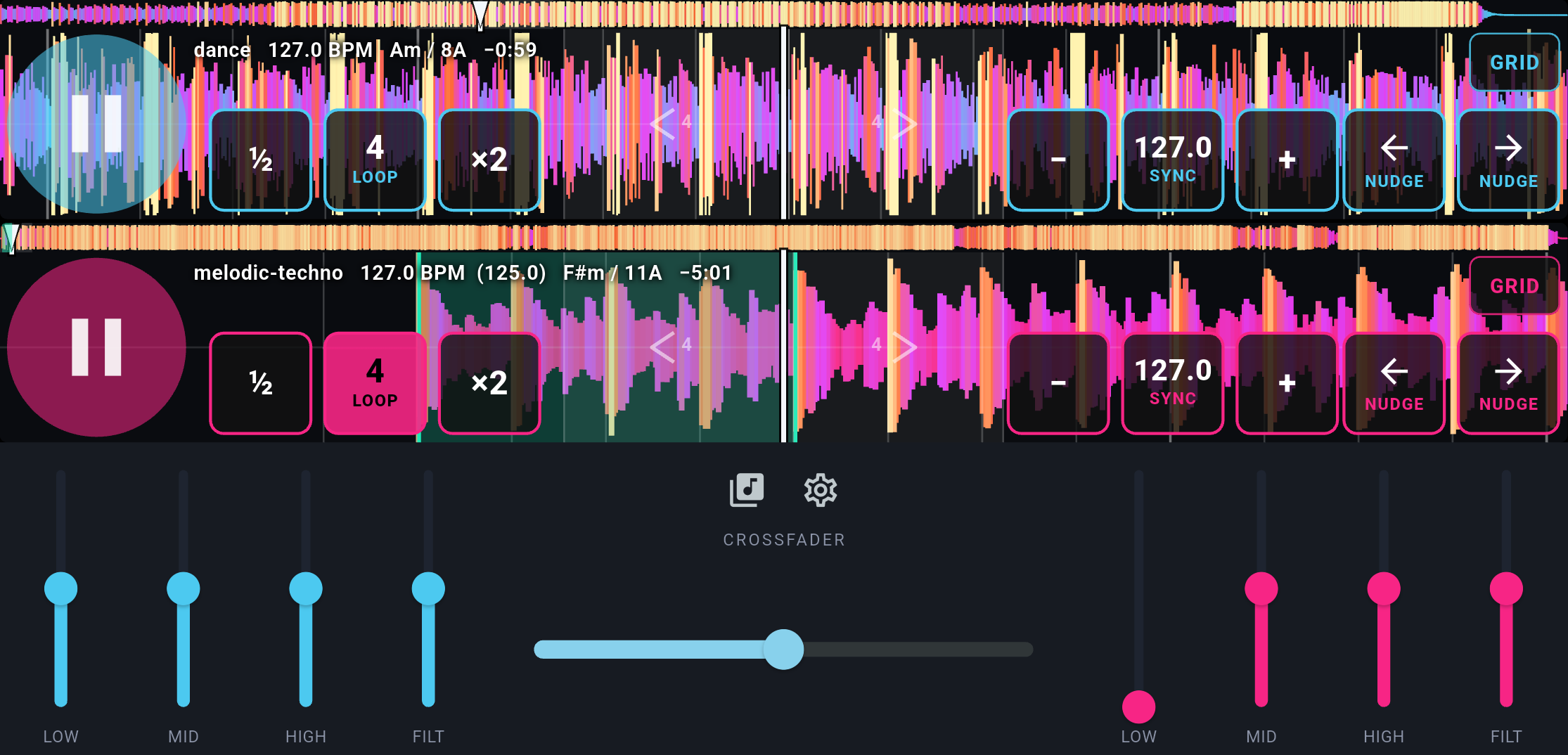
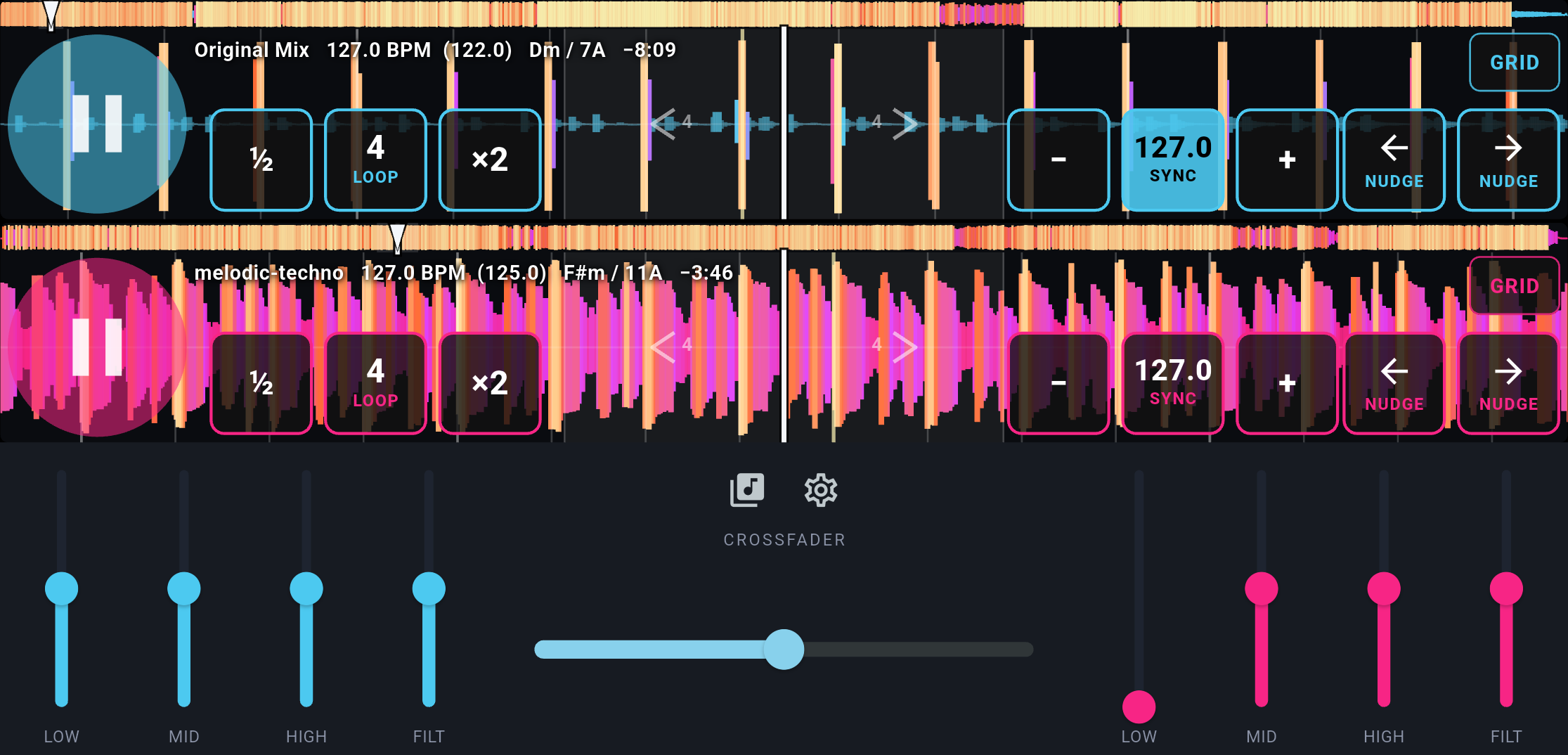
Use SideDeck as a standalone DJ app: landscape dual decks, waveforms, 3-band EQ, filter, and a crossfader. Or connect a USB mixer and send Deck A and Deck B out as separate stereo channels so you EQ, cue, and mix on the device.
SideDeck is built to work with the Teenage Engineering EP-136 K.O. Sidekick. Connect the EP-136 over USB, set Sidekick USB mode to Multi, and enable the external mixer in SideDeck. Deck A and Deck B go out separately so you can mix on the EP-136. The on-screen EQ and crossfader step aside so you're mixing on the hardware, not fighting a software mixer.
Other USB mixers that can take Deck A and Deck B as separate outputs work the same way.
YOUR MUSIC, YOUR SERVER
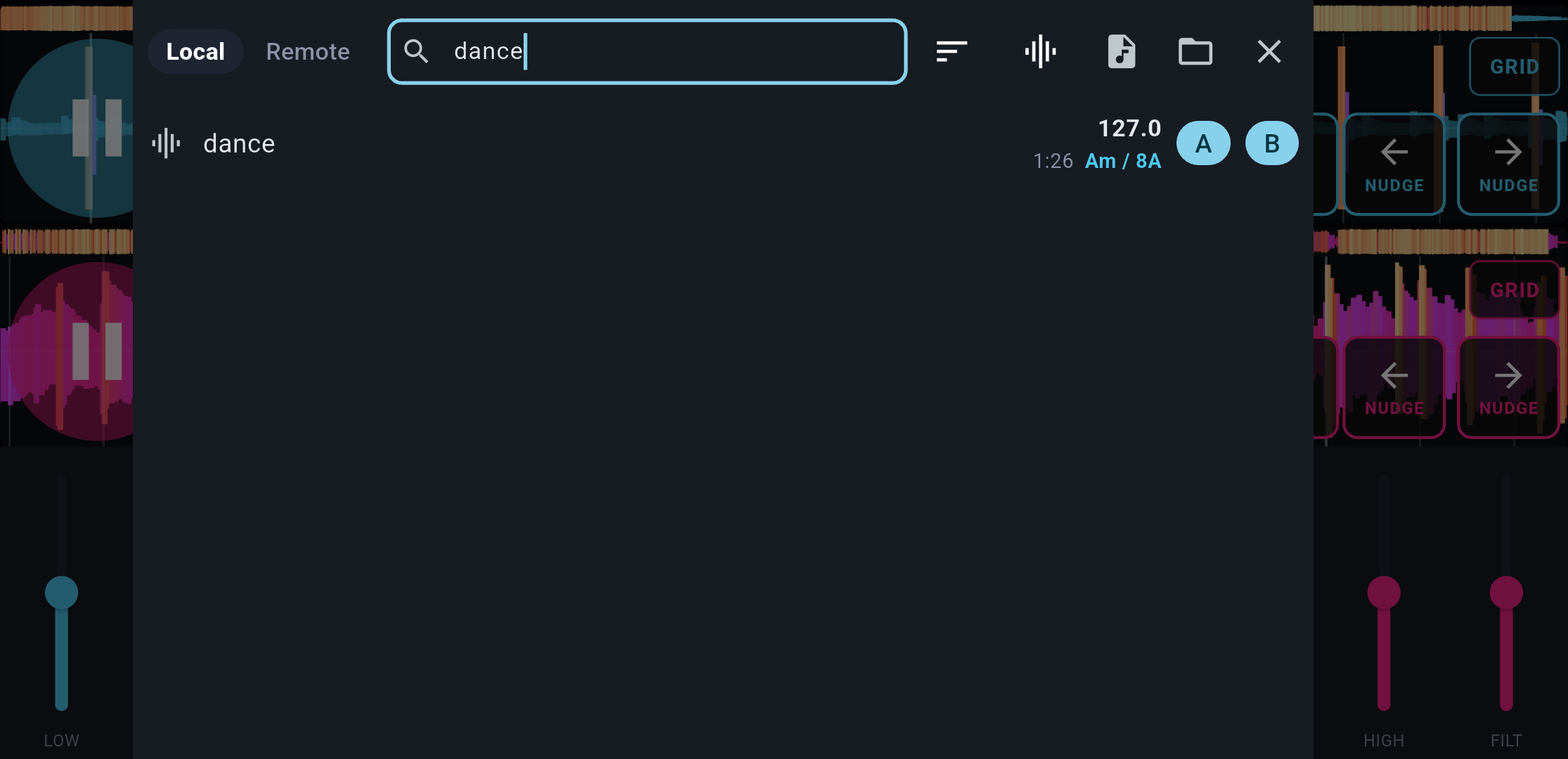
SideDeck plays tracks from your phone and from a Subsonic music server. Point it at any Subsonic-compatible library, browse albums and tracks, and download them to the device.
Load music from folders on the phone. Analyze BPM and musical key on load. The library highlights keys that sit well with what's already on a deck.
WHAT YOU CAN DO
• Dual-deck landscape DJ layout with waveforms
• Sync, loops, BPM nudge and jump
• Internal mixer: 3-band EQ, filter, crossfader
• USB out to the Teenage Engineering EP-136 K.O. Sidekick (and similar mixers)
• Subsonic browse and download
• Local library with BPM and key analysis
FREE AND OPEN SOURCE
SideDeck is GNU GPL v3 software. There is no subscription, no in-app DJ "pro" unlock. If you want a DJ app that works with the Teenage Engineering EP-136 K.O. Sidekick, talks to a Subsonic server, and stays free, this is it.
Requires Android 8.0 or later. USB host (OTG) on the phone if you use an external mixer such as the EP-136 K.O. Sidekick.
MIX ON THE PHONE, OR ON HARDWARE
Use SideDeck as a standalone DJ app: landscape dual decks, waveforms, 3-band EQ, filter, and a crossfader. Or connect a USB mixer and send Deck A and Deck B out as separate stereo channels so you EQ, cue, and mix on the device.
SideDeck is built to work with the Teenage Engineering EP-136 K.O. Sidekick. Connect the EP-136 over USB, set Sidekick USB mode to Multi, and enable the external mixer in SideDeck. Deck A and Deck B go out separately so you can mix on the EP-136. The on-screen EQ and crossfader step aside so you're mixing on the hardware, not fighting a software mixer.
Other USB mixers that can take Deck A and Deck B as separate outputs work the same way.
YOUR MUSIC, YOUR SERVER
SideDeck plays tracks from your phone and from a Subsonic music server. Point it at any Subsonic-compatible library, browse albums and tracks, and download them to the device.
Load music from folders on the phone. Analyze BPM and musical key on load. The library highlights keys that sit well with what's already on a deck.
WHAT YOU CAN DO
• Dual-deck landscape DJ layout with waveforms
• Sync, loops, BPM nudge and jump
• Internal mixer: 3-band EQ, filter, crossfader
• USB out to the Teenage Engineering EP-136 K.O. Sidekick (and similar mixers)
• Subsonic browse and download
• Local library with BPM and key analysis
FREE AND OPEN SOURCE
SideDeck is GNU GPL v3 software. There is no subscription, no in-app DJ "pro" unlock. If you want a DJ app that works with the Teenage Engineering EP-136 K.O. Sidekick, talks to a Subsonic server, and stays free, this is it.
Requires Android 8.0 or later. USB host (OTG) on the phone if you use an external mixer such as the EP-136 K.O. Sidekick.