Slate
Minimal customisable launcher. A blank slate where your apps go anywhere.
Version: 1.2.1
Added: 03-09-2026
Updated: 23-11-2026
Added: 03-09-2026
Updated: 23-11-2026
Slate is a minimal launcher built on one idea: you just launch apps. No widgets, news feeds, AI, or any other bloat.
Freescreen mode is the centerpiece: your home screen is a blank slate where icons live at any coordinate, not in a grid.
Pull guide lines from the screen edges when you want structure, icons snap to them and slide along them.
Prefer ordered rows? List mode gives you a vertical or horizontal scrolling list with drag-to-reorder.
Features:
- Freescreen: drag icons to any position, no grid
- Guide lines with snapping for optional structure
- List mode, vertical or horizontal, drag-to-reorder
- Optional swipe-up search: type part of a name, the app opens once it is the only match
- Work profile support: apps from Shelter/Island profiles show up badged
- Wallpapers: solid color, gradient (8 directions), image, or your system wallpaper, with auto-contrast text
- Toolbar snaps to any screen edge; custom or hidden title
- Per-app customization: icon size, shape (round, square, squircle, hexagon, octagon), rotation, labels
- Icon pack support (ADW, Nova, Apex, GO, Tesla formats)
- Blanket-set or multi-select to restyle and move many icons at once
Everything is stored on-device. Free and open source under the MIT license.
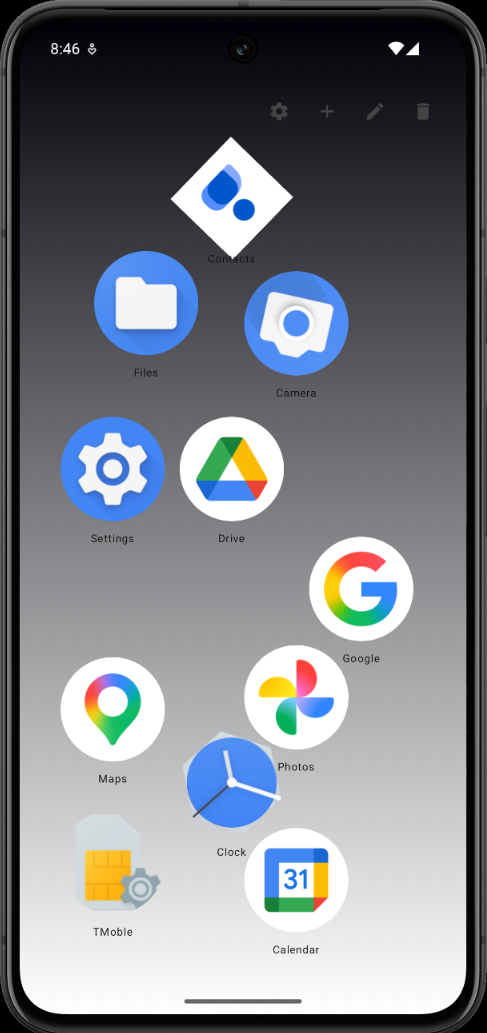
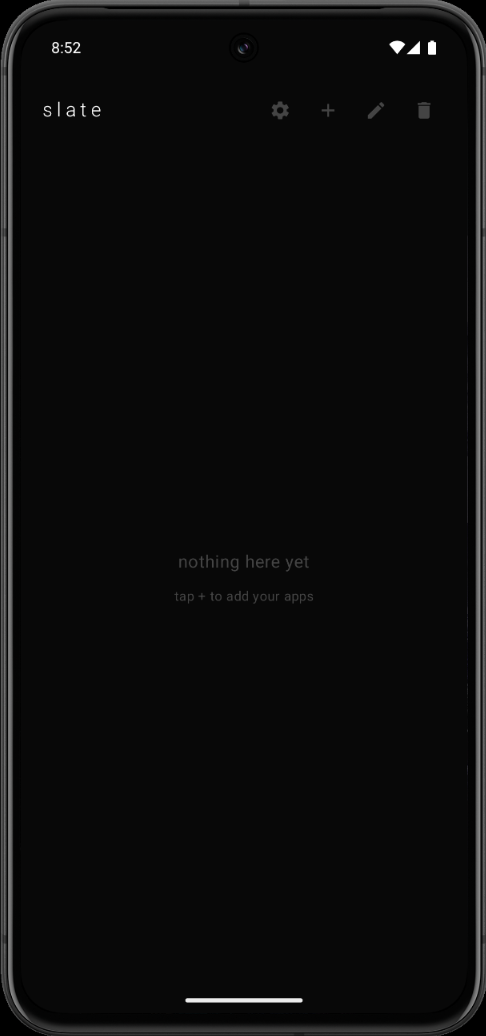
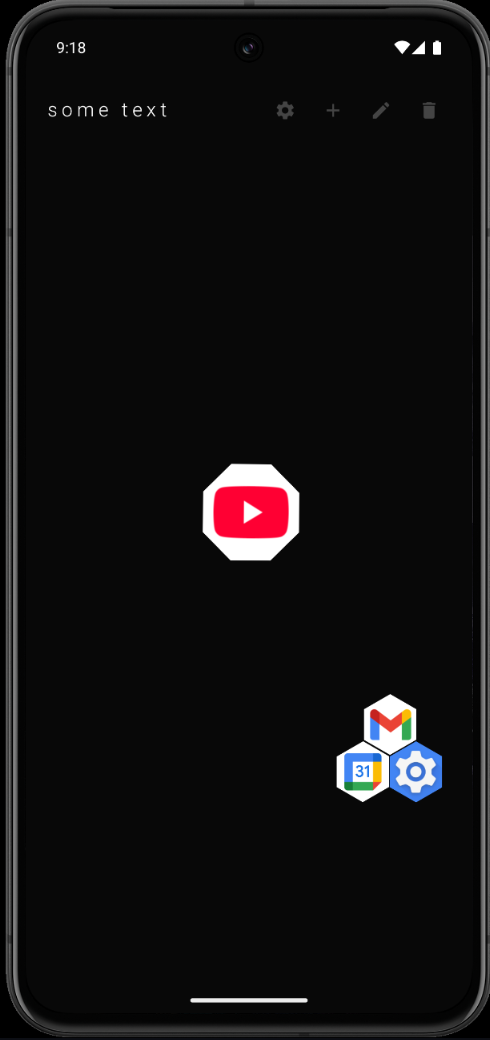
Freescreen mode is the centerpiece: your home screen is a blank slate where icons live at any coordinate, not in a grid.
Pull guide lines from the screen edges when you want structure, icons snap to them and slide along them.
Prefer ordered rows? List mode gives you a vertical or horizontal scrolling list with drag-to-reorder.
Features:
- Freescreen: drag icons to any position, no grid
- Guide lines with snapping for optional structure
- List mode, vertical or horizontal, drag-to-reorder
- Optional swipe-up search: type part of a name, the app opens once it is the only match
- Work profile support: apps from Shelter/Island profiles show up badged
- Wallpapers: solid color, gradient (8 directions), image, or your system wallpaper, with auto-contrast text
- Toolbar snaps to any screen edge; custom or hidden title
- Per-app customization: icon size, shape (round, square, squircle, hexagon, octagon), rotation, labels
- Icon pack support (ADW, Nova, Apex, GO, Tesla formats)
- Blanket-set or multi-select to restyle and move many icons at once
Everything is stored on-device. Free and open source under the MIT license.