Snaplock
Offline KeePass-compatible password manager
Version: 1.2.0
Added: 20-11-2026
Updated: 20-11-2026
Added: 20-11-2026
Updated: 20-11-2026
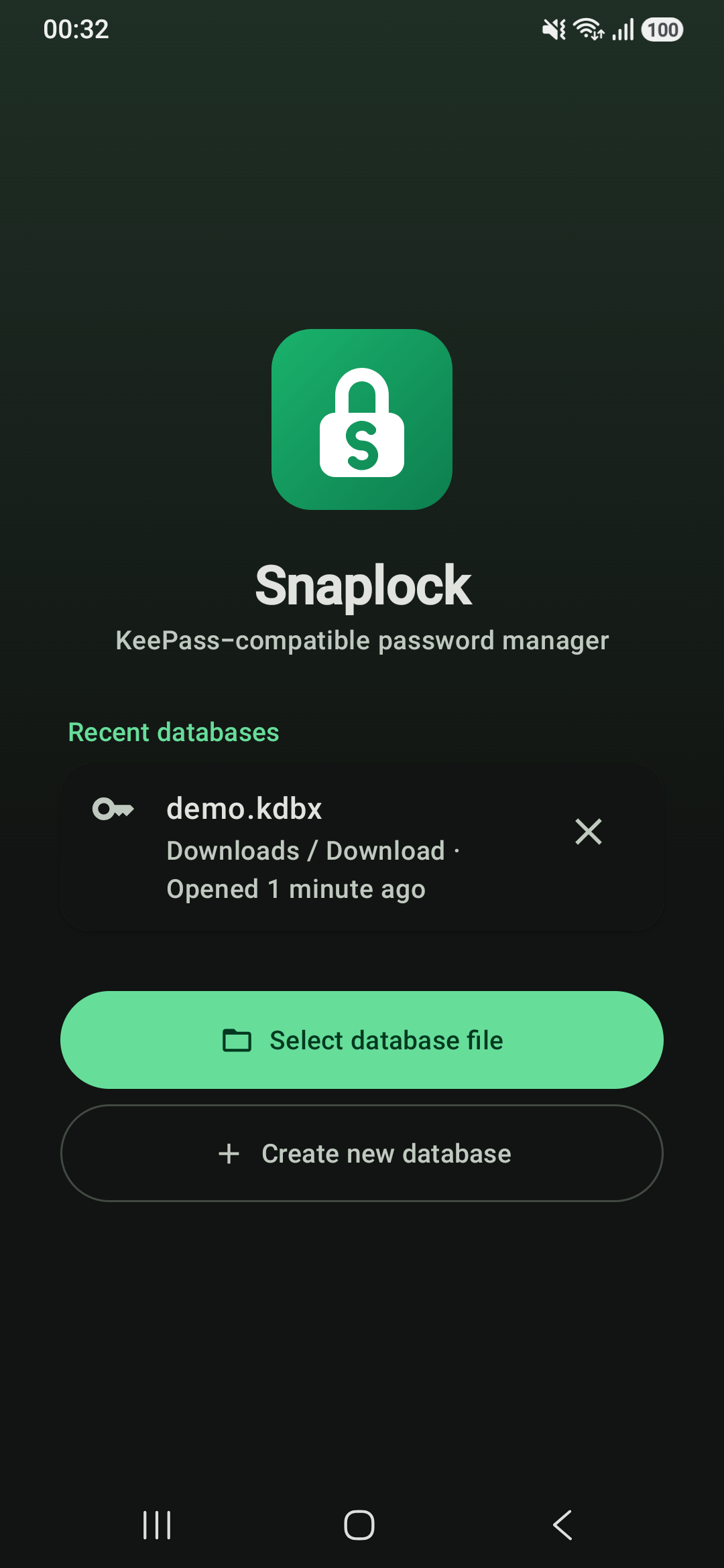
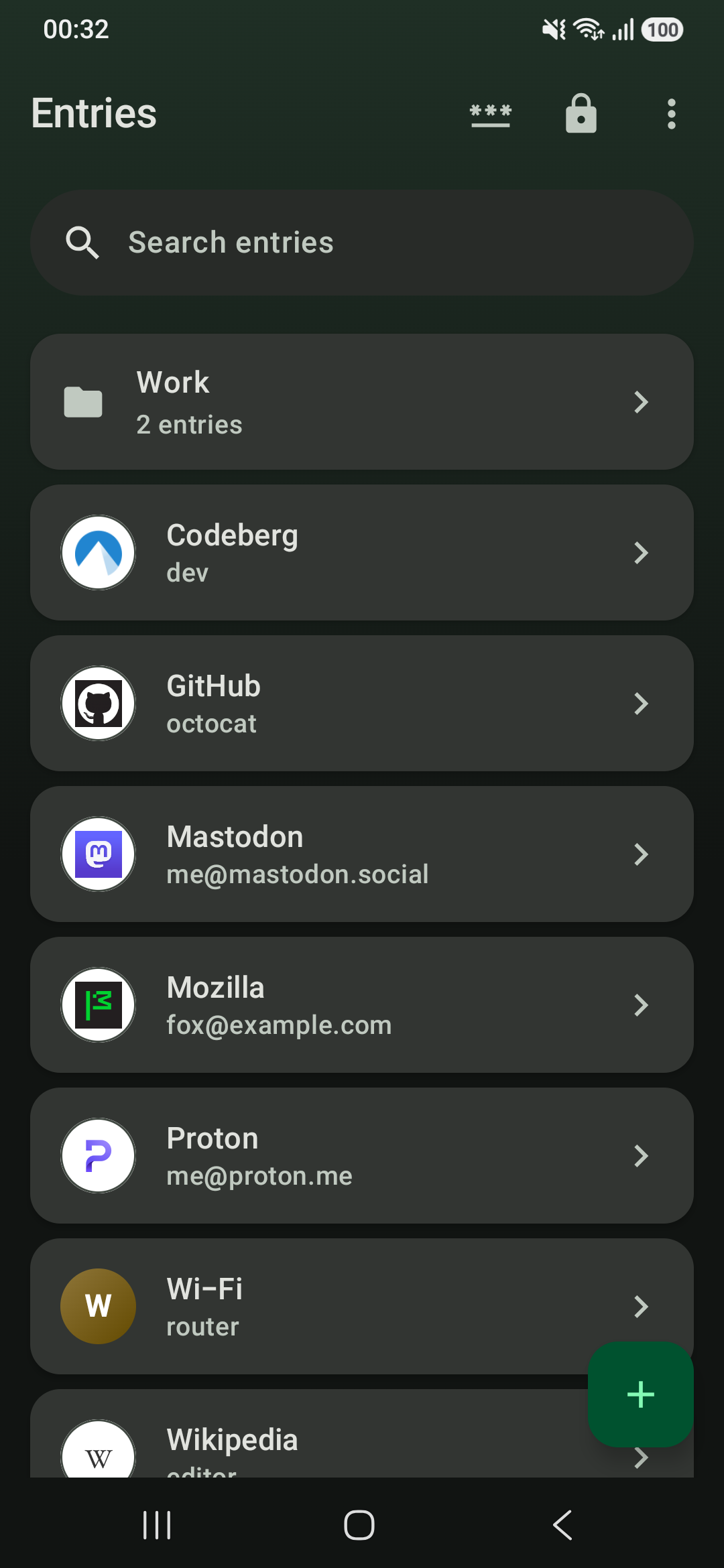
Snaplock is an open-source, KeePass-compatible password manager that feels like part of Android. It works directly on your own encrypted .kdbx file: keep it on the device or sync it with any app you like, and use the same vault with KeePassXC, KeePass or KeePassDX on your other devices.
Everything works offline. Two optional features go online only after you turn them on: the breach check against Have I Been Pwned, which sends just the first 5 characters of a password's SHA-1 hash, and site icon downloads, which ask each website for its own icon.
Sign in everywhere:
* Autofill for apps and browsers, with suggestions in the keyboard
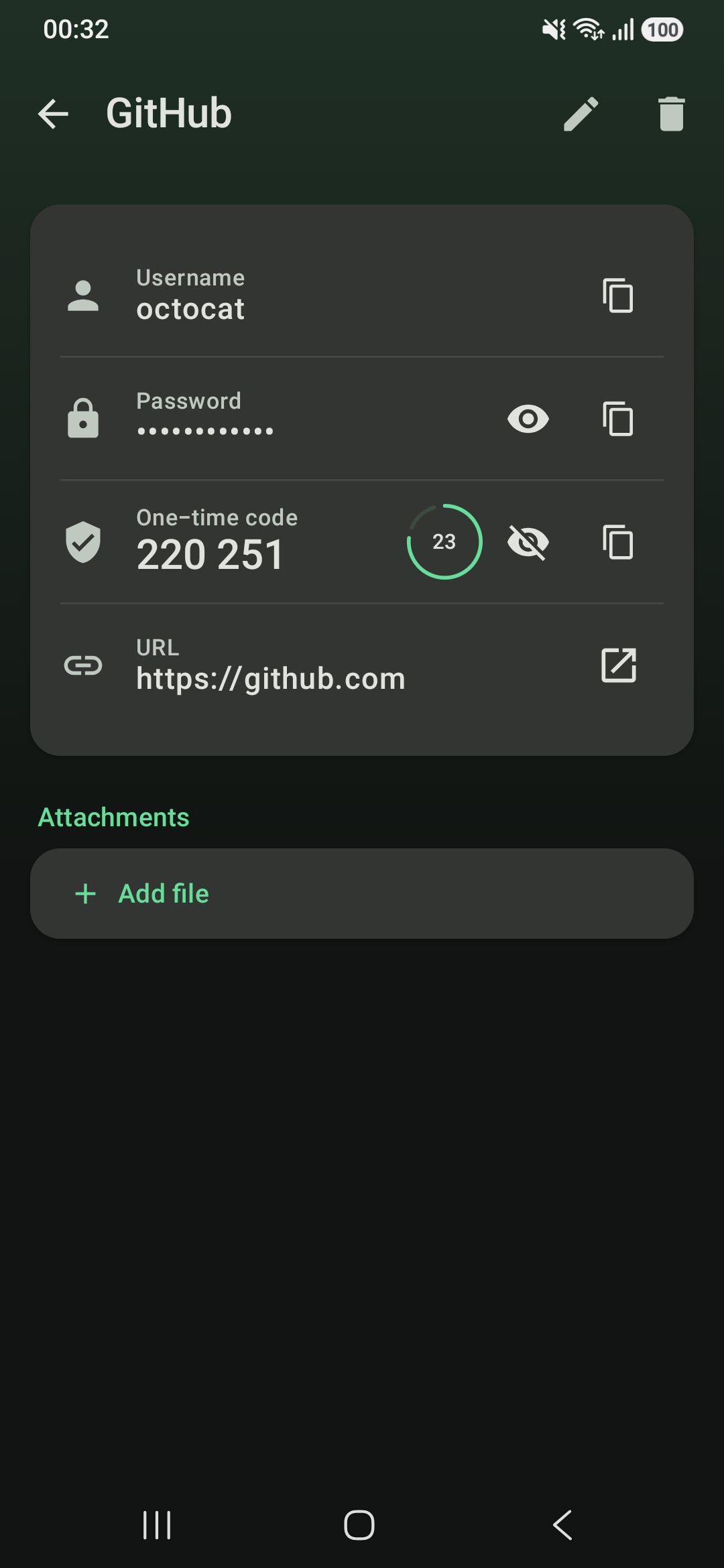
* One-time 2FA codes filled in after the password
* Passwords and passkeys in the Android 14+ sign-in sheet; passkeys are stored the KeePassXC way, so they work there too
* Offers to save new and changed logins
Your vault:
* Groups, custom fields, attachments, entry history and a recycle bin
* Password, key file or both, changeable at any time
* AES-256, ChaCha20 or Twofish with Argon2 or AES-KDF, and a one-tap benchmark for the key derivation
* Merges changes made on other devices instead of overwriting them
* A daily backup of the vault file, kept on the device for 7 days
* Import from Bitwarden, Chrome, Firefox, 1Password, Proton Pass, LastPass and KeePassXC CSV exports; export to CSV
Passwords:
* Password and passphrase generator (EFF wordlist) with a strength meter
* Health check for weak, reused, old and expired passwords
* TOTP and Steam Guard codes, added from a QR code or a setup key
Part of Android:
* Material You colours, light and dark themes, per-app language
* Biometric unlock, auto-lock, blocked screenshots and clipboard clearing
* Quick Settings tile, launcher shortcuts, and the list and entry side by side on tablets and foldables
Snaplock has no account, no ads and no trackers, and collects no data.
Everything works offline. Two optional features go online only after you turn them on: the breach check against Have I Been Pwned, which sends just the first 5 characters of a password's SHA-1 hash, and site icon downloads, which ask each website for its own icon.
Sign in everywhere:
* Autofill for apps and browsers, with suggestions in the keyboard
* One-time 2FA codes filled in after the password
* Passwords and passkeys in the Android 14+ sign-in sheet; passkeys are stored the KeePassXC way, so they work there too
* Offers to save new and changed logins
Your vault:
* Groups, custom fields, attachments, entry history and a recycle bin
* Password, key file or both, changeable at any time
* AES-256, ChaCha20 or Twofish with Argon2 or AES-KDF, and a one-tap benchmark for the key derivation
* Merges changes made on other devices instead of overwriting them
* A daily backup of the vault file, kept on the device for 7 days
* Import from Bitwarden, Chrome, Firefox, 1Password, Proton Pass, LastPass and KeePassXC CSV exports; export to CSV
Passwords:
* Password and passphrase generator (EFF wordlist) with a strength meter
* Health check for weak, reused, old and expired passwords
* TOTP and Steam Guard codes, added from a QR code or a setup key
Part of Android:
* Material You colours, light and dark themes, per-app language
* Biometric unlock, auto-lock, blocked screenshots and clipboard clearing
* Quick Settings tile, launcher shortcuts, and the list and entry side by side on tablets and foldables
Snaplock has no account, no ads and no trackers, and collects no data.