SonicRelay: PC Audio
Listen to your PC audio on your phone with low latency and easy setup.
Version: 1.10.2
Added: 23-11-2026
Updated: 23-11-2026
Added: 23-11-2026
Updated: 23-11-2026
Bring your PC audio to your phone.
SonicRelay lets you listen on your Android device to the audio playing on your Windows PC, with low latency and without complicated setup.
Want to follow a video away from your computer, listen to music, games, calls, or simply use your phone as a convenient way to receive your PC audio? SonicRelay connects your devices and streams audio in real time.
PC audio directly on your phone
SonicRelay captures the audio playing on Windows and sends it to your Android device using technologies designed for real-time communication.
⚡ Low-latency audio streaming
SonicRelay uses WebRTC and the Opus audio codec, establishing a direct connection between devices whenever possible to reduce delay during playback.
Simple connection
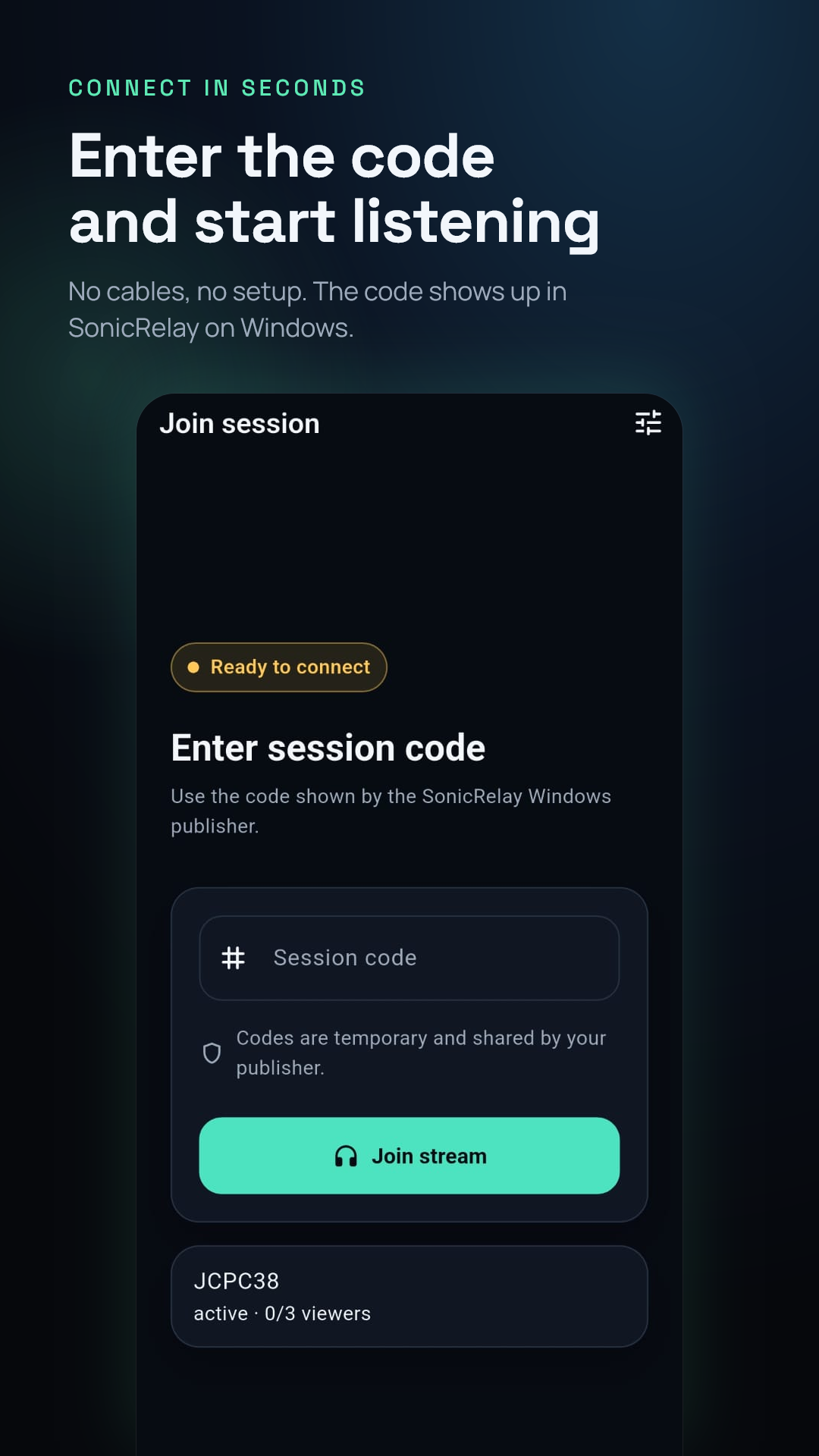
Create a session on your computer, connect your phone, and start listening. SonicRelay handles communication between your devices without requiring complicated network configuration.
Main features
• Stream audio from Windows to Android
• Real-time, low-latency audio
• WebRTC with Opus audio codec
• Direct device-to-device connection when available
• Automatic relay when required by the network
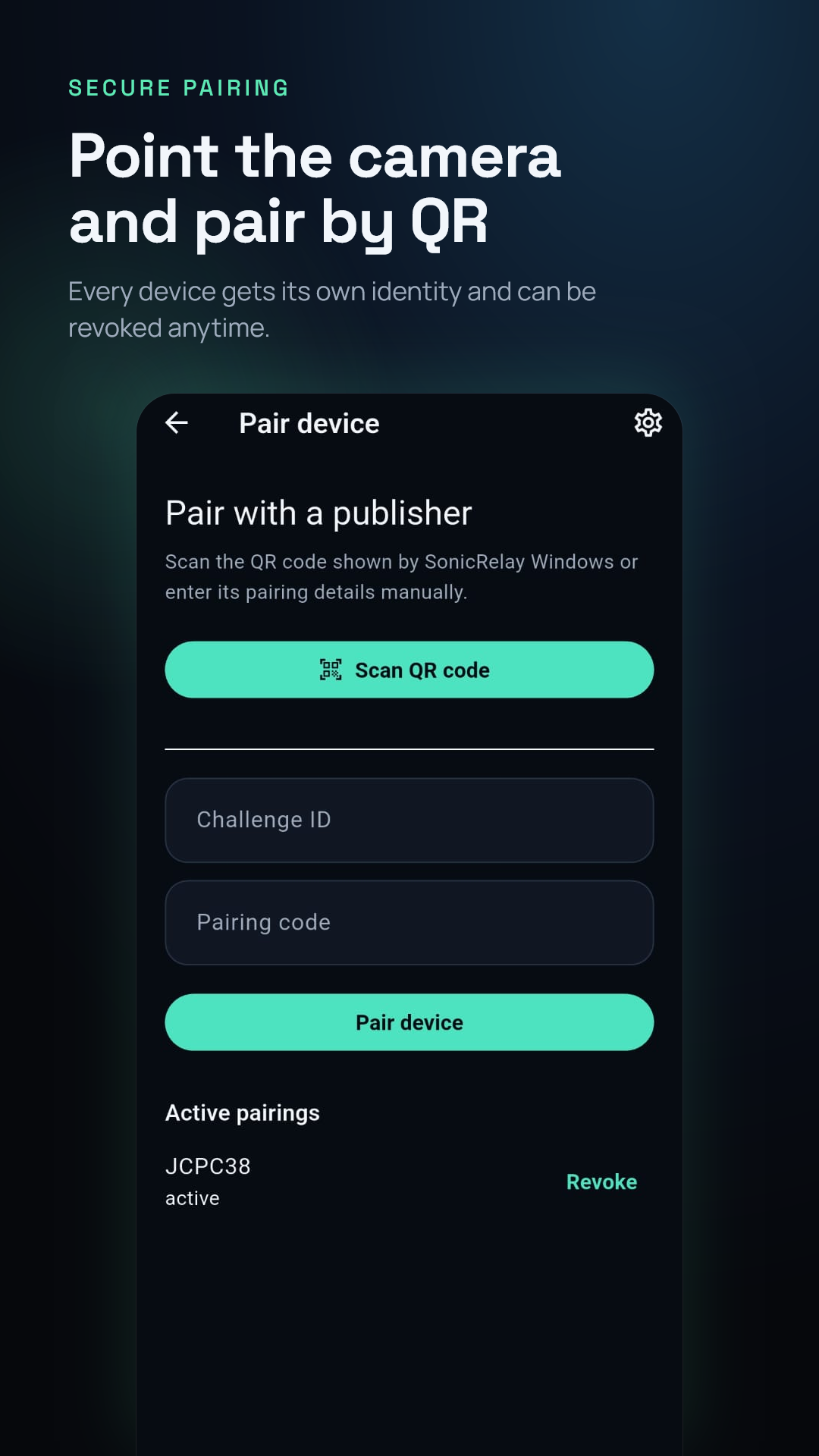
• Secure sessions between devices
• Temporary connection codes
• Support for multiple devices
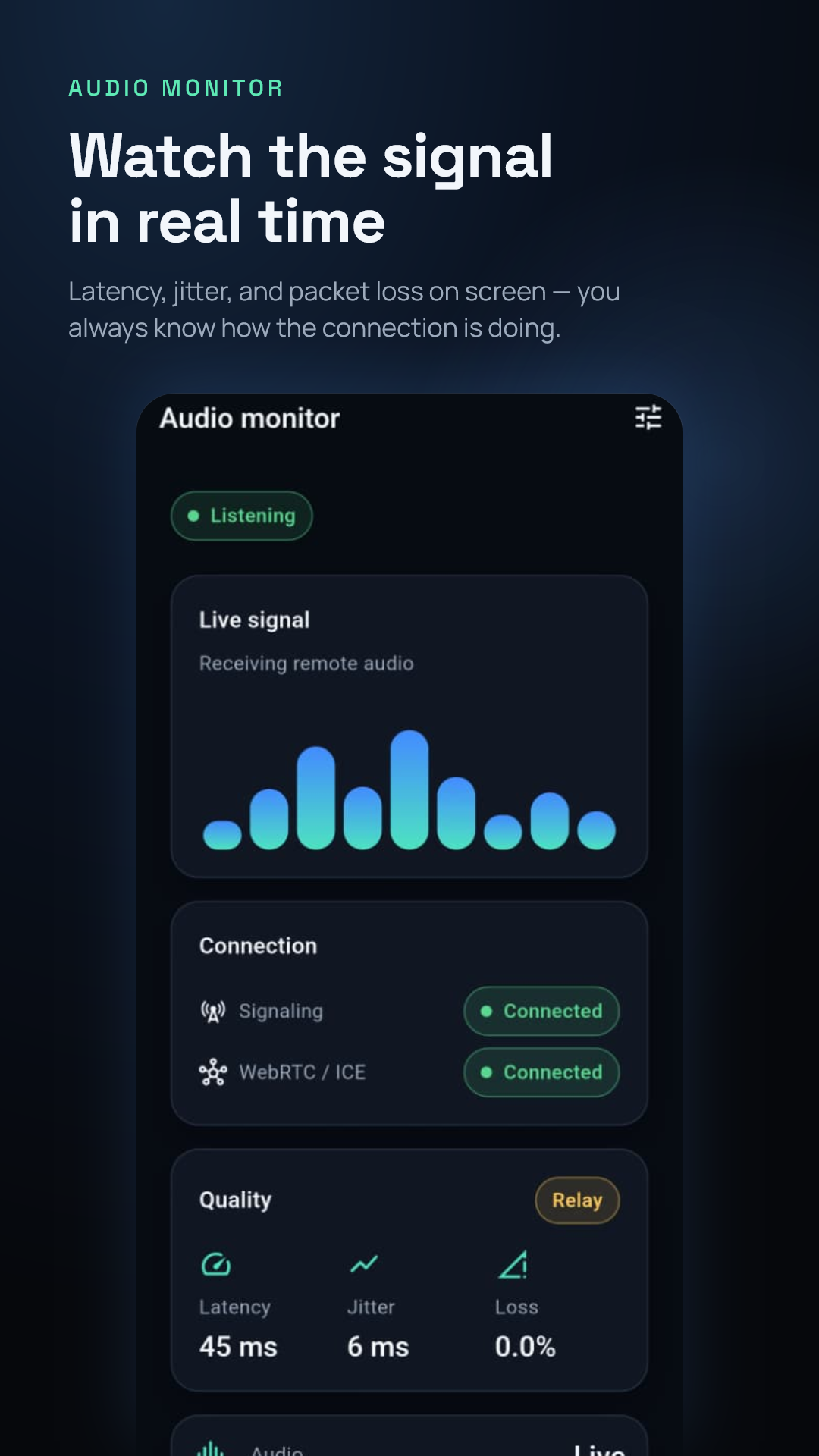
• Connection and session status
• Automatic reconnection after network interruptions
️ Windows app required
To stream audio, you also need to install SonicRelay for Windows on the computer that will transmit the sound.
The Windows application works as the audio sender, while SonicRelay on Android receives and plays the stream.
Who is SonicRelay for?
SonicRelay is a simple solution for anyone looking to:
• listen to PC audio on a phone
• stream Windows audio to Android
• listen to music, videos, games, or calls away from the computer
• stream audio between devices with low latency
• avoid heavy streaming solutions for a simple task
Your PC plays it. Your phone hears it. SonicRelay connects them.
SonicRelay lets you listen on your Android device to the audio playing on your Windows PC, with low latency and without complicated setup.
Want to follow a video away from your computer, listen to music, games, calls, or simply use your phone as a convenient way to receive your PC audio? SonicRelay connects your devices and streams audio in real time.
PC audio directly on your phone
SonicRelay captures the audio playing on Windows and sends it to your Android device using technologies designed for real-time communication.
⚡ Low-latency audio streaming
SonicRelay uses WebRTC and the Opus audio codec, establishing a direct connection between devices whenever possible to reduce delay during playback.
Simple connection
Create a session on your computer, connect your phone, and start listening. SonicRelay handles communication between your devices without requiring complicated network configuration.
Main features
• Stream audio from Windows to Android
• Real-time, low-latency audio
• WebRTC with Opus audio codec
• Direct device-to-device connection when available
• Automatic relay when required by the network
• Secure sessions between devices
• Temporary connection codes
• Support for multiple devices
• Connection and session status
• Automatic reconnection after network interruptions
️ Windows app required
To stream audio, you also need to install SonicRelay for Windows on the computer that will transmit the sound.
The Windows application works as the audio sender, while SonicRelay on Android receives and plays the stream.
Who is SonicRelay for?
SonicRelay is a simple solution for anyone looking to:
• listen to PC audio on a phone
• stream Windows audio to Android
• listen to music, videos, games, or calls away from the computer
• stream audio between devices with low latency
• avoid heavy streaming solutions for a simple task
Your PC plays it. Your phone hears it. SonicRelay connects them.