USB Debug Guard
Turn the screen off during long USB debugging sessions while keeping ADB alive
Version: 0.1.6
Added: 27-10-2026
Updated: 29-10-2026
Added: 27-10-2026
Updated: 29-10-2026
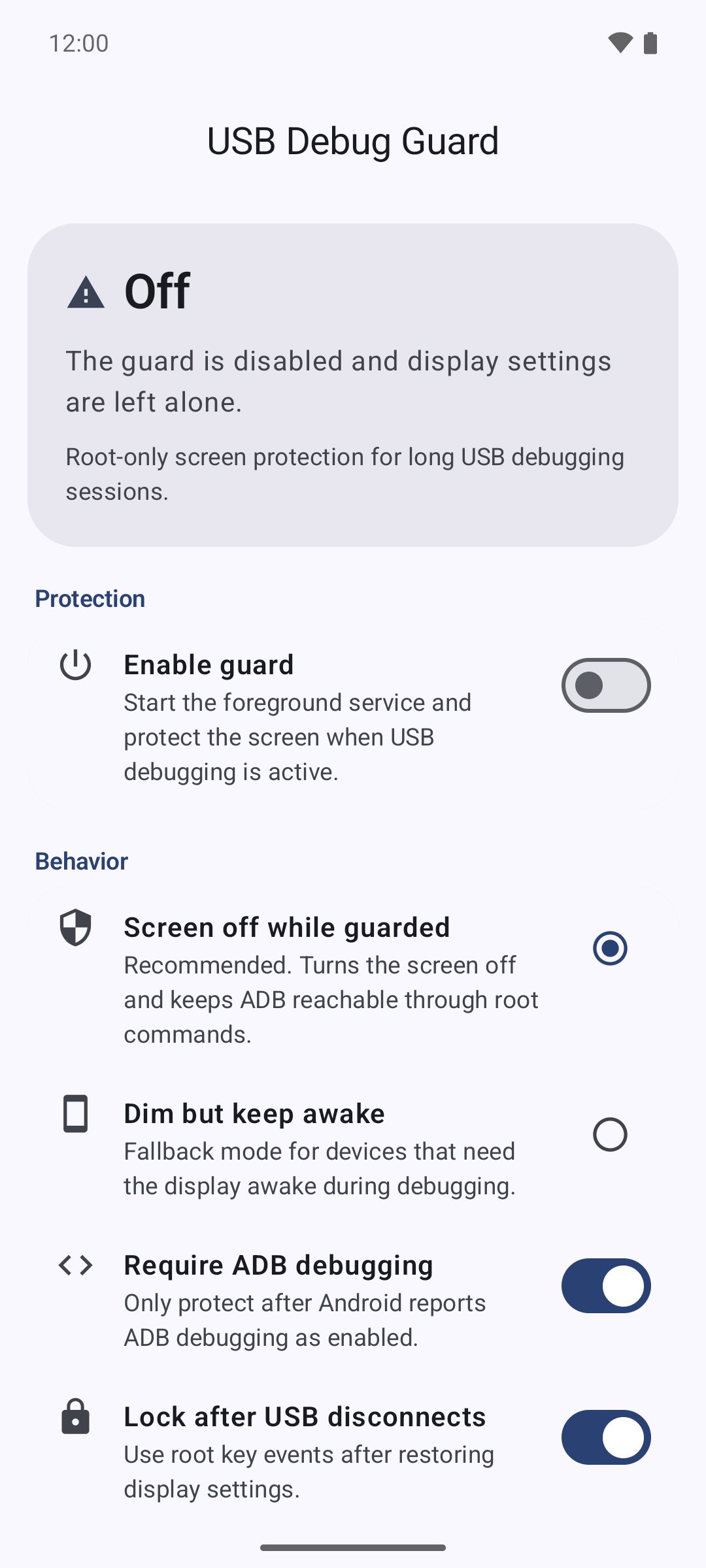
USB Debug Guard is a root-only tool for long USB debugging sessions. It protects the display while keeping ADB reachable, then restores the previous display settings when protection stops.
Features
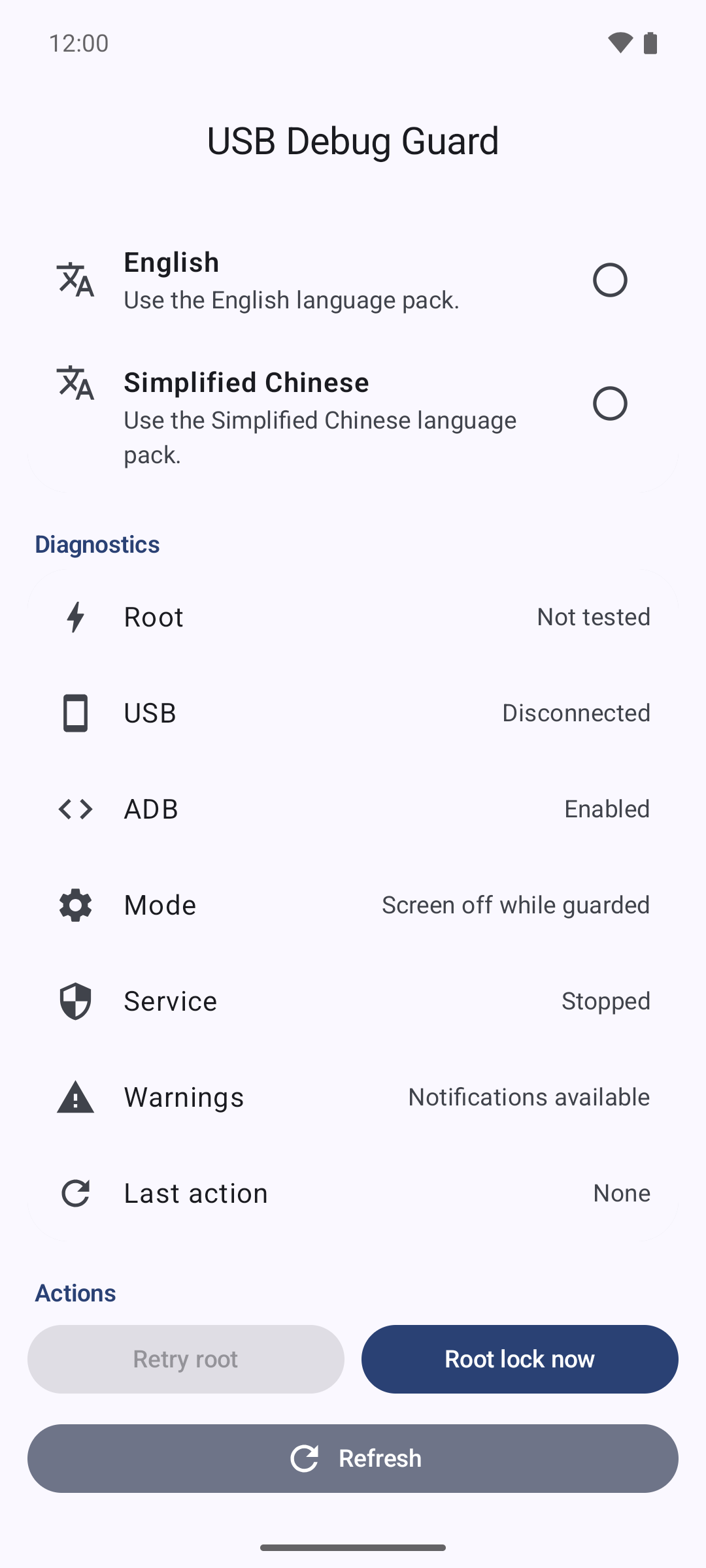
- Detects USB data connections and ADB state through Android system APIs, without routine Root polling.
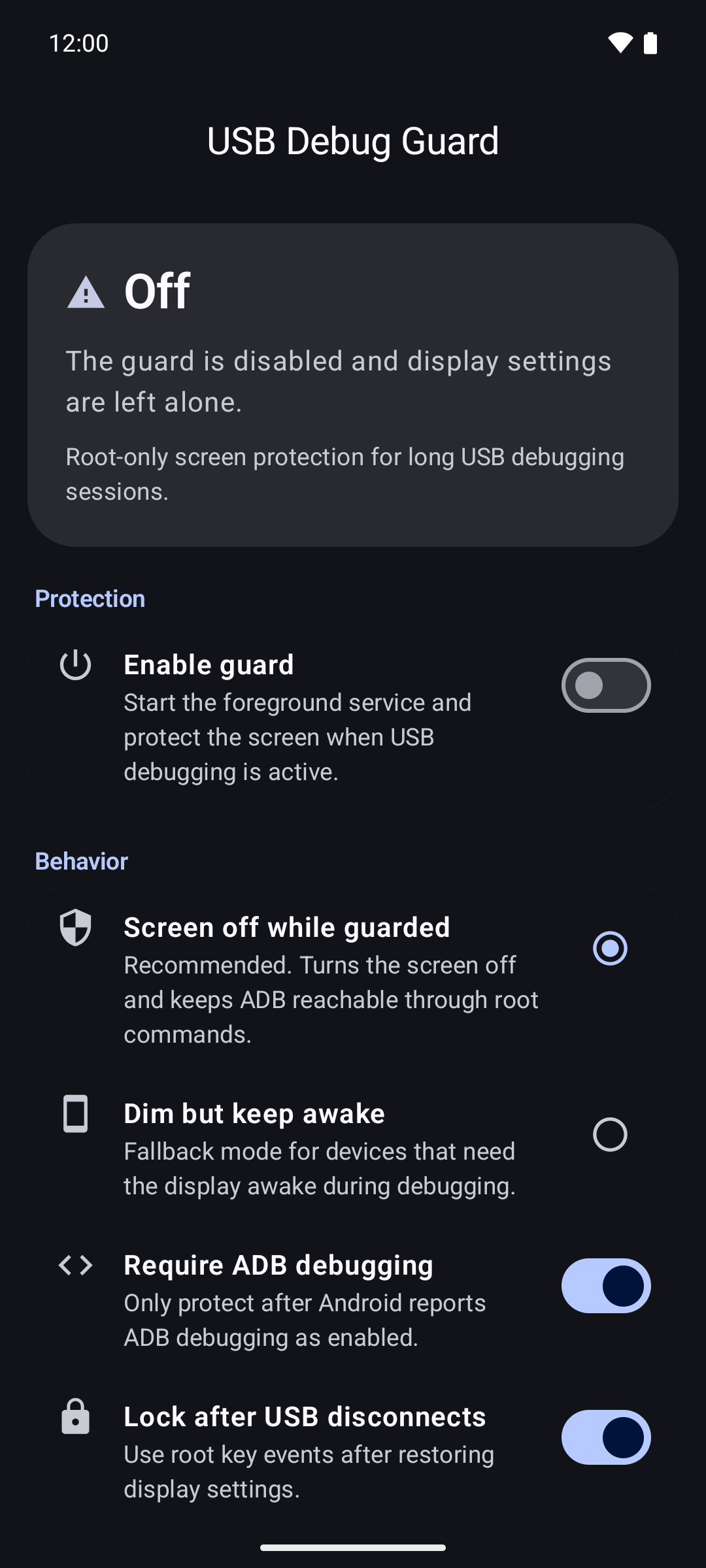
- Turns the screen off while keeping ADB reachable, or keeps it awake at minimum brightness for devices that lose ADB when the display sleeps.
- Saves and restores the previous display settings.
- Can lock the device after USB disconnects.
- Runs only after you enable its foreground service.
- Stops automatic Root work after a denial, timeout, exception, or process cleanup failure, preventing an endless
suretry loop. - English and Simplified Chinese.
Requirements
- A working Root manager such as Magisk or KernelSU, able to run Android
settingsandinputcommands. - A USB data connection. A charge-only cable or charger does not start protection.
Root behavior varies between devices, OEM firmware, and Root managers. Test the app on a non-critical device before relying on it for unattended sessions.