Vulcan
A full-featured home screen with no internet access, ads or trackers
Version: 0.25
Added: 04-11-2026
Updated: 04-11-2026
Added: 04-11-2026
Updated: 04-11-2026
A home screen for Android with the features people use Nova Launcher for, and no internet access at all: nothing it does can leave your phone. No ads, trackers or analytics.
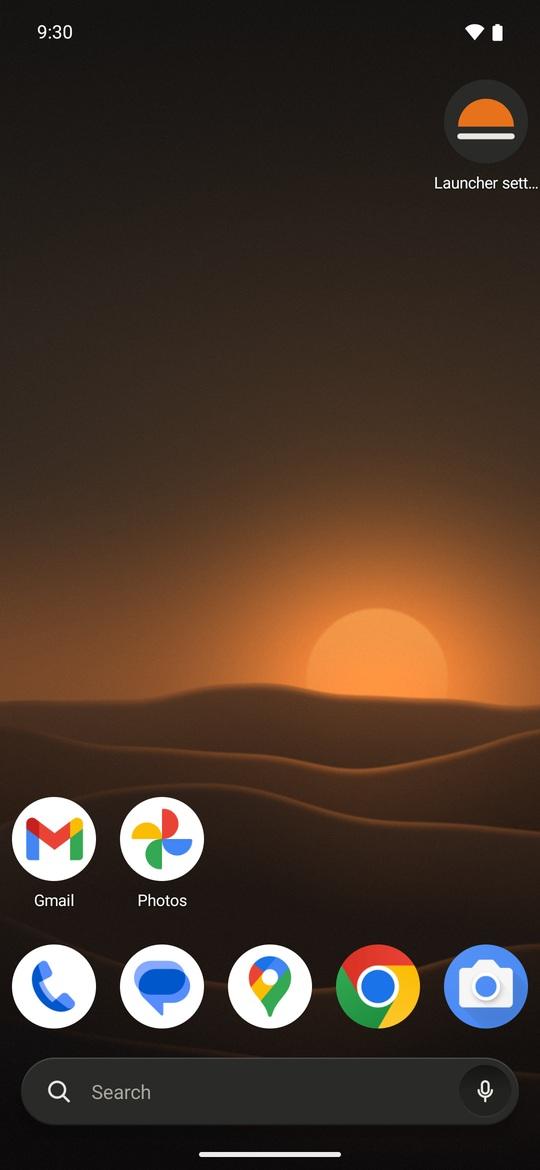
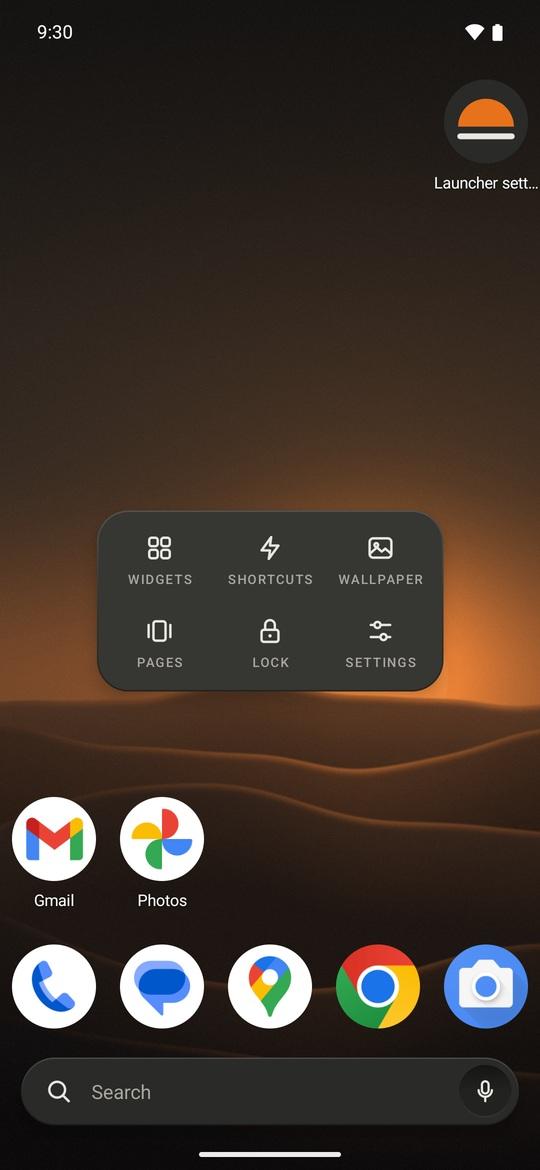
It looks like a well-made appliance rather than a phone skin: warm-grey panels (light or night), small printed labels, and one orange dot for whatever is live. Your wallpaper and your apps' own icons are left alone.
- Arrange your home screen your way: grids up to 12 by 12, up to 9 pages, subgrid positioning, resizable widgets, and a dock you can hide or scroll.
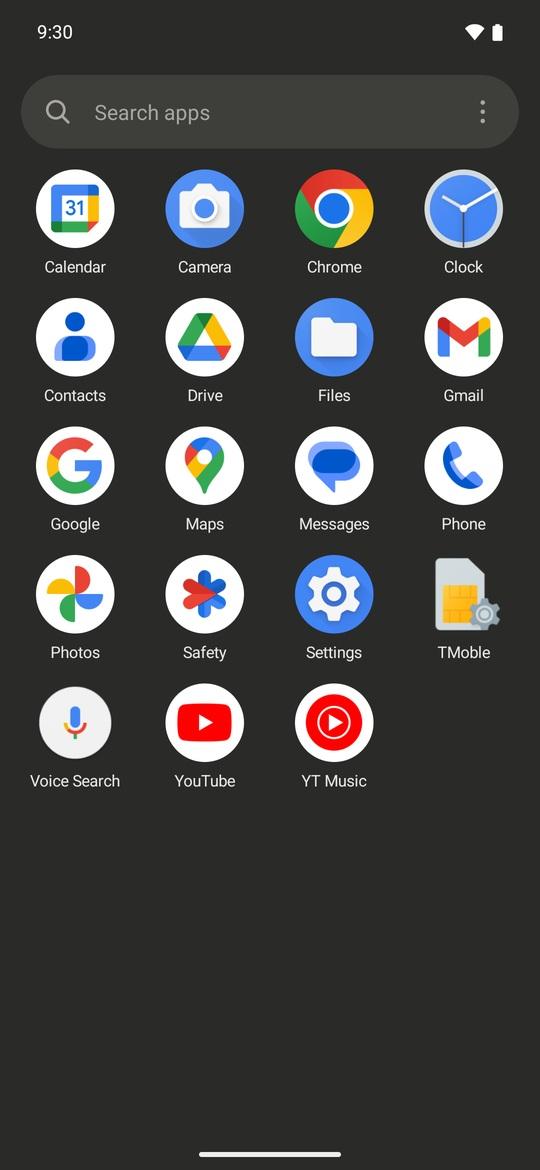
- Find apps fast: an A to Z app drawer with the search bar at the bottom, a letter index, and tabs or folders to group apps. Hide the apps you don't want to see.
- Gestures: swipe, double-tap, pinch or rotate on the home screen to open notifications, an app, the drawer, the screen lock and more. Each icon can have its own swipe-up action.
- Change the look: icon packs, 15 icon shapes, your own icons and labels, folder styles, 13 page transitions, and a night mode that follows the system or a schedule.
- Long-press an app for its shortcuts, notifications, app info or uninstall.
- Now page: swipe right on the first page for the date, music controls, upcoming events and favourite contacts. Everything is read on the phone.
- Coming from Nova? Import a .novabackup file: apps, folders, dock, grid size and most shortcuts come over.
- Back up your whole setup to a readable file, which you can also hand to an AI assistant to design a layout for you.
Permissions that read personal data (contacts, calendar, location for sunset night mode) are only requested when you turn on the feature that needs them. Notification access and the accessibility service (for screen lock and recent apps) stay off until you enable them.